

Overview
BYO (Bring Your Own) Agent lets you connect self-hosted voice AI agents built with LiveKit or OpenAI frameworks. Your agent runs on your own infrastructure, but gains access to Knotie’s tool ecosystem — CRM integrations, analytics, and webhook-based orchestration.The AI Agents page lists this card as “BYO Agent LiveKit / OpenAI”. If you previously connected a Pipecat-based agent, contact support — that framework path is no longer surfaced in the partner portal.
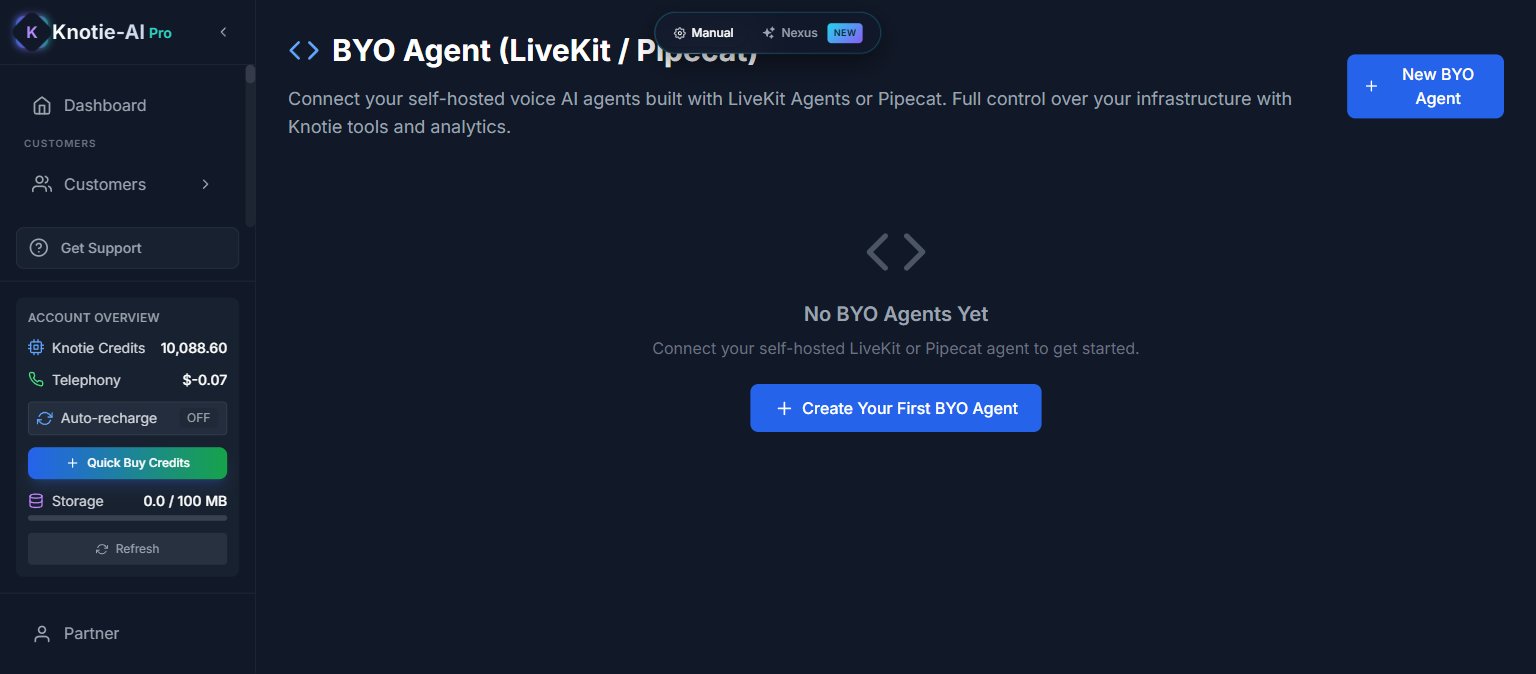
Where to find it
- Partner Portal → AI Agents (in the main sidebar)
- Scroll to the Voice AI Agents section
- Click the BYO Agent LiveKit / OpenAI card
How it works
When you create a BYO Agent, Knotie generates:- API Token — authenticates your agent with Knotie’s APIs
- Webhook URL — your agent calls home to receive tool calls and events
- Webhook Secret — HMAC signature for verifying webhook authenticity
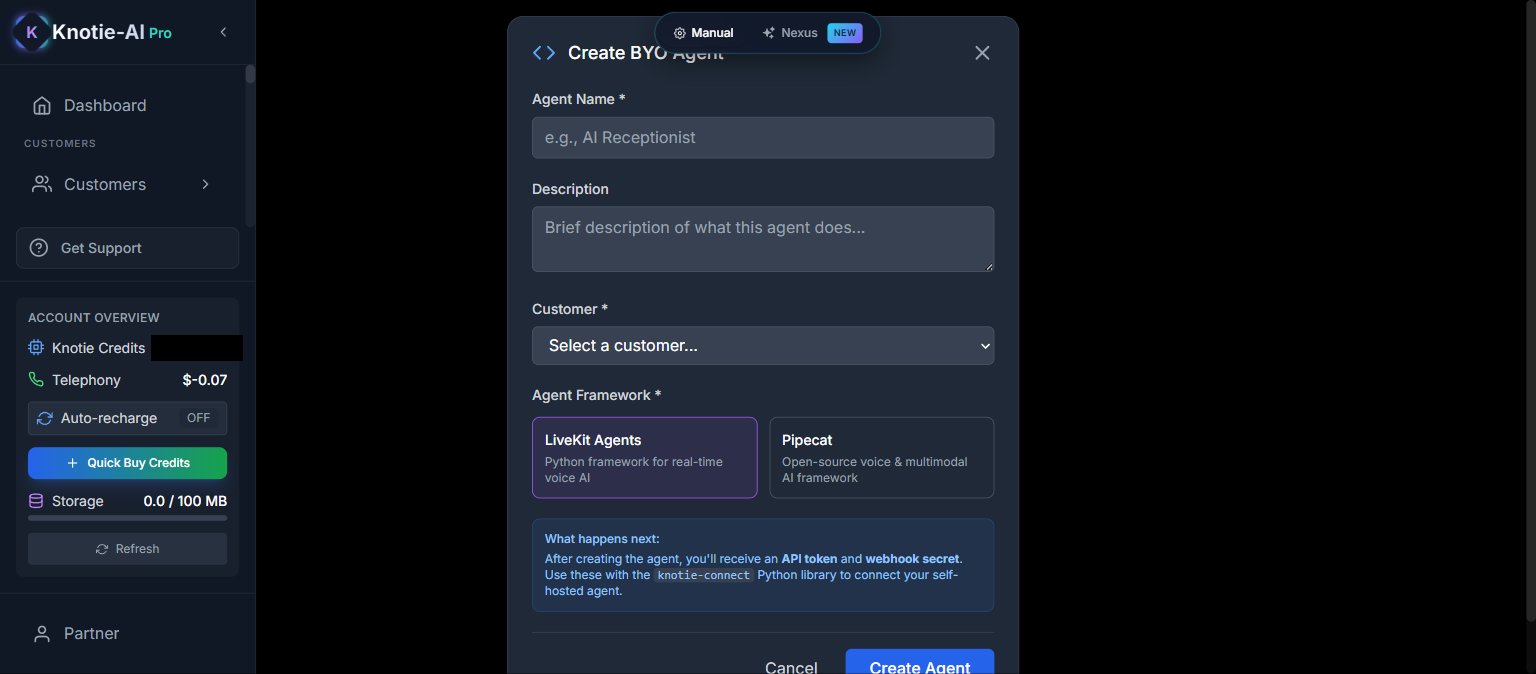
Create a BYO Agent
- Click Create
- Enter a name and description
- Optionally assign to a customer
- Set status (Active/Inactive)
- Save
Quick start
After creating an agent, you’ll see a quick-start code block with:Connect tools
You can attach tool definitions to your BYO Agent:appName— the Knotie app (e.g., “crm”, “calendar”)toolName— the specific tool to call
Regenerate token
To regenerate the API token:- Open the agent’s three-dot menu
- Click Regenerate Token
- Confirm
Edit or delete
- Edit Agent — change name, description, customer assignment
- Delete Agent — removes from Knotie (your self-hosted agent continues running independently)
Access control
BYO Agent creation is subject to Free Forever plan limits. If you hit your plan limit, you’ll see an upgrade prompt.Next steps
- AI Gateway — manage API access
- AI Usage — track agent costs and performance
- Agent Analytics — usage insights