What ElevenLabs agents are in Knotie AI
ElevenLabs is a fully supported voice AI provider in Knotie AI Pro. In the Partner Portal you can:- Import agents from your ElevenLabs account
- Edit agent settings — system prompt, voice, LLM model, language, and more
- Attach knowledge bases so agents can answer customer-specific questions
- Configure function calls to connect agents to external tools via webhooks
- Assign agents to customers with a profit multiplier
- Manage your ElevenLabs API key directly from the portal
ElevenLabs Agents carries a Premium Feature badge in the sidebar. Free Forever or lower-tier partners may see an upgrade prompt.
Prerequisites
Before managing ElevenLabs agents you need:- An ElevenLabs account with at least one agent created there.
- An ElevenLabs API key added under Partner Portal → Settings → Partner API Keys → Platform API tab.
Where to find it
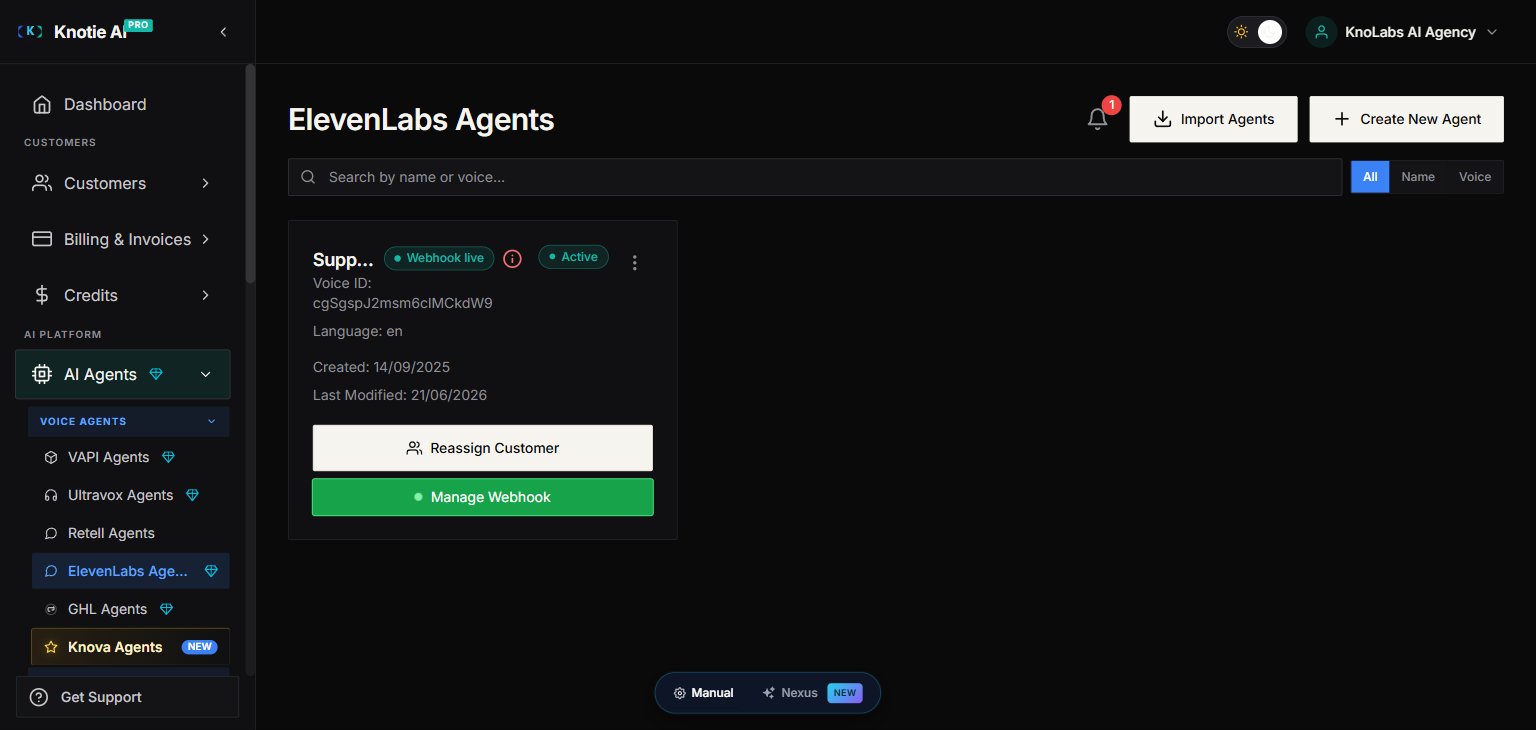
- Open Partner Portal → AI Agents.
- Under the Voice Agents group, click ElevenLabs.
/partner/ai-agents/elevenlabs.
Import agents
- Click Import Agents.
- The import modal fetches your agents from ElevenLabs using your stored API key.
- Select the agents you want to import and confirm.
- After import the list updates automatically.
Configure an agent
Click the settings (or edit) icon on any agent to open the agent modal. The modal has five tabs:Customer tab
Assign the agent to one of your customers:- Search for or select a Customer from the dropdown.
- Set a Profit Multiplier (markup on ElevenLabs costs).
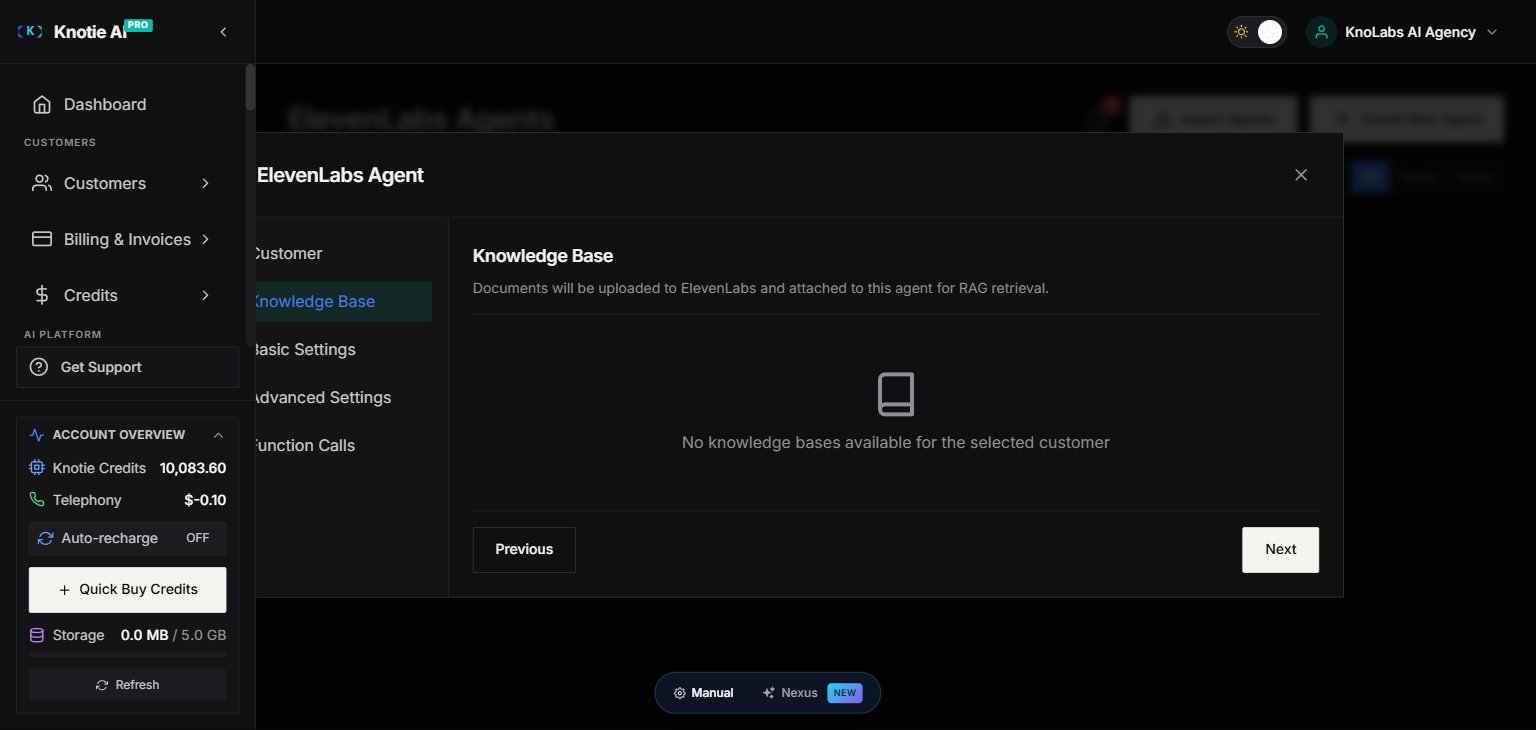
Knowledge Base tab
Attach knowledge base documents so the agent can reference customer-specific content during calls:- After selecting a customer, available knowledge bases for that customer appear.
- Toggle the bases you want to attach.
Basic Settings tab
Configure the agent’s core behaviour:Advanced Settings tab
Function Calls tab
Connect the agent to external tools (CRMs, booking systems, etc.) via webhook:- Click Add Function Call.
- Select the tool from the available list.
- Give it a custom name and description — ElevenLabs uses these to know when to invoke the tool.
- Save the agent — function calls are synced to ElevenLabs automatically.
Function calls require a customer to be selected first (the customer’s connected apps must be set up).
Manage your API key
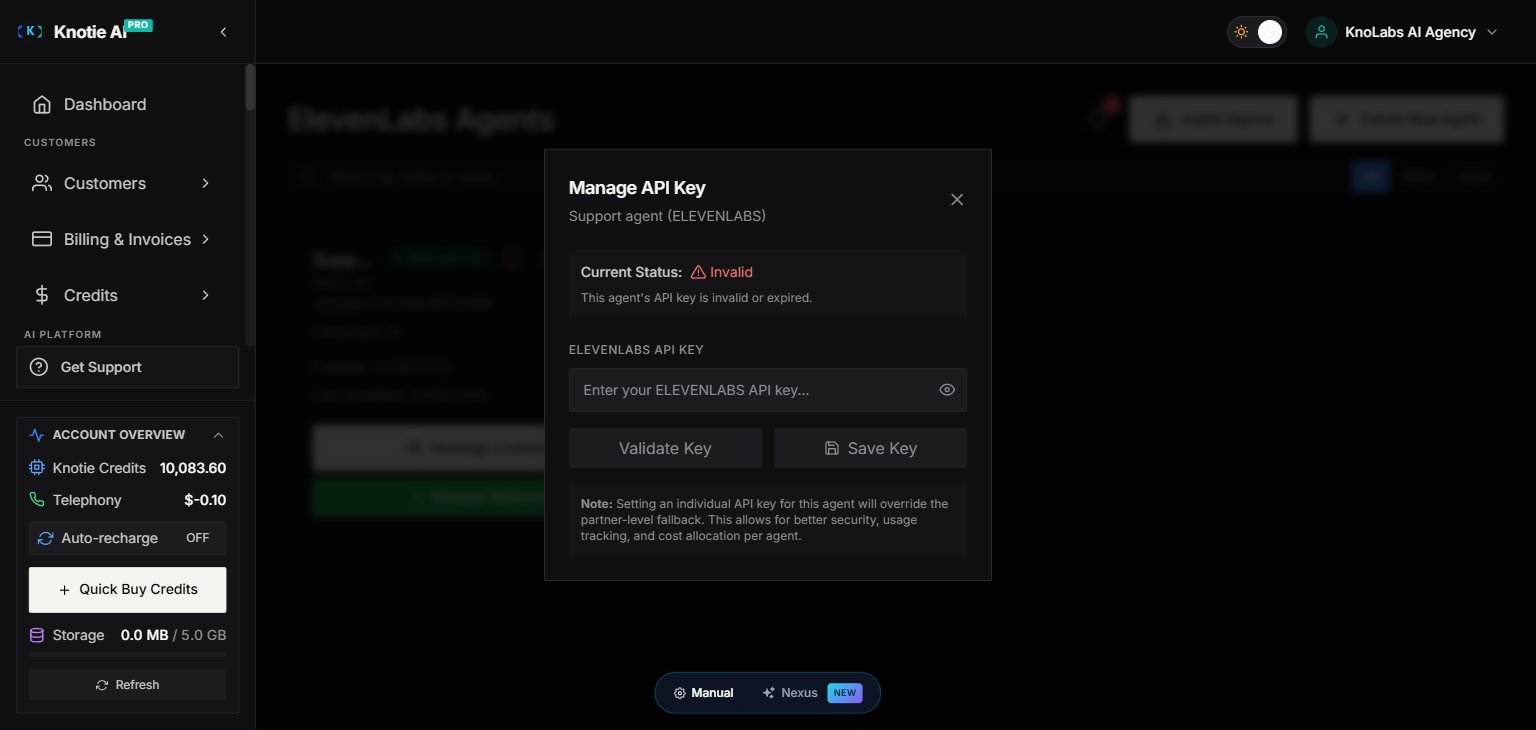
The API key used to communicate with ElevenLabs is stored encrypted in the portal. To update or re-verify it:- Open the agent’s three-dot menu (⋮) — the API Key action lives in the per-agent menu, not as a page-level button. Choose API Key from the menu.
- Enter your new ElevenLabs API key.
- The portal verifies the key and shows one of three statuses:
- ✅ Valid — key is active and verified.
- ❌ Invalid — key was rejected by ElevenLabs.
- ⚠️ Error — verification failed (check your network or ElevenLabs status).
- The last-verified timestamp is shown so you can tell when the key was last checked.
Webhooks & analytics
To capture accurate per-call usage and billing data, enable the ElevenLabs webhook:- Open the agent’s Webhook settings.
- Copy the generated webhook URL.
- Paste it into your ElevenLabs agent’s webhook configuration.
Assign to a customer (quick path)
If you only need to assign an agent without changing other settings:- Open the agent’s action menu (⋮).
- Choose Assign to Customer.
- Select the customer and profit multiplier.
- Save.
Test an agent
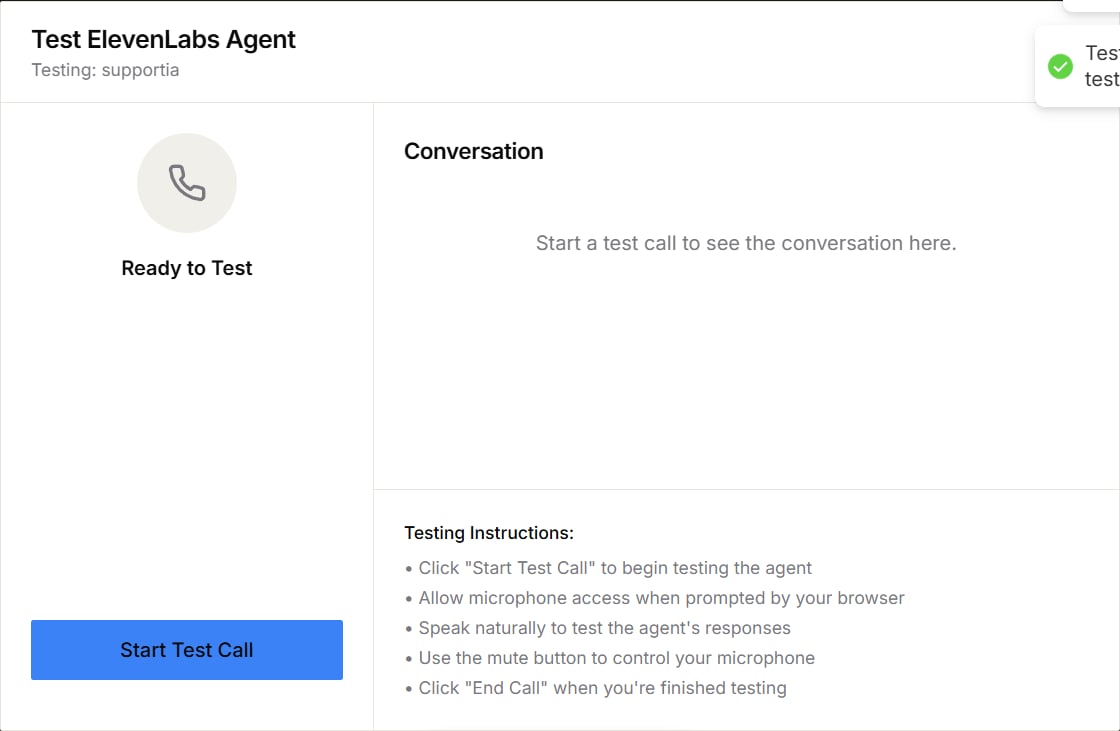
You can test an ElevenLabs agent from the Partner Portal before assigning it to a customer.- Find the agent in the ElevenLabs Agents list.
- Open the agent’s action menu (⋮) and select Test Agent.
- Select Start Test Call.
- Allow microphone access when the browser asks.
- Speak naturally, then use the controls shown in the dialog to mute or end the call.