

Overview
Storyboard is an Experimental Media Studio workspace for planning and producing a multi-scene film. A board belongs to one project so its cast, images, and final cut stay together.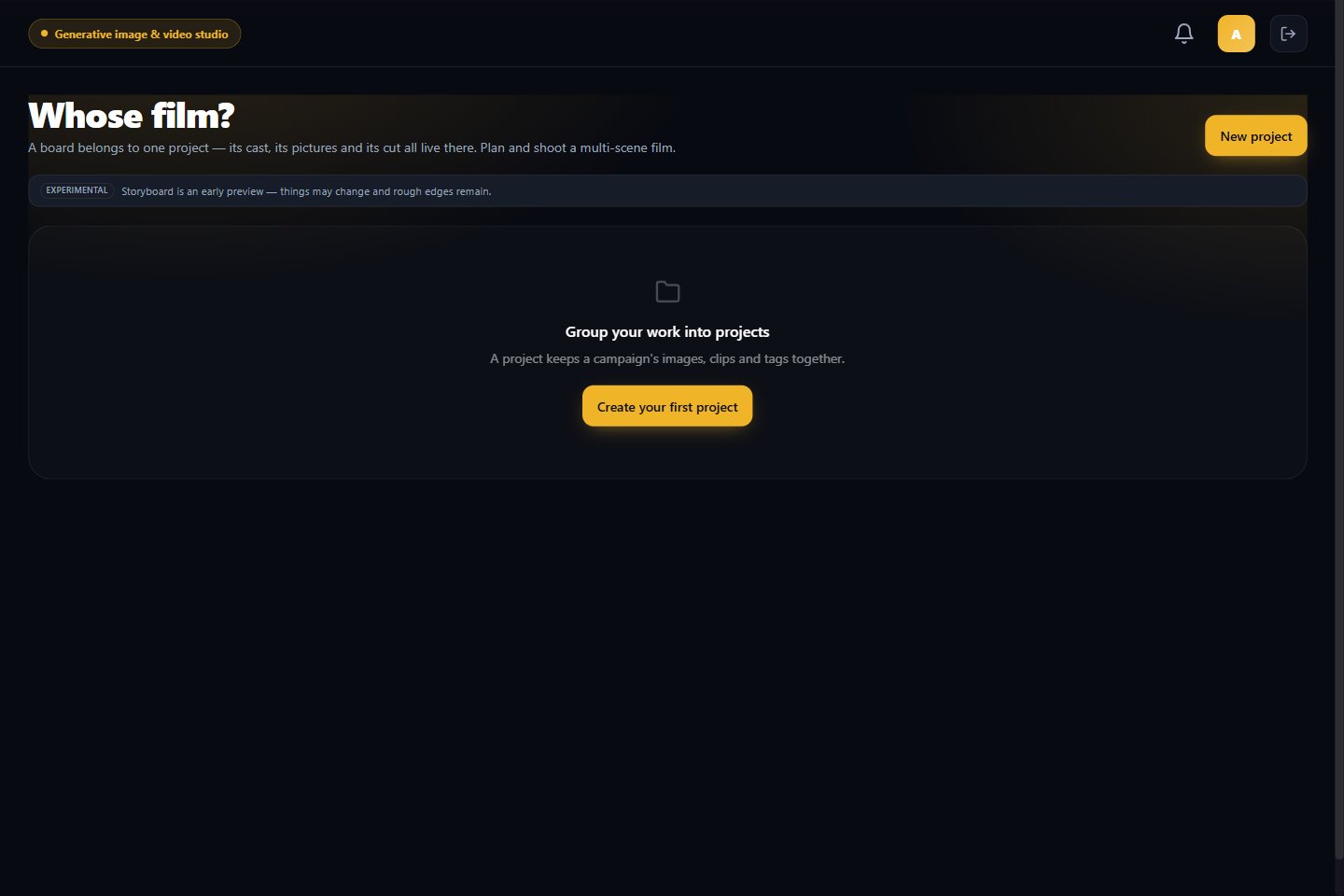
Start a board
- Open Media Studio → Storyboard.
- Choose the project for the film, or select New project.
- Continue with the planning options shown for that project.
- Review any credit quote before starting a generation.