What this is
Customer portal management is how you create and manage the login accounts your customers use to sign in to your white-label portal. It’s separate from the main Customers list, which is about the day-to-day operational side. Portal management is specifically about portal access and customer login details.Where to find it
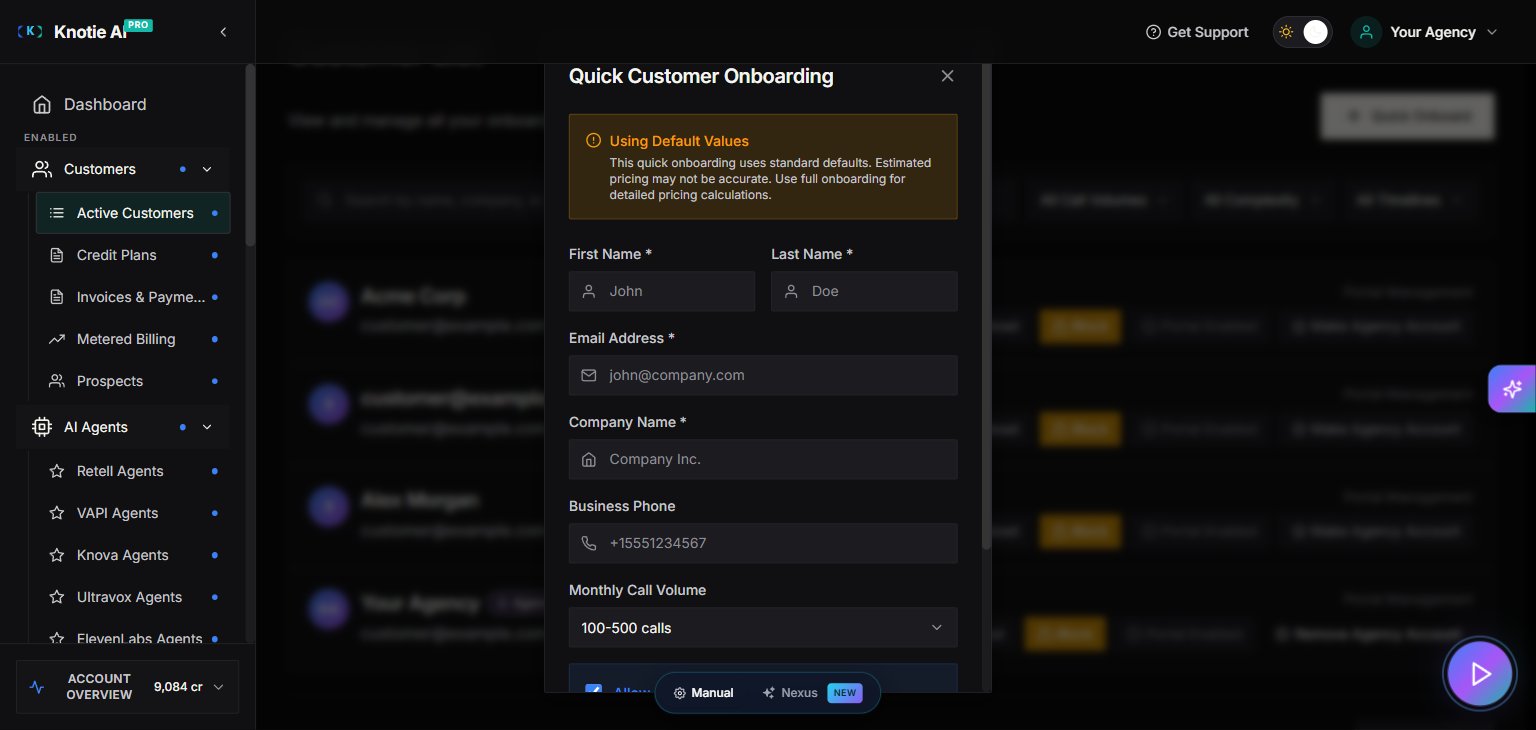
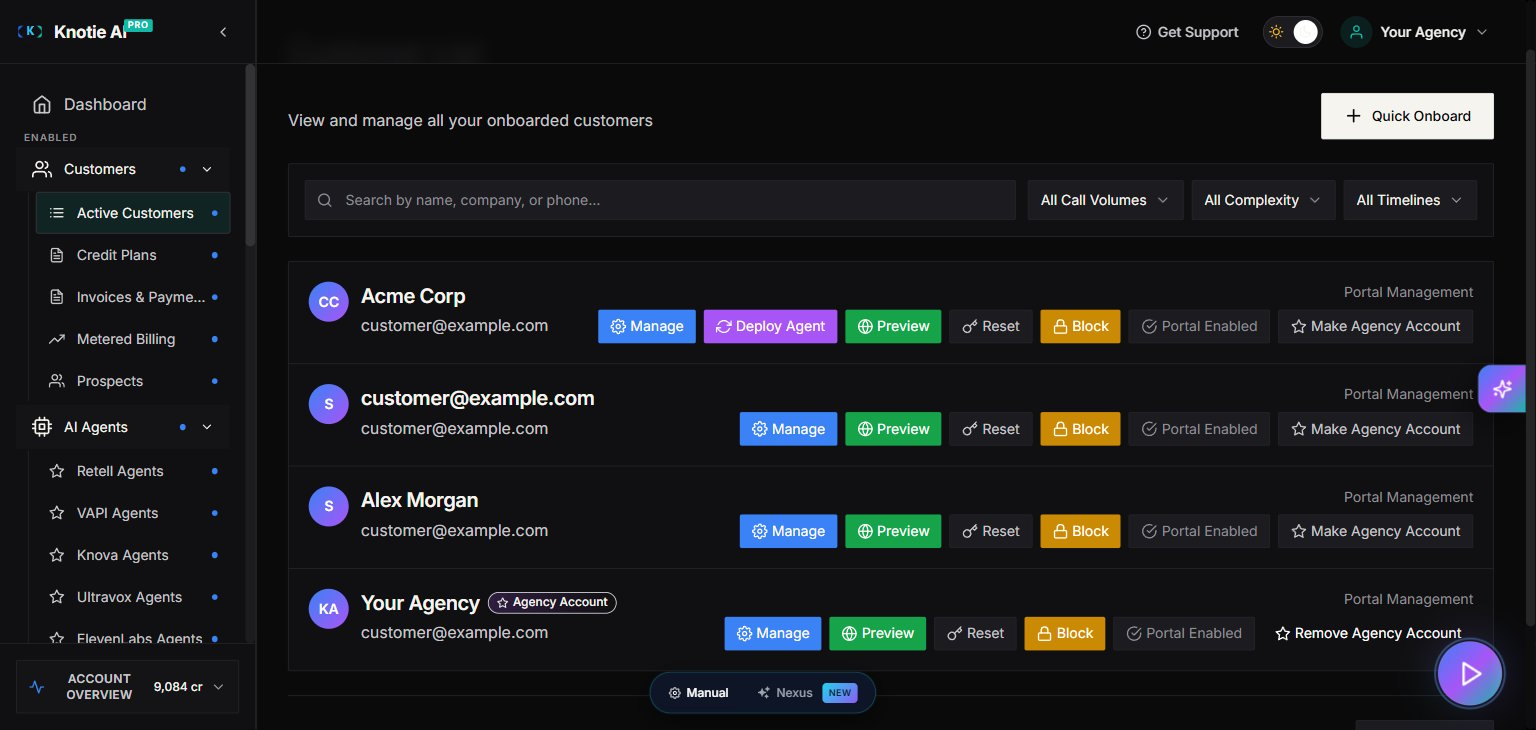
There isn’t a single “Customer Portal Management” item in the sidebar. Instead, everything lives on a customer’s record, in three places:- Quick Onboard — the button at the top of the Customers list. It creates a new customer and their portal login in one step.
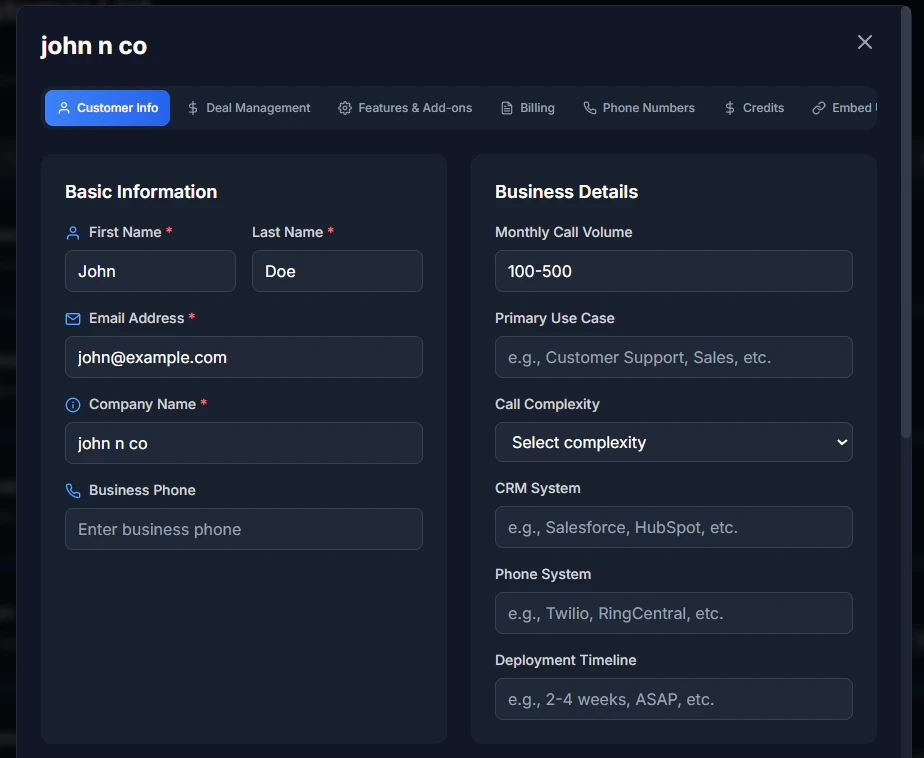
- Features & Add-ons → Customer Portal toggle — turns portal access on or off for an existing customer.
- Customer Portal Access buttons (Preview Portal, Reset Password, Block Access, Delete) — found in the same customer window.
Add a portal customer
- Click Quick Onboard.
- Fill in:
- Email address
- First name
- Last name
- Company name
- Password and confirm password
- Click Create Customer.
Send an invitation email
In the portal customers list, click the envelope icon next to a customer to send them an invitation to log in.Delete a portal customer
Click the trash icon next to a customer to remove them. This can’t be undone, so double-check before you confirm.View customer details
Click a customer’s row to see their details, including:- Email address
- Name and company
- When the account was created
- When they last logged in
- Whether portal access is on
Tips
- Use strong passwords when you create accounts.
- Send the invitation right away after creating a customer, so they can get in without delay.
- Keep the list tidy by removing test accounts and customers you no longer work with.
Troubleshooting
- Invitation email didn’t arrive — check spam folders and confirm the email address is correct.
- Customer can’t log in — make sure portal access is turned on for them.
- Delete button is greyed out — a customer may be locked while they have an active subscription or data attached. Clear those first.
Screenshots