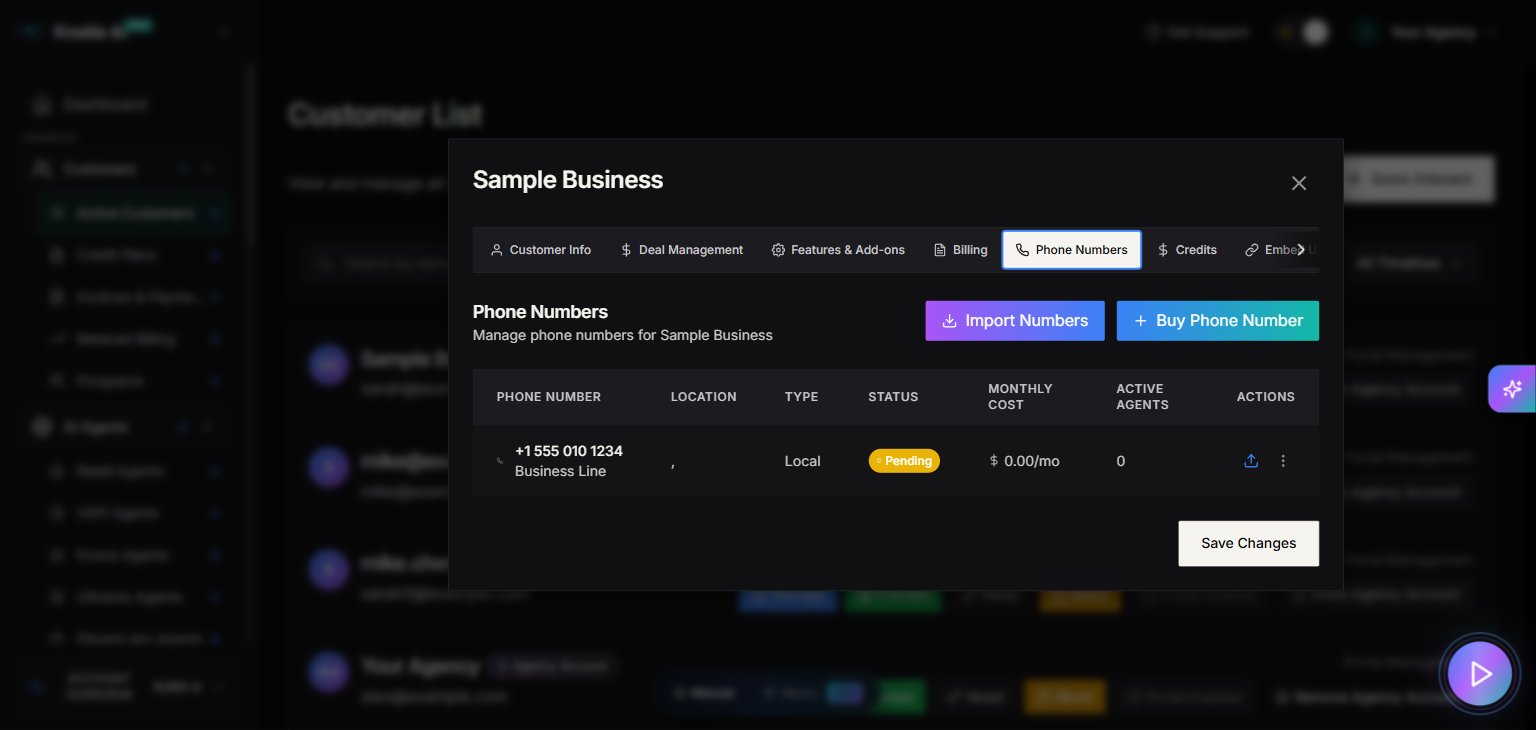
Where to find it
- Open Customers → Active Customers in the Partner Portal sidebar.
- Select a customer.
- Click Manage.
- Go to the Phone Numbers tab.
Customer portal requirement
The Phone Numbers tab requires the customer portal to be enabled. If portal access is not enabled, the UI shows a message like:- Customer Portal Required
What you can do
Inside the Phone Numbers tab you can:- View customer-assigned numbers
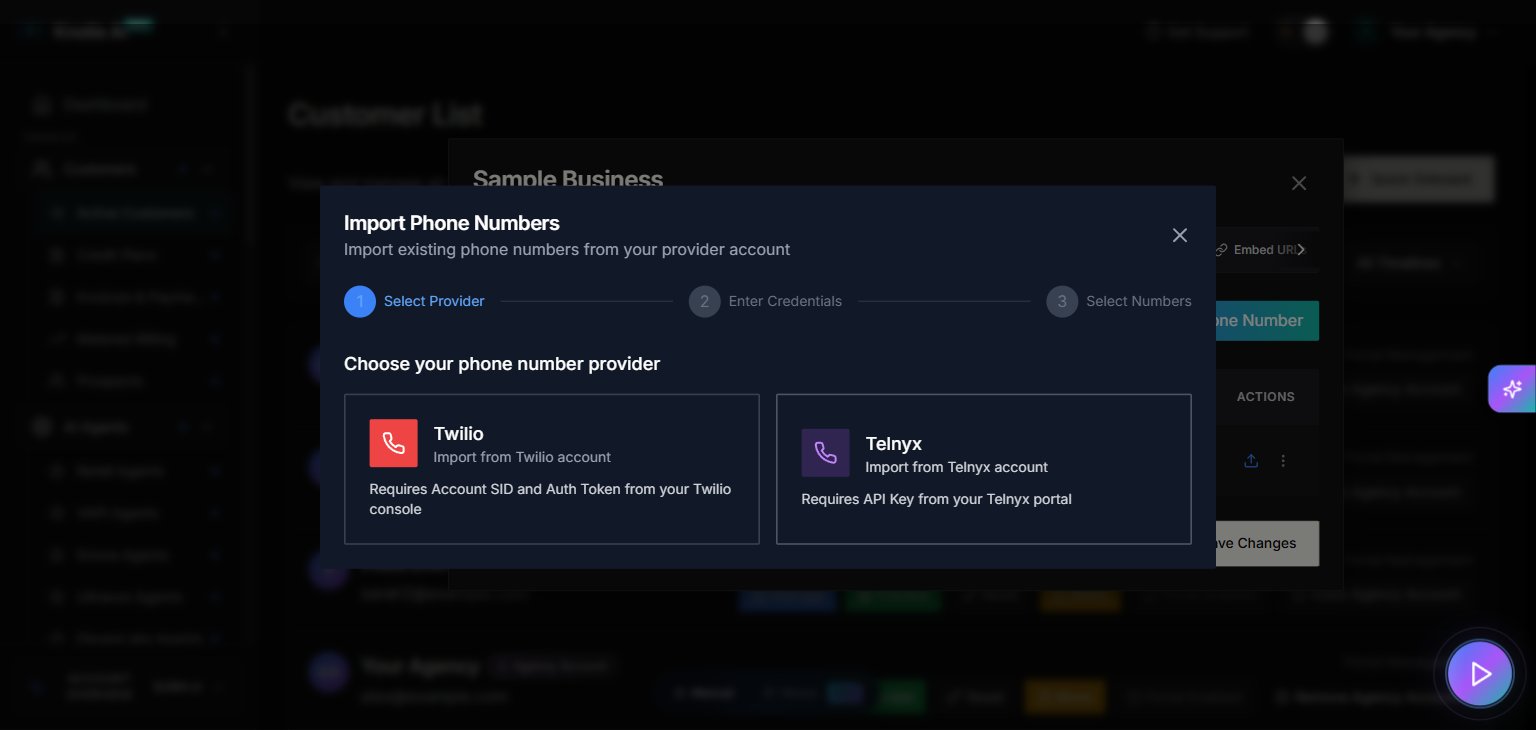
- Assign a number to the customer
- Assign a number to an agent (via selection modals)
Related pages
- Phone Numbers — manage all numbers in your account
- Customer portal access — enable the portal before assigning numbers
Screenshots