Overview

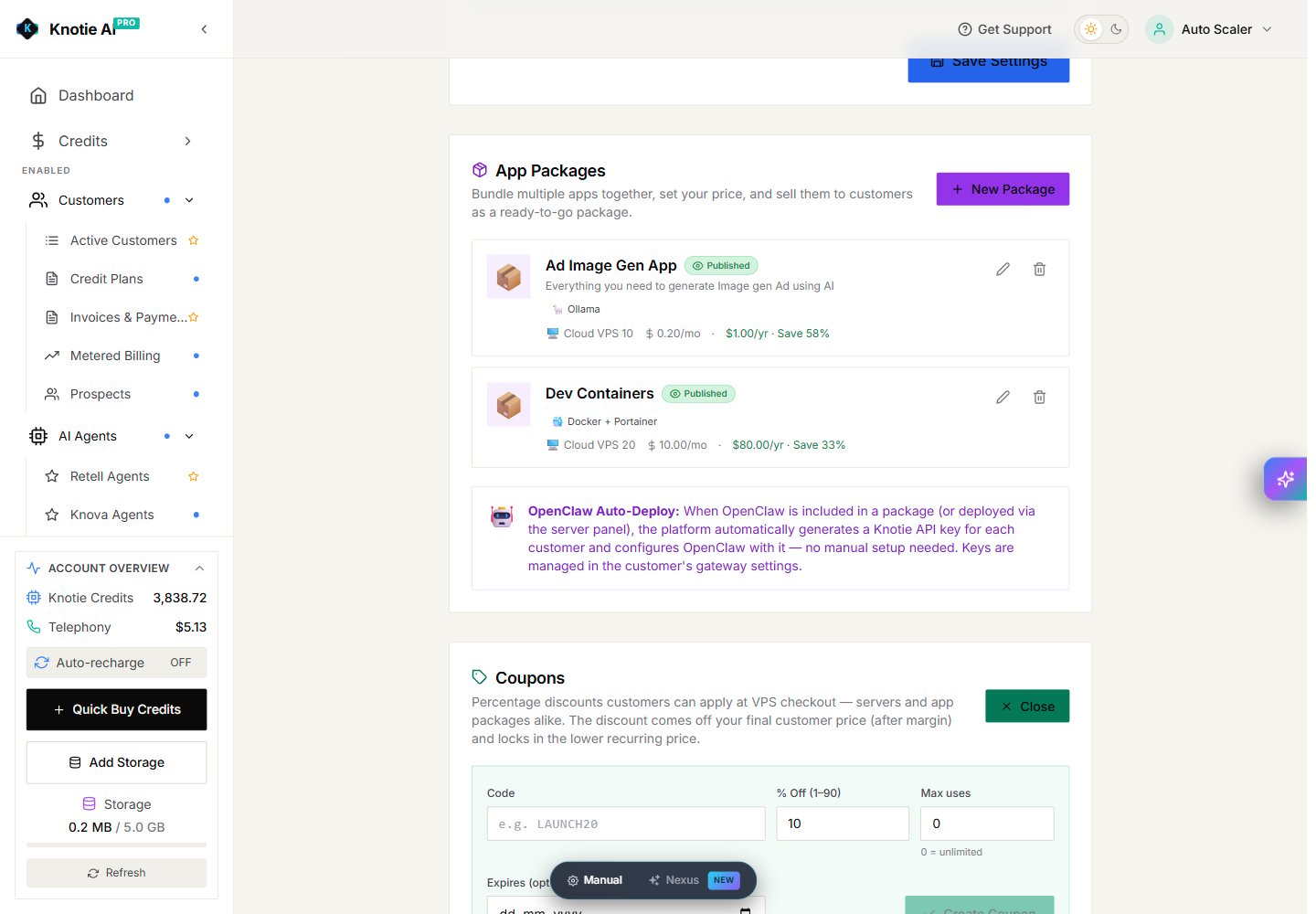
VPS coupons let customers apply a percentage discount at checkout. The discount is taken from the final customer price after your margin and becomes the lower recurring price shown to the customer.

Create a coupon

  1. Open VPS Settings.
  2. Scroll to Coupons.
  3. Select New Coupon.
  4. Enter a code and a discount from 1% to 90%.
  5. Set the maximum number of uses. Use 0 for no overall limit.
  6. Add an expiry date if needed.
  7. Select Create Coupon.
VPS coupon form with code, percentage, maximum uses, and optional expiry Each customer can use a code once. The code and percentage cannot be edited after creation; deactivate the old coupon and create a new one when you need a different offer.

Before sharing a coupon

Check that the discounted customer price still covers your cost. A large discount can reduce or remove your margin. The coupon applies to server and app-package checkout. Review the price shown in the customer checkout before promoting the code.