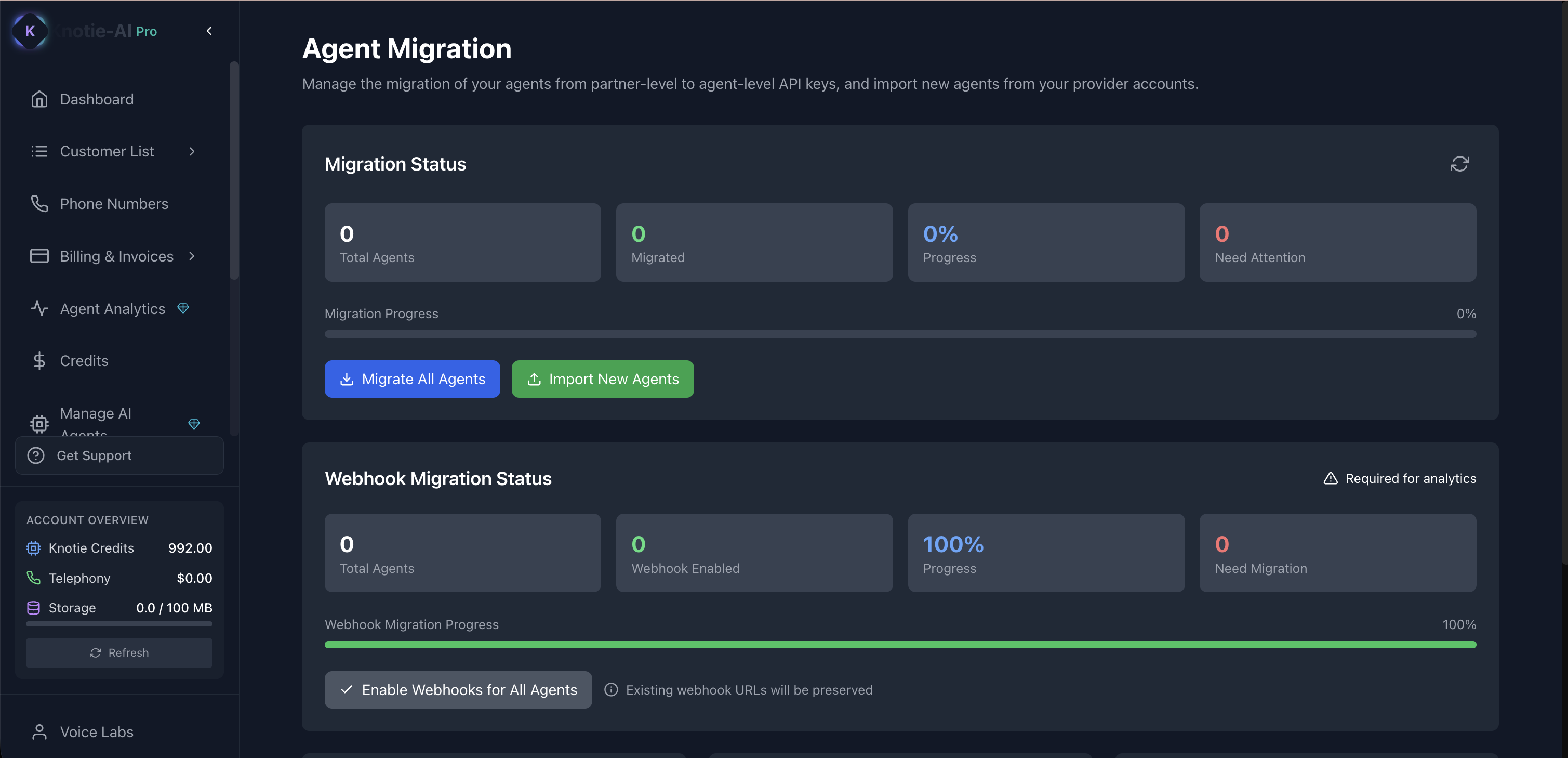
What Agent Migration is for
Agent Migration helps you:- Move from partner-level API keys to agent-level API keys (for better security)
- Import agents from your provider accounts
- Track migration progress
Where to find it
- Open AI Agents (in the main sidebar).
- Click Agent Migration from the page-level action menu.
Agent Migration is currently marked Coming Soon in the partner portal. The card is present on the AI Agents page but the action is gated until the feature ships.
Import agents from providers
On the Agent Migration page:- Click the import action (it opens an import modal).
- Choose the provider.
- Follow the steps to import agents.
Why this matters
Agent-level keys help agencies:- Reduce risk if a key is leaked
- Rotate keys per agent/customer
- Keep access more controlled
Troubleshooting
- I don’t see changes after importing
- Refresh the page.
- Some imports trigger a full reload after completion.
Screenshots