

What Ultravox agents are in Knotie AI Pro
Ultravox is a fully supported voice AI provider in Knotie AI Pro. In the Partner Portal you can:- Import existing agents from your Ultravox account
- Create new agents from scratch
- Map agents to customers with a profit multiplier
- Test agents before going live
- Manage your Ultravox API key directly in the portal
- Configure webhook analytics for accurate per-call billing
Ultravox Agents carries a Premium Feature badge in the sidebar. Free Forever or lower-tier partners may see an upgrade prompt.
Prerequisites
- An Ultravox account with at least one agent created.
- An Ultravox API key added under Partner Portal → Settings → Partner API Keys → Platform API tab.
Where to find it
- Go to Partner Portal → AI Agents.
- Under the Voice Agents group, click Ultravox AI.
/partner/ai-agents/ultravox.
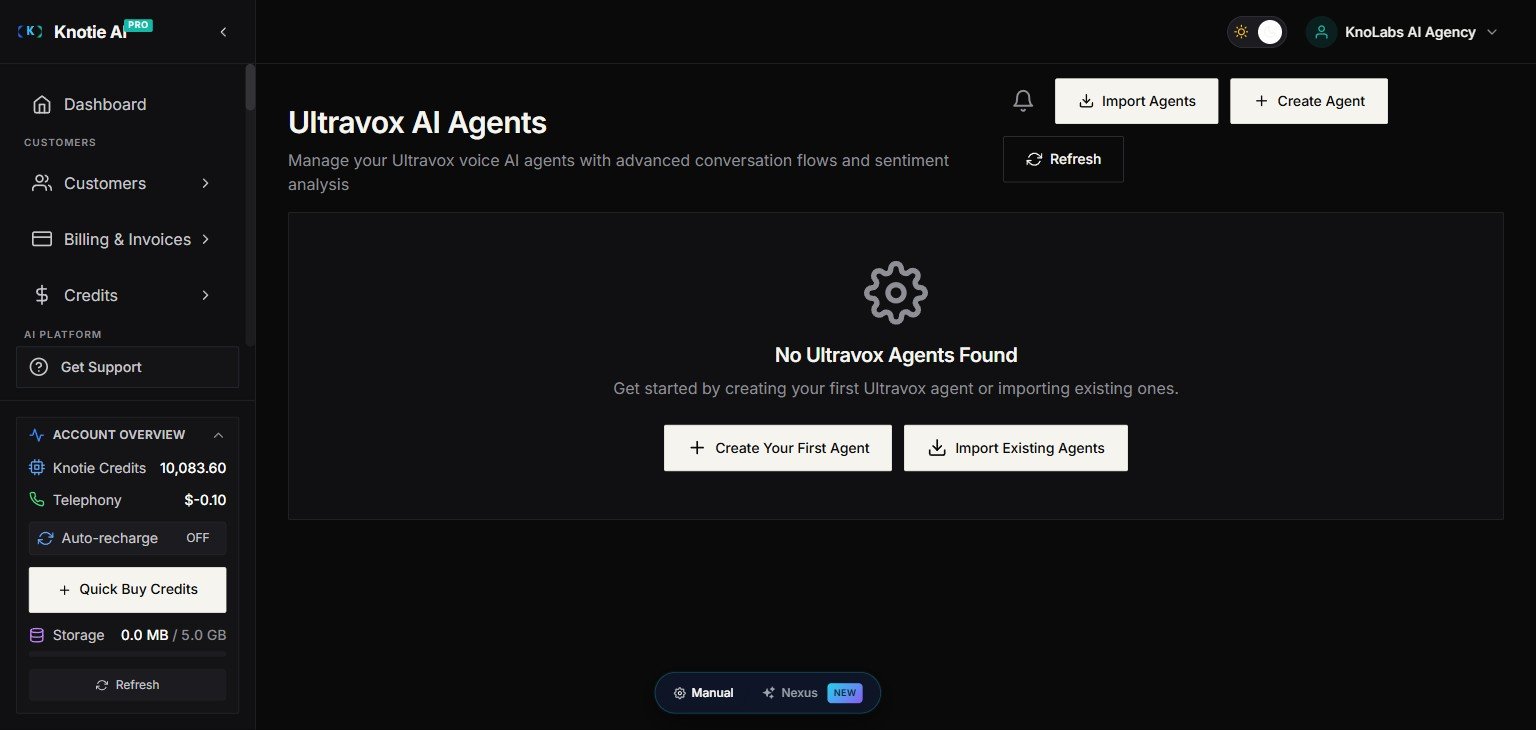
Import agents
- Click Import Agents.
- The import modal fetches agents from Ultravox using your stored API key.
- Select agents and confirm.
Create a new agent
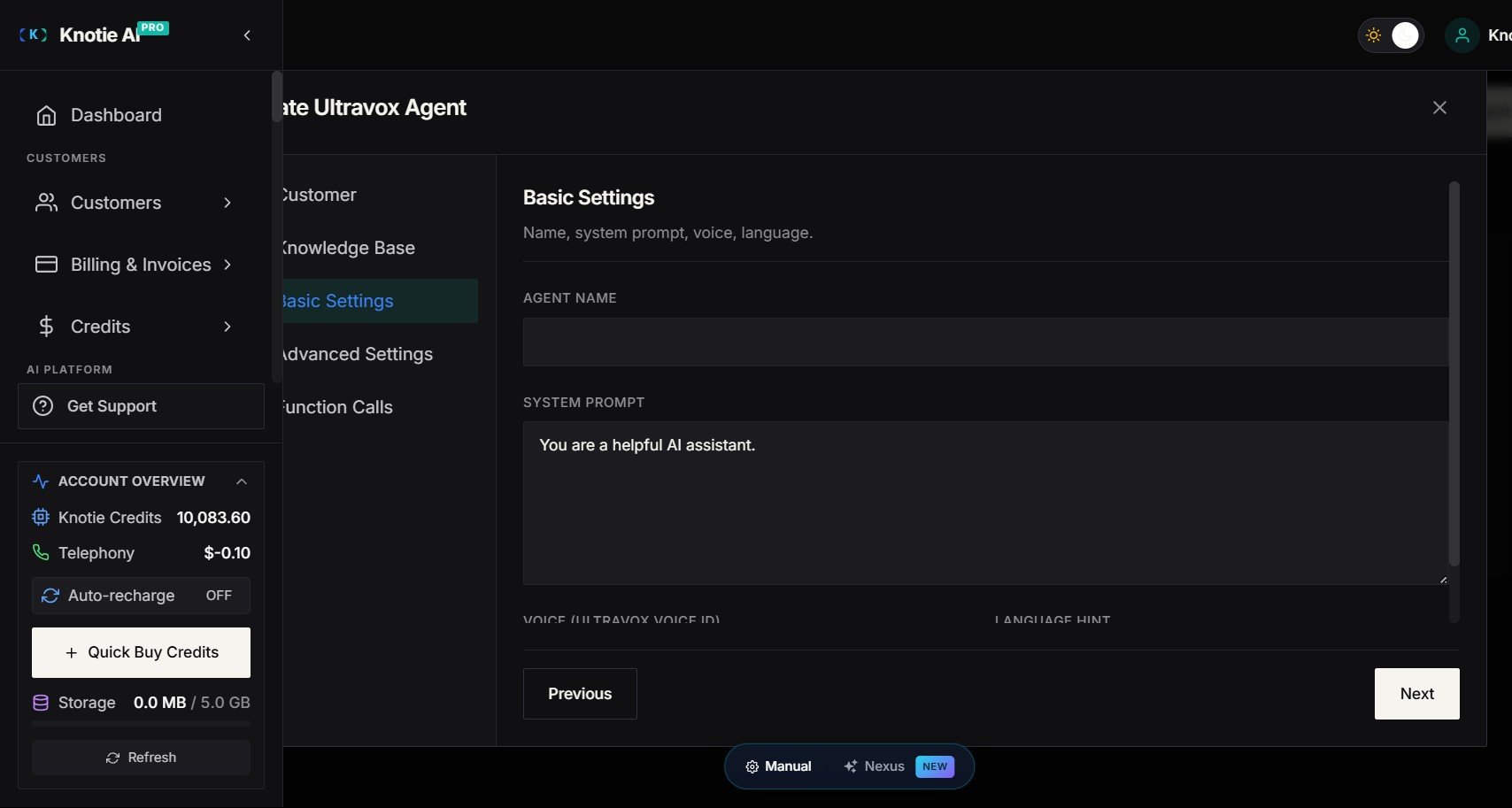
- Click Create Agent.
- Fill in the agent name, system prompt, voice, and other settings.
- Save — the agent is created in Ultravox and synced to the portal.
Map an agent to a customer
Mapping links an Ultravox agent to a Knotie customer record for billing and analytics:- Open the agent’s action menu.
- Choose Map to Customer.
- Select the customer.
- Set your profit multiplier (markup on Ultravox costs).
- Save.
Edit agent settings
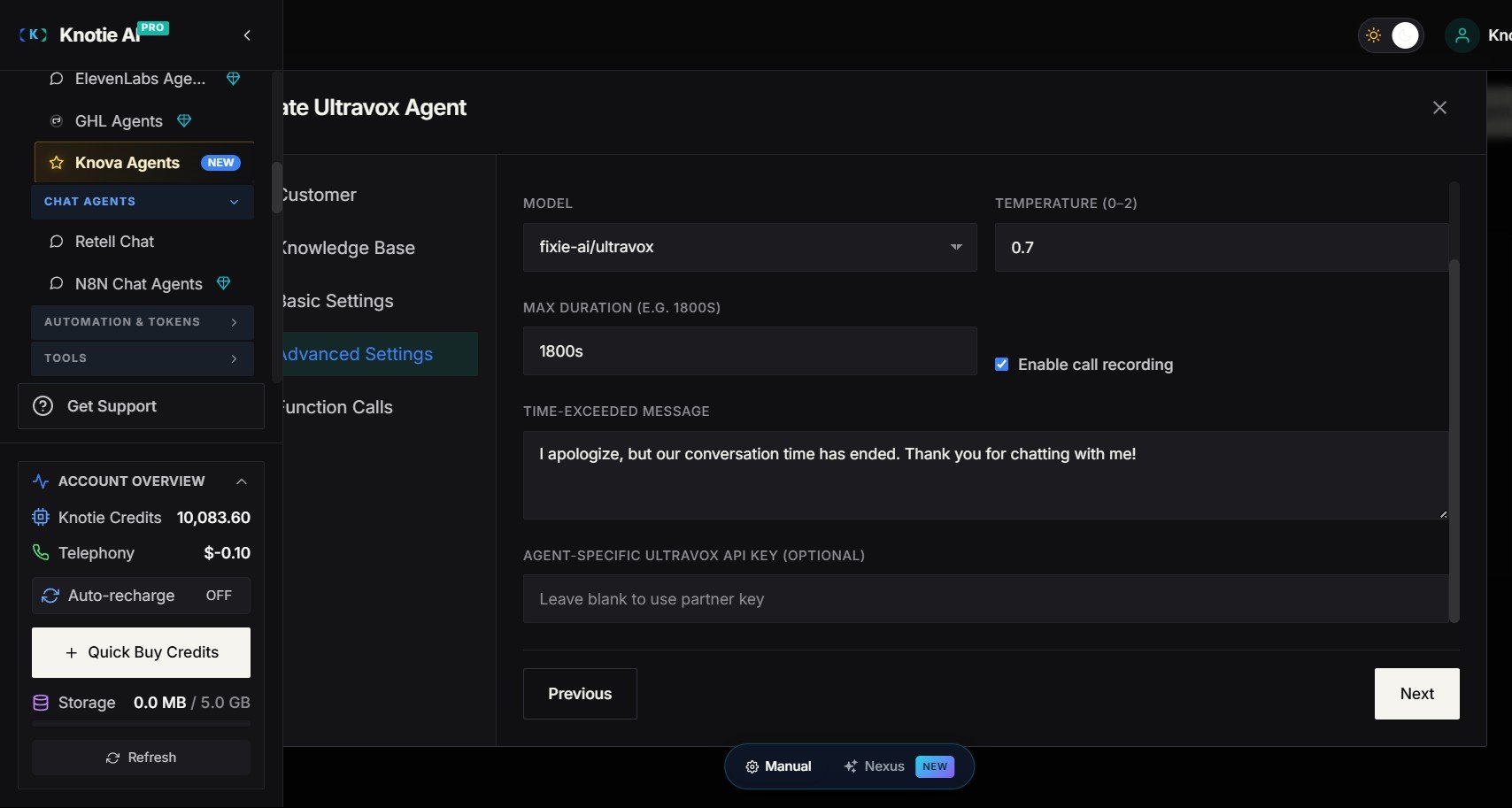
Click the edit icon on any agent to open the agent settings modal:- System Prompt — the instructions that define how the agent behaves
- Voice — select from available Ultravox voices
- First Message — opening message at call start
- Max Duration — maximum call length in seconds
- Temperature — how creative vs. focused the agent’s responses are
Test an agent
- Click Test on the agent card.
- Follow the test modal to initiate a sample call.
- Review transcripts and analytics after the test.
Manage your API key
The API key used to communicate with Ultravox is stored encrypted. To update or re-verify it:- Open the agent’s three-dot menu (⋮) — there is no page-level API Key button on the Ultravox agents page (the page-level button only shows on the empty state for setup, not once agents exist). Choose API Key from the menu.
- Enter your Ultravox API key.
- The portal verifies the key and displays:
- ✅ Valid — key is active.
- ❌ Invalid — key was rejected.
- ⚠️ Error — verification failed.
- The last-verified timestamp is shown.
Webhooks and analytics
Ultravox webhook attribution now uses the agent ID directly from the webhook payload, giving more accurate per-agent analytics:- Open the agent’s Webhook settings.
- Copy the webhook URL.
- Register it in your Ultravox account’s webhook settings (
events: ["call.ended"]).
Webhook registration in Ultravox is account-level — the same URL handles all agents in your account. Knotie’s backend automatically attributes each call to the correct agent.