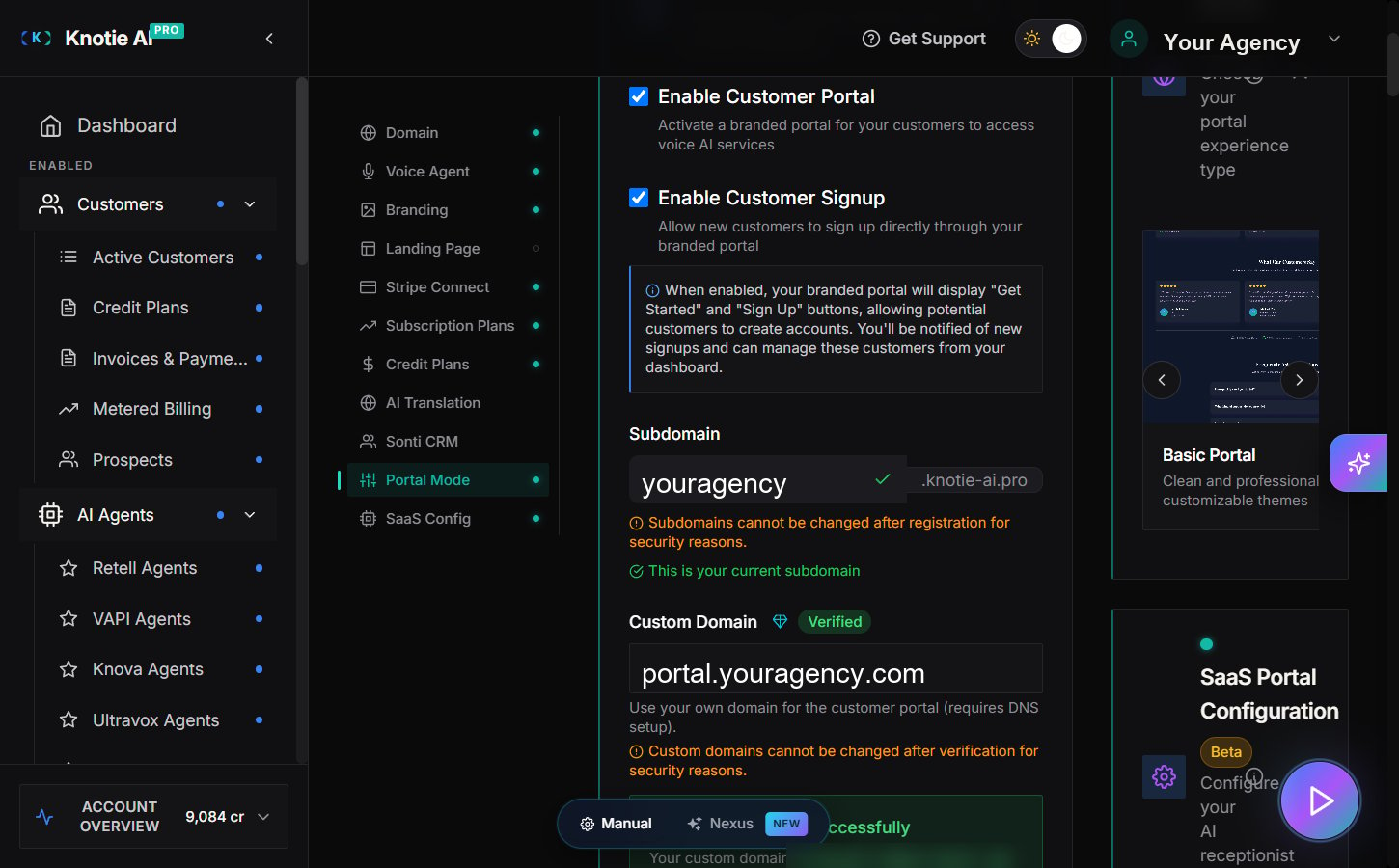
A whitelabel subdomain gives you a branded login link for your Customer Portal without needing any DNS work.Most partners use a whitelabel subdomain first, then upgrade to a custom domain later.
Find the Domain section in the left navigation panel and expand it.
Enter the subdomain you want customers to use.
Click Save.
Open the portal link in a private/incognito window to confirm:
The portal loads.
The branding looks right.
Customers can sign in.
Subdomains cannot be changed after registration for security reasons. Once saved, the subdomain field becomes disabled. Choose your subdomain carefully.
The Domain Settings section also includes Enable Customer Portal and Enable Customer Signup checkboxes. Make sure these are enabled so customers can access and sign up for the portal.
Once a customer can sign in, the exact sidebar items they see depend on the customer’s enabled features.For the current customer-side menu behavior, including: