

Open Campaigns
Select Campaigns in the Partner Portal sidebar. The overview groups campaigns by status and gives you quick access to the Do-Not-Call list.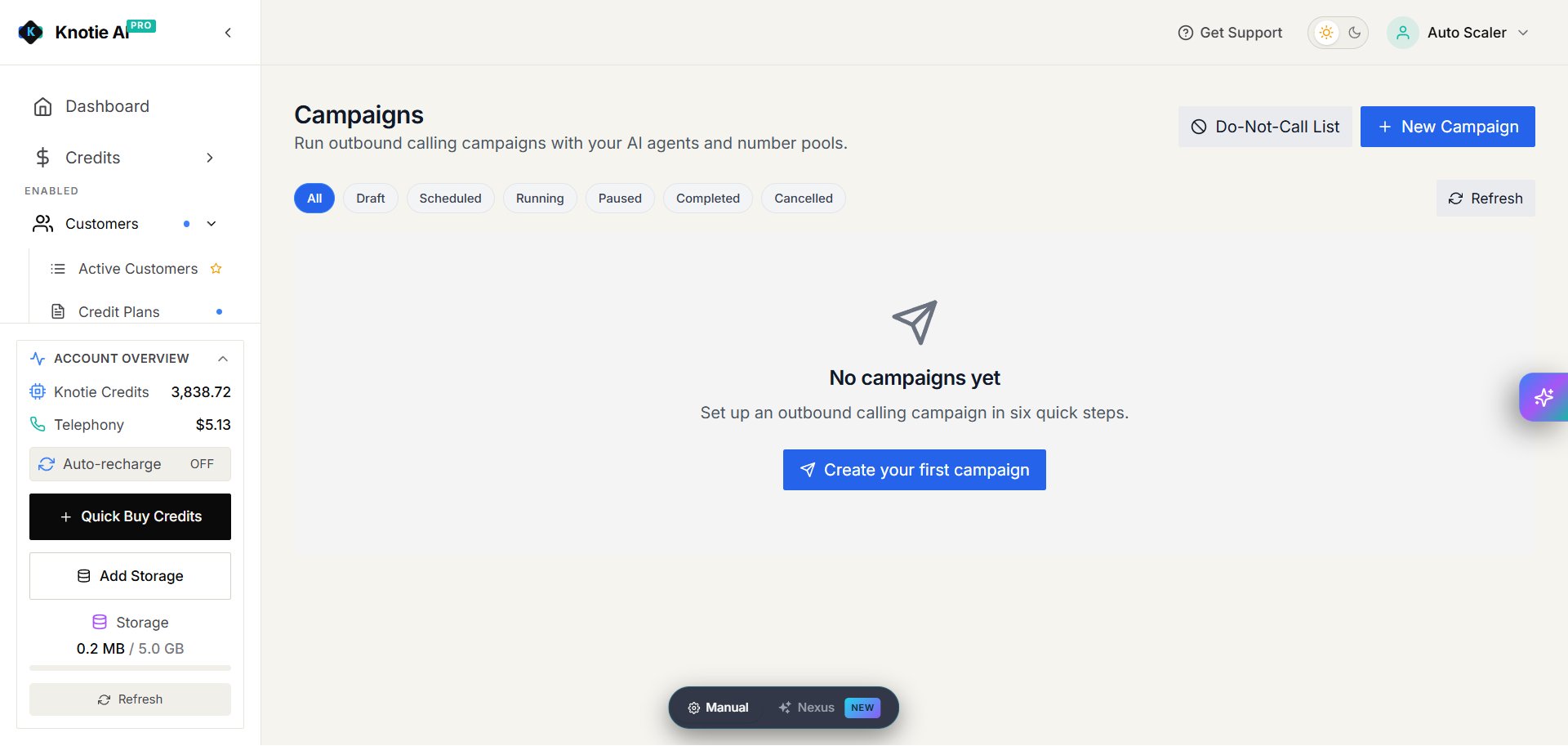
Create a campaign
Select New Campaign. Production currently shows six steps:- Basics — name the campaign, add an optional description, and choose whether it belongs to your partner account or a customer.
- Agent — choose the outbound agent that makes the calls.
- Numbers — choose the calling number or number pool.
- Prospects — add the people to call.
- Schedule — choose when calls may run.
- Review — check the setup before creating the campaign.
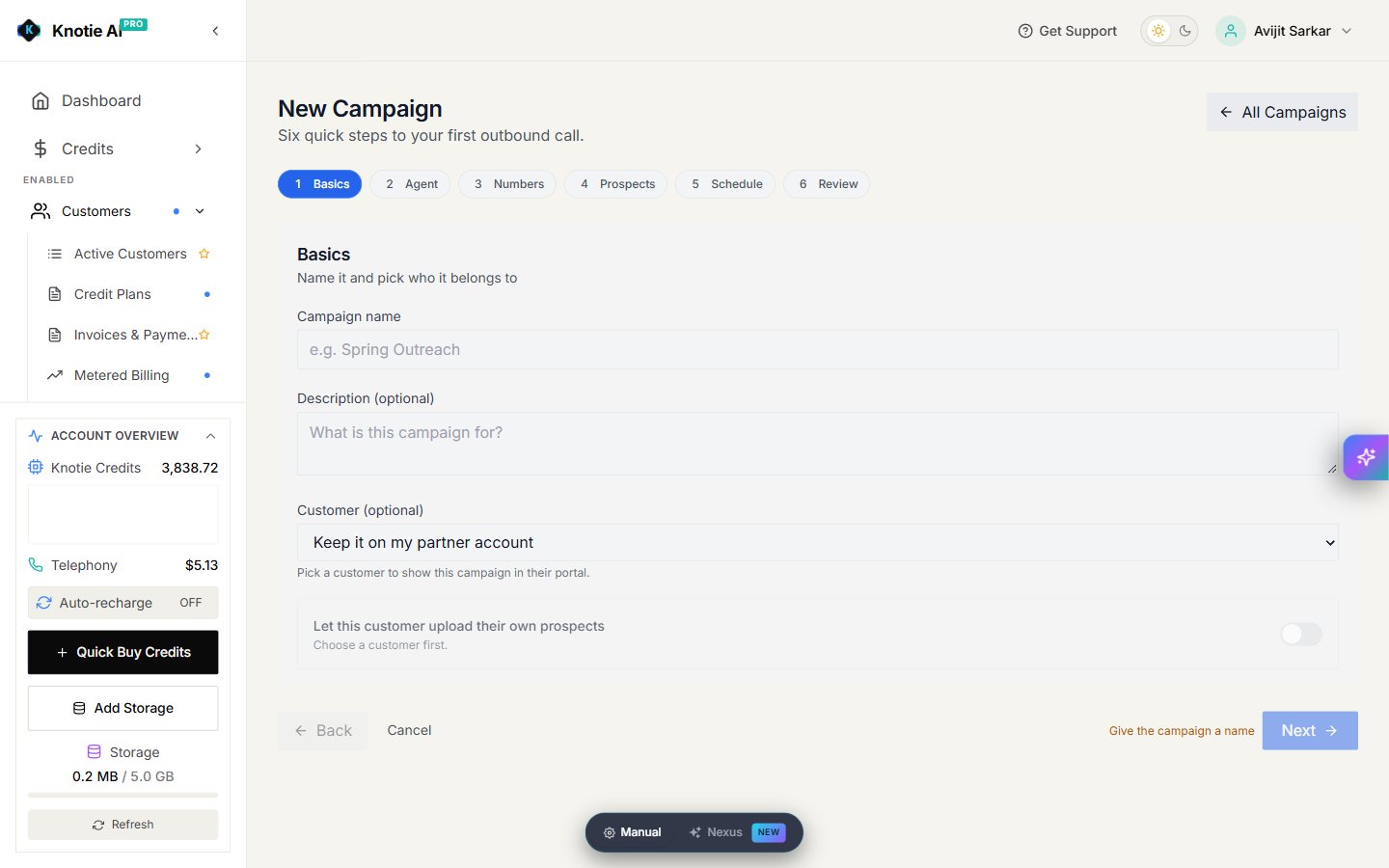
Create a campaign for a customer
Choose the customer in Basics to make the campaign available in that customer’s portal. You can also turn on Let this customer upload their own prospects. Only grant authoring access to customers who should manage outbound calls. Customer defaults are under Settings → Platform Configuration, and the customer’s campaign visibility is under Customers → Manage → Features & Add-ons.Add prospects
In the Prospects step, use the options shown to add prospects manually or upload a CSV file. Download the template from the portal and keep its column headings unchanged. Use a full phone number with country code. If the template includes extra variable columns, use the same variable names declared in the selected agent. For example, a column namedoffer can supply the agent’s {{offer}} value for each call.
Review any rejected rows in the upload result and correct them before continuing.