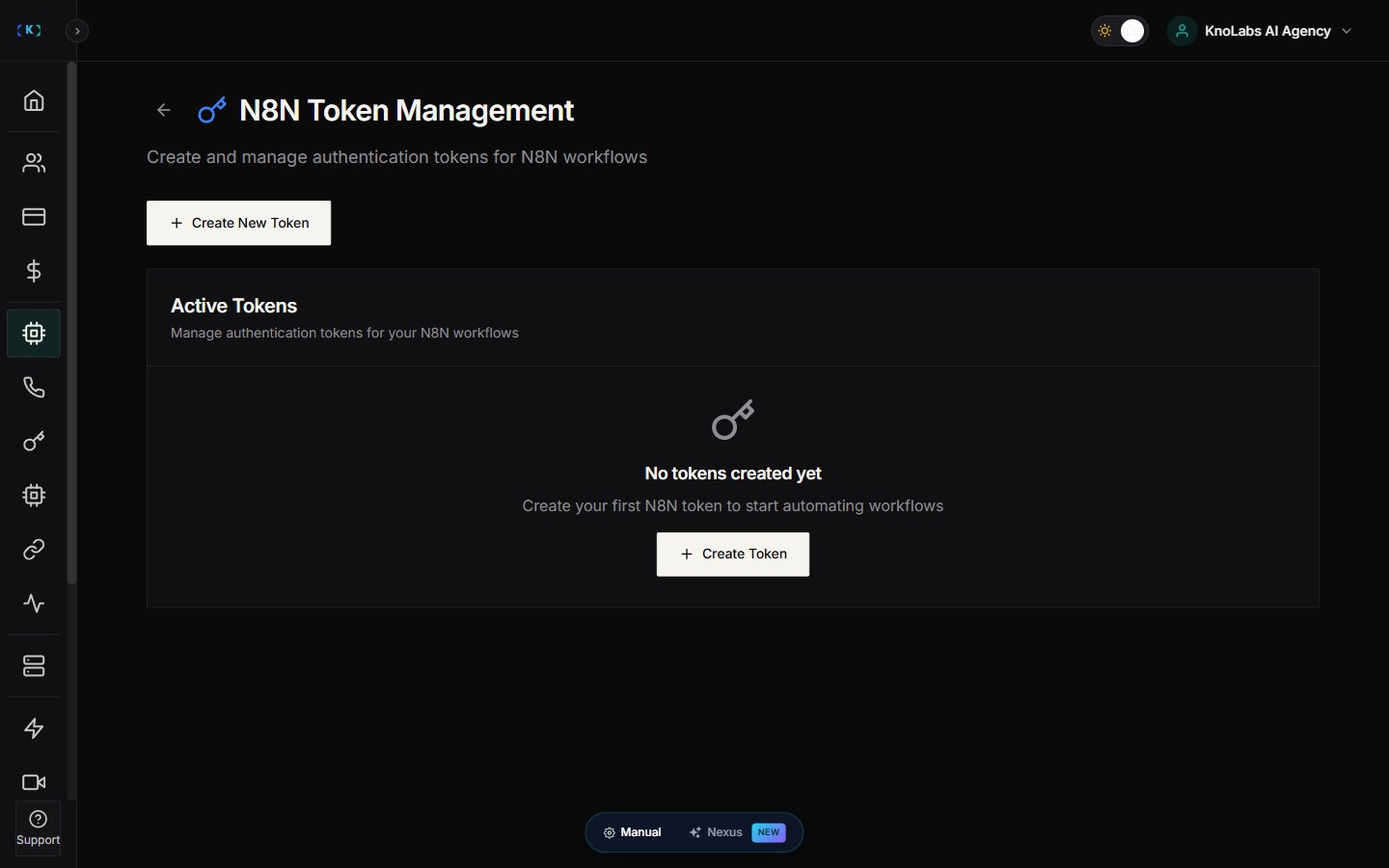
What N8N tokens are
N8N tokens are secure credentials that let an N8N workflow access a customer’s tools through Knotie AI. They help you:- Keep access scoped to the right customer
- Control what tools a workflow can call
- Set expiry and usage limits
Where to find it
- Open AI Agents (in the main sidebar).
- Expand the Automation & Tokens sub-group.
- Click N8N Tokens.
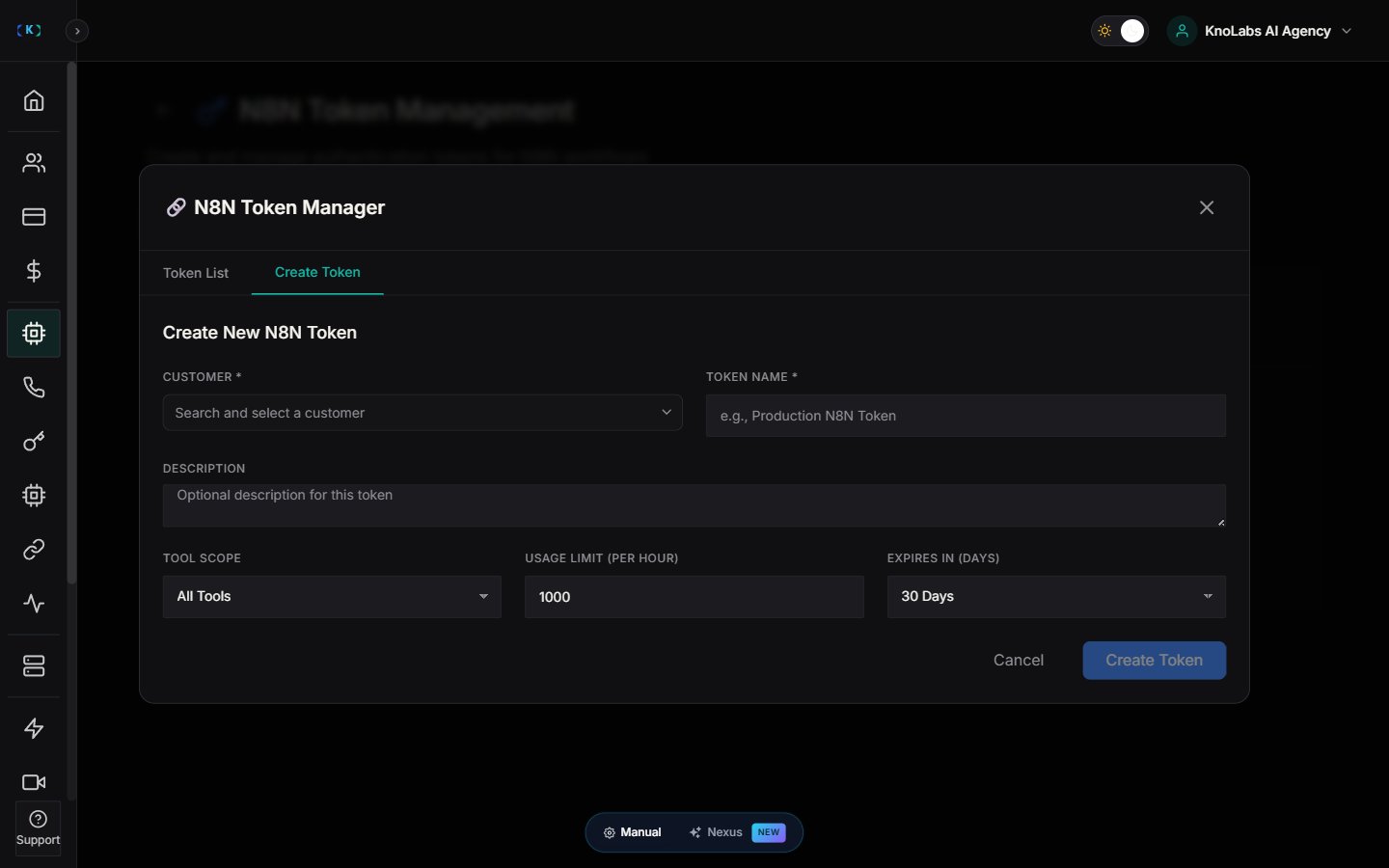
Create a new token
- Click Create New Token.
- Choose the customer.
- Choose scope:
- All Tools, or
- A set of specific tools
- Set:
- Expiry date
- Usage limit
- Save.
Understand token fields
You’ll see fields like:- Customer
- Scope
- Expires
- Active/Inactive
Best practices
- Use short expiries for contractors.
- Use limited scope for production workflows.
Screenshots