The two credit balances
Knotie AI keeps two separate credit balances so you always know where your spending is going.AI Credits
AI Credits cover the platform and AI side of things:- AI agent processing
- Platform features and add-ons
- Knowledge base processing
- Email and SMS notifications
- API usage
Telephony Credits
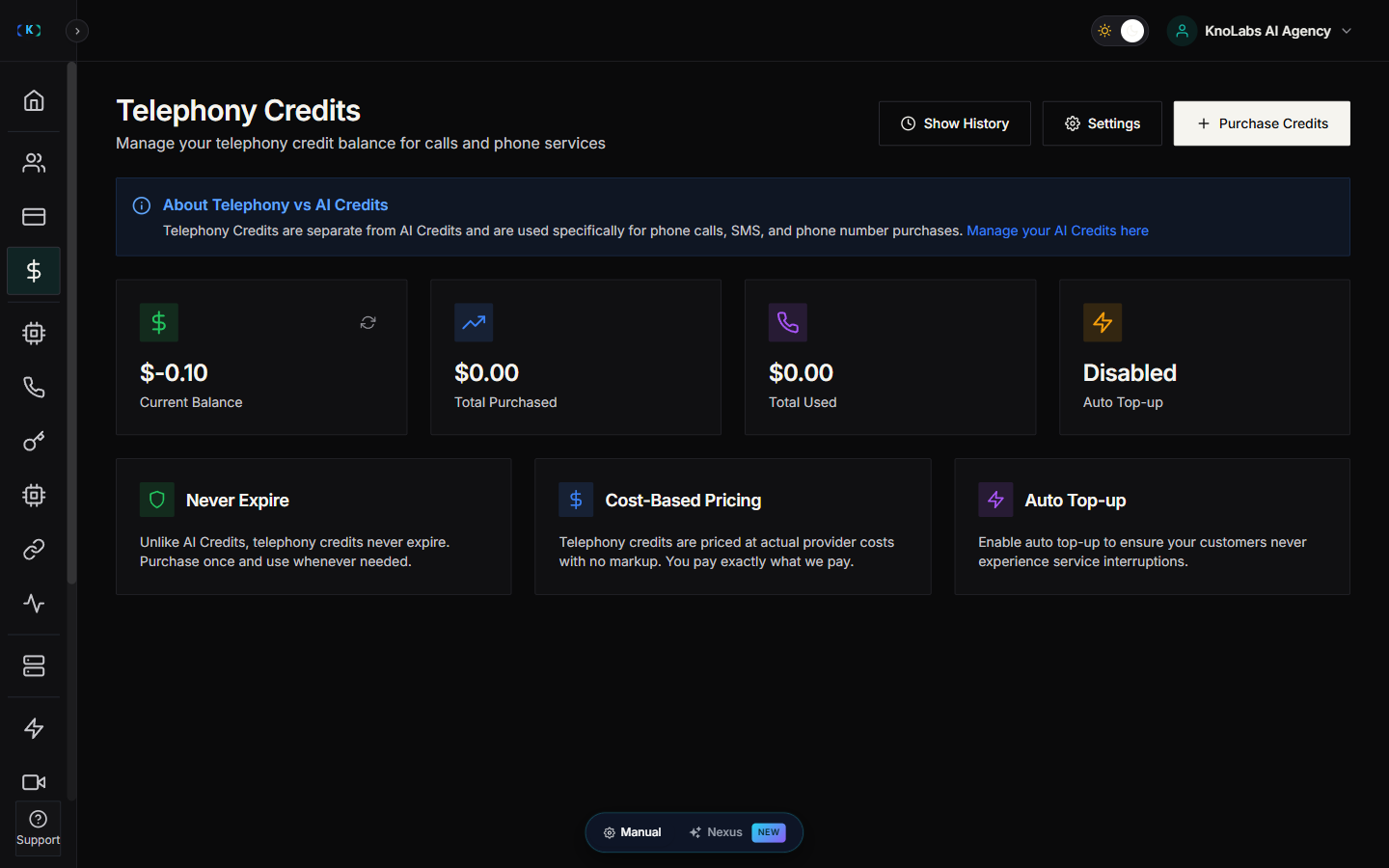
Telephony Credits cover phone and calling costs:- Inbound call minutes
- Outbound call minutes
- Phone number rentals
- SMS messaging
Why two balances?
Keeping them separate makes it easier to:- See your costs clearly — you know exactly what’s going to AI versus phone usage.
- Price your services — you can set different markups for each.
- Manage your budget — top up each one on its own, based on how you actually use it.
Where to find it
Open Credits in the Partner Portal sidebar. The Credits menu remains available while you configure other parts of the account. Expand it to open AI Credits, Telephony Credits, or Storage.Check your balances
The Credits page shows your current AI Credits and Telephony Credits balances. If a balance is running low, the portal warns you so you can top up before any calls are affected.Top up
- Open Credits.
- Click Purchase Credits at the top of the page.
- Choose a credit package.
- Complete payment.
View your history
- Open Credits.
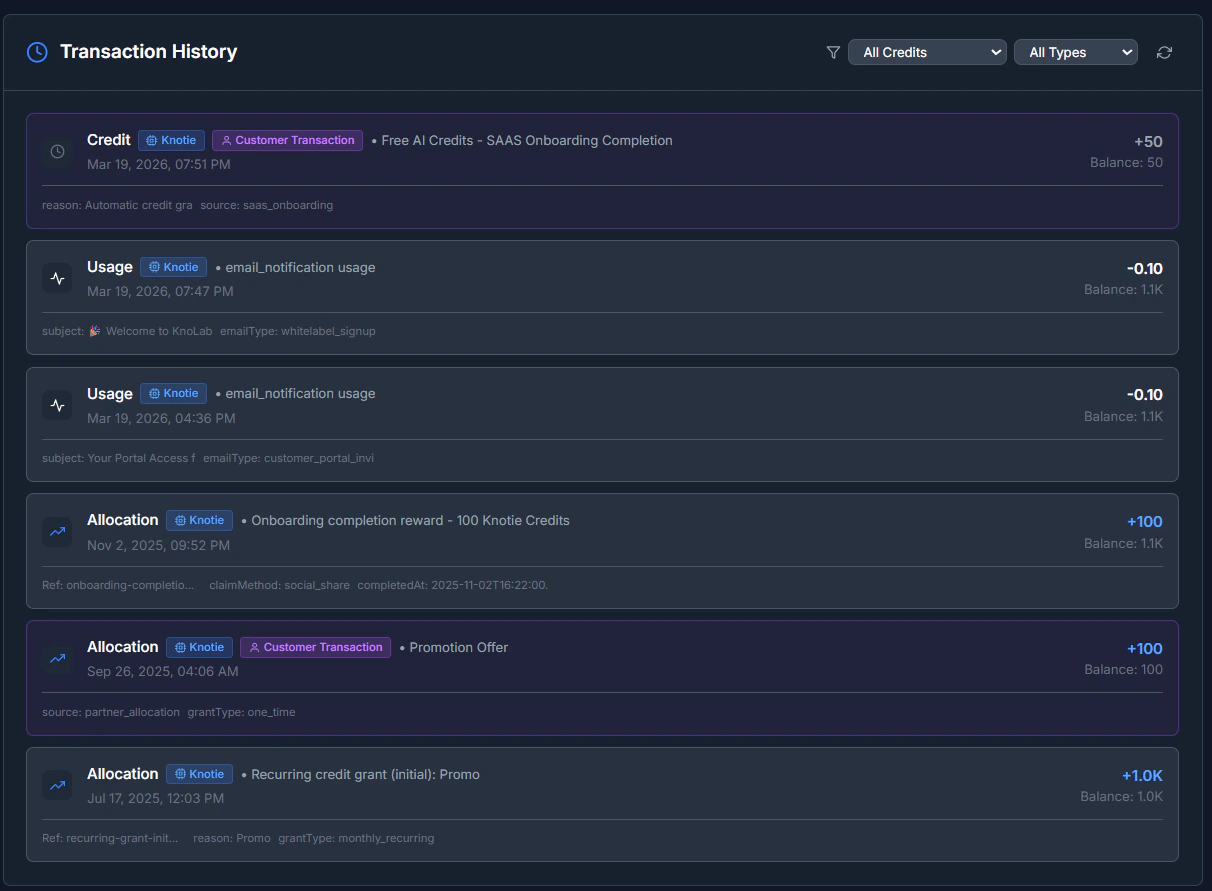
- Click Show History.
- Review your purchases, usage, and any adjustments.
Low-balance alerts
- Open Credits.
- Click Settings.
- Set up low-balance alerts so you’re warned before you run low.
Common questions
Why do I need two balances?
Most agencies find it clearer to keep platform usage and phone usage apart — it’s simpler for accounting, and it makes pricing your own services easier.What happens if I run out?
A low or empty balance can cause calls to fail or stop. Top up early to avoid any interruption.Troubleshooting
- Payment went through but credits didn’t appear
- Refresh the Credits page.
- Wait a minute or two and refresh again.
- If they’re still missing, contact support.
- Payment was cancelled
- Nothing was charged.
- Reopen Credits and try again.
Screenshots