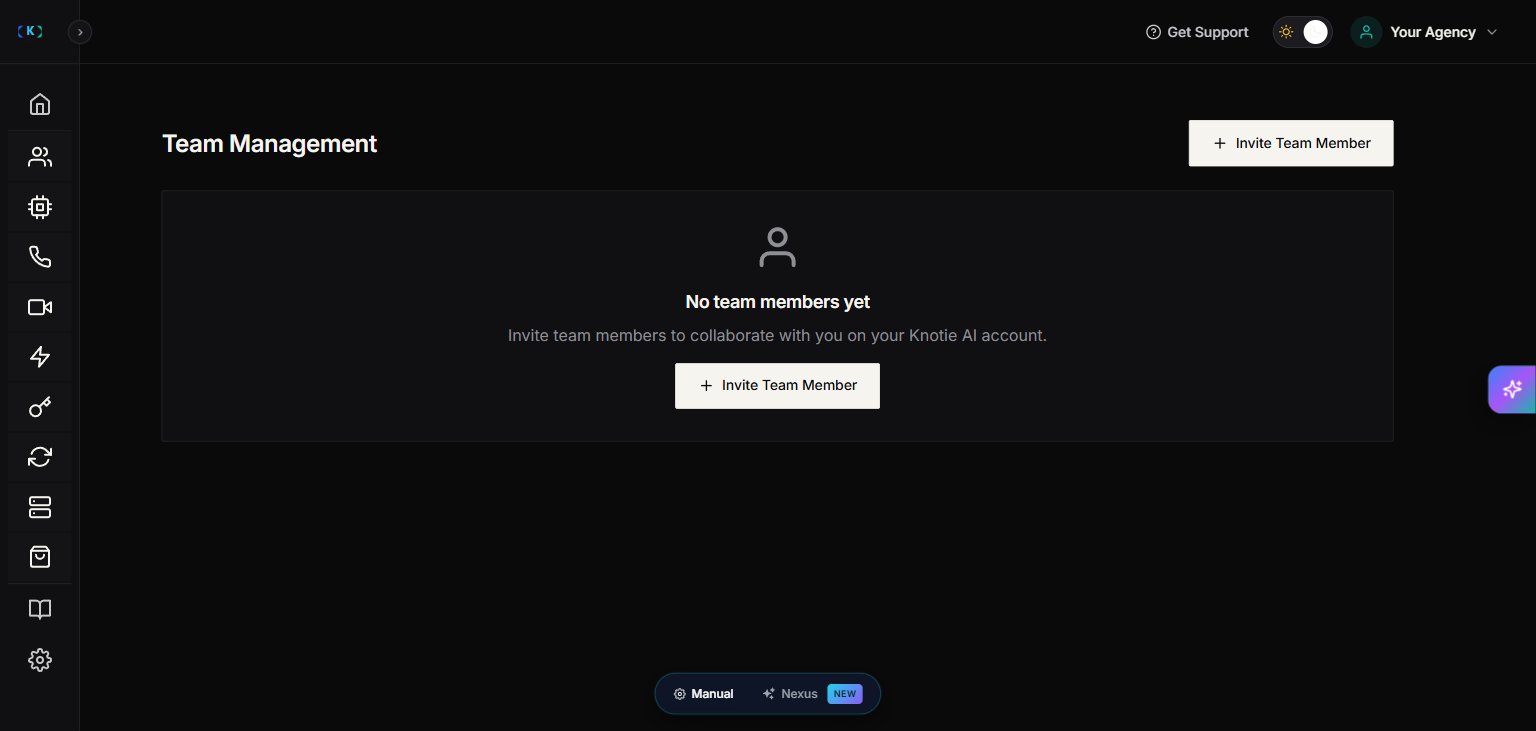
What Team Management is for
Team Management lets you add teammates so they can help you onboard customers, manage agents, and support your agency.Where to find it
In the Partner Portal sidebar, open Team Management under the ACCOUNT section.Team Management is a Premium Feature. Free Forever partners may see an upgrade prompt instead of the invite flow.
Invite a team member
- Go to Team Management.
- Click Invite Team Member.
- Enter:
- Name
- Role — choose Member or Admin
- Click Send Invitation.
Roles:
- Member — standard team access. Can perform day-to-day customer management tasks scoped by the permissions the partner owner has granted.
- Admin — elevated permissions. Can manage team membership, billing, and settings in addition to Member-level actions.
Seeing the Team Management page also depends on having the Manage Team permission — not just being on a paid plan. If you’re on a paid plan but still can’t see the page, ask the account owner to grant you the Manage Team permission.
Team member limits
Plans may limit how many team members you can add. If you hit your limit, the portal will show a message telling you to upgrade to add more.Remove a team member
- Find the teammate in the list.
- Click Remove.
- Confirm.
Troubleshooting
- I don’t see Team Management
- You may be logged in as a team member without the Manage Team permission — even on a paid plan.
- Ask the account owner to grant access or upgrade the member to Admin.
- Your plan may not include the Premium Feature.
Screenshots