

Overview
Media Studio lets customers create branded images and video from their portal. The feature is currently marked Experimental, so review it before offering it broadly.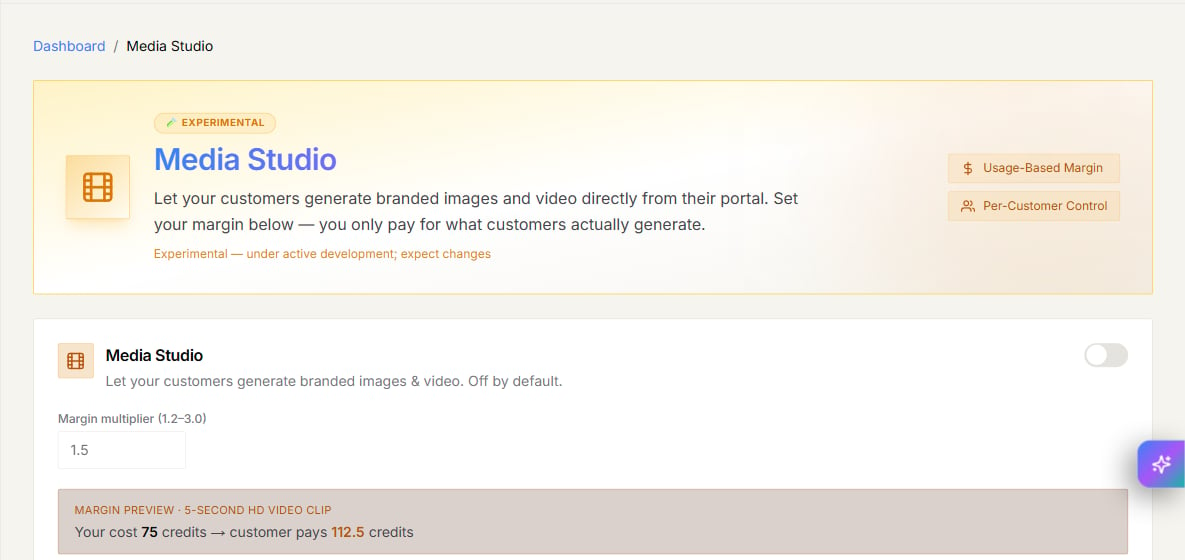
Set up Media Studio
- Open Media Studio in the Partner Portal.
- Turn on Enable Media Studio when you are ready to offer it.
- Set the Margin multiplier. The production control currently accepts values from 1.2 to 3.0.
- Review the preview and recipe cost table before you save.
Enable it for a customer
The main Media Studio switch does not grant access to every customer.- Open Customers → Active Customers.
- Click Manage for the customer.
- Open Features & Add-ons.
- Turn on Media Studio under Menu Visibility Options.
- Save the customer changes.