

Overview
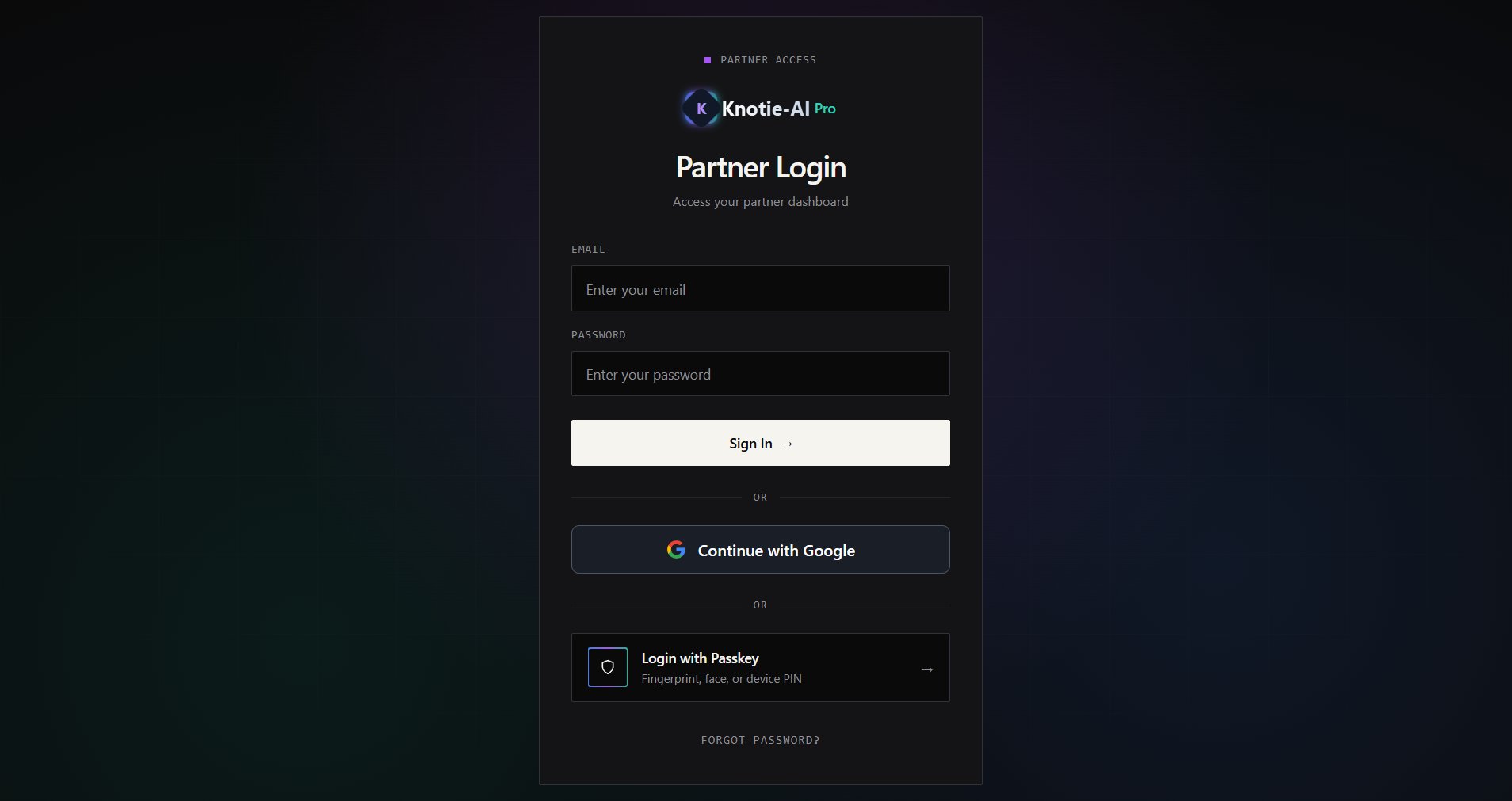
Google login lets you access the Partner Portal without a separate password. The same button handles both first-time signup and returning logins.Google login may be enabled or disabled depending on your platform configuration. If you don’t see the button, use email and password instead.
Returning login (existing account)
- Go to Partner Login (knotie-ai.pro/partner/login).
- Click Continue with Google.
- Choose your Google account.
- You’re redirected back to the Partner Portal automatically.
First-time signup with Google
- Open knotie-ai.pro and click Start for free.
- Inside the signup modal, click Continue with Google.
- Choose your Google account. The form updates to show a “Continuing with Google” panel with your Google profile photo and email at the top.
- Fill in:
- Business name (required)
- Phone number (required)
- (Optional) Enter a coupon code.
- Click Complete Google Signup.
- The modal transitions to the 7-Day Free Trial confirmation view — click Start 7-Day Free Trial to add your card in Stripe and activate the trial.
Screenshots
Troubleshooting
- “Continue with Google” button not visible — Google login may not be enabled on your platform. Use email and password instead, or contact support.
- Wrong account selected — click “Switch account” on the Google account picker. Make sure you use the same email for every login.
- Redirect loops after Google login — clear cookies for knotie-ai.pro and try again.
- Missing profile photo — if your Google photo doesn’t load, a placeholder icon is shown instead. This doesn’t affect your signup.