Overview
Media Studio combines a plain-language prompt with guided recipes for images, ads, social posts, product content, avatars, and films. The portal shows an estimated credit amount before you start.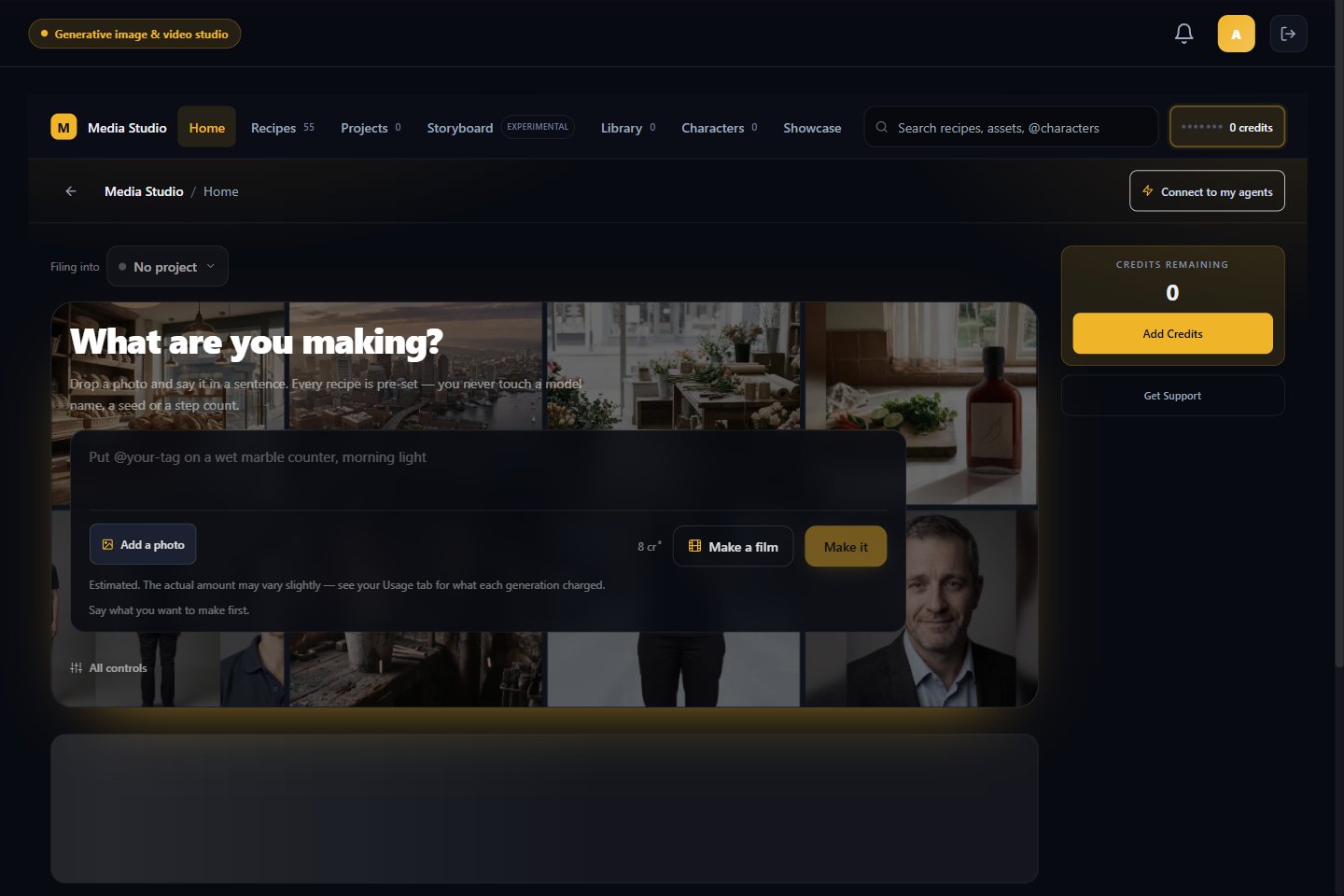
Start a creation
- Open Media Studio → Home.
- Describe what you want to make, or choose a recipe.
- Add a photo when the selected job needs one.
- Choose the available format options.
- Review the estimate, then select Make it.
The home screen labels credit amounts as estimates. Review the final quote before starting a generation.
Browse the studio
- Recipes groups ready-made jobs by output and business goal.
- Projects keeps related creations together.
- Storyboard plans a multi-scene film and is marked Experimental.
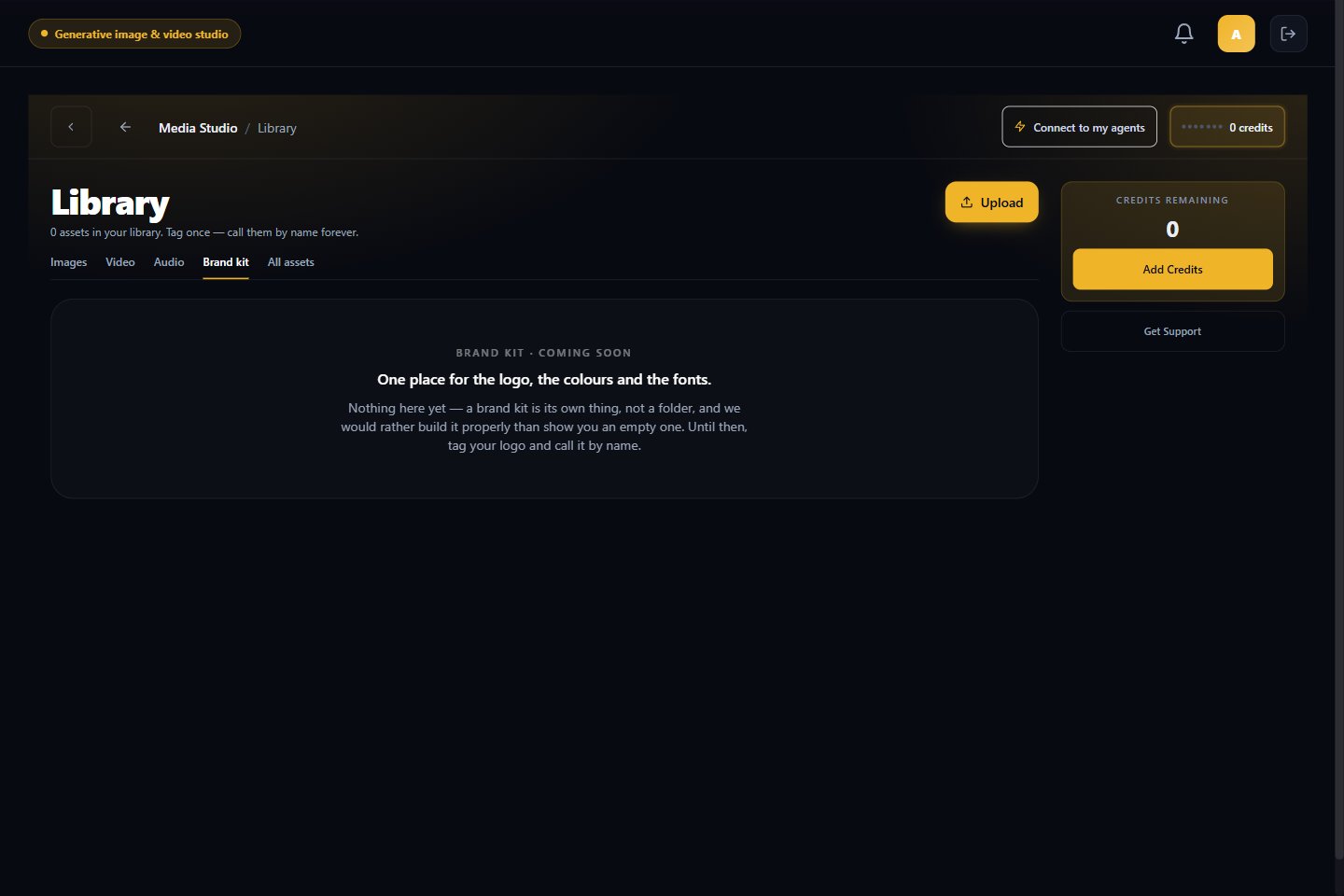
- Library stores images, video, and audio. Tag an asset to refer to it by name later.
- Characters keeps reusable people, places, and products consistent across creations.
- Showcase displays completed work.
Brand Kit status
The Library currently shows Brand Kit — Coming soon. Until it is available, upload your logo to the Library and tag it so you can refer to it by name.