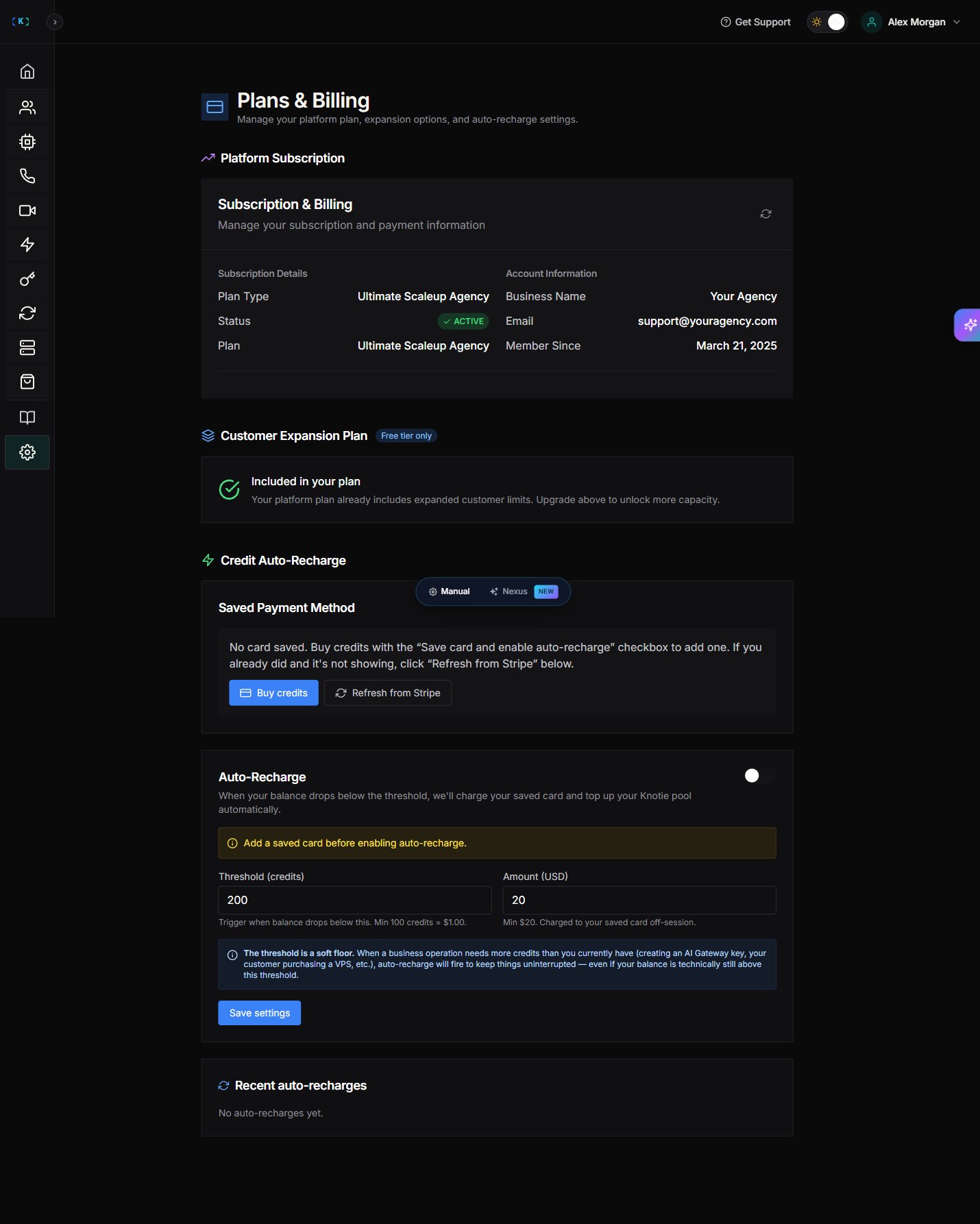
What Subscription & Billing controls
The Plans & Billing page shows your current plan, your credit auto-recharge settings, and your customer expansion limits. Billing in Knotie is built around credits and auto-recharge, so this page focuses on those rather than on traditional billing details like billing-period dates, saved-card digits, or upcoming invoices.Where to find it
- Partner Portal → Settings → Plans & Billing in the sidebar
/partner/settings/billing.
What you can see
Platform Subscription
- Plan Type — e.g., Free Forever, Starter, Pro, Ultimate Scaleup Agency
- Status — ACTIVE / INACTIVE / CANCELLED / CANCELLING
- Business Name
- Member Since date
Customer Expansion Plan
Shows whether your plan includes expanded customer limits:- “Free tier only — Included in your plan” (on higher tiers)
- Or an upgrade prompt to unlock more capacity
Credit Auto-Recharge
A major feature for preventing service interruptions:- Saved Payment Method — “No card saved. Buy credits with the ‘Save card and enable auto-recharge’ checkbox to add one.”
- Auto-Recharge toggle — disabled until a card is saved
- Threshold (credits) — minimum 100 credits = $1.00
- Amount (USD) — minimum $20
- Note: “The threshold is a soft floor.”
- Recent auto-recharges — history list
Soft floor behavior: Auto-recharge fires whenever a business operation needs more credits than the current balance, even if you’re above the configured threshold.
Refresh subscription data
Use the Refresh subscription data button to reload the current plan state from Stripe.Manage payment details
To add or update a payment method:- Click Buy credits to open the credits page.
- Check “Save card and enable auto-recharge” during your purchase to save a card on file.
Cancellation
To cancel or change your plan, contact Knotie support and they’ll take care of it for you.Screenshots