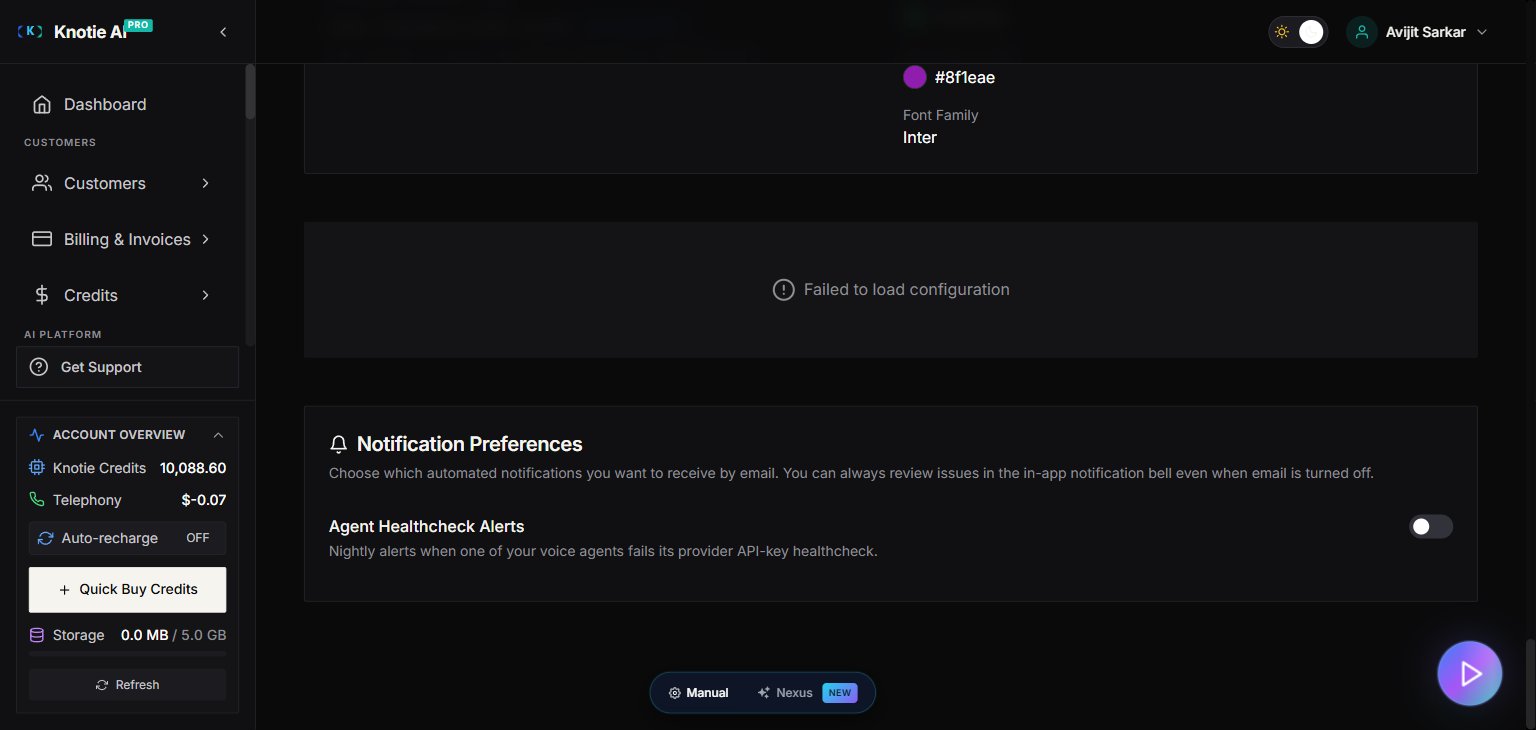
What notification preferences control
Knotie AI Pro sends automated notifications when something needs your attention — such as an AI agent whose provider API key is failing. Notification Preferences lets you decide which of those emails you receive and how often. Key behaviours:- Alerts are always recorded no matter your email preference. You can see them in the portal via the notification bell even when email is turned off.
- No repeat spam: A repeatedly failing agent won’t email you every night. Knotie keeps a single open alert per agent and counts how many times it’s happened, instead of sending a new email each time.
- Quiet period: After an email goes out for a specific agent problem, the next email about the same problem is held back for a while (24 hours by default). New problems still appear in the bell right away.
- Clears itself: When a failing agent starts working again, its alert resolves automatically and disappears from the bell.
Where to find it
In the Partner Portal sidebar, go to Settings → scroll to the Notification Preferences card.
Agent healthcheck toggle
The Agent Healthcheck toggle controls whether you receive email when one of your agents’ provider API keys fails the nightly healthcheck.| Toggle state | What happens |
|---|---|
| On (default) | You receive an email when a key first fails, then again after the throttle window if the issue persists |
| Off | No emails sent — alerts are still recorded and visible in the portal bell |
Steps to turn off agent healthcheck emails
- Open Settings in the Partner Portal sidebar.
- Scroll to Notification Preferences.
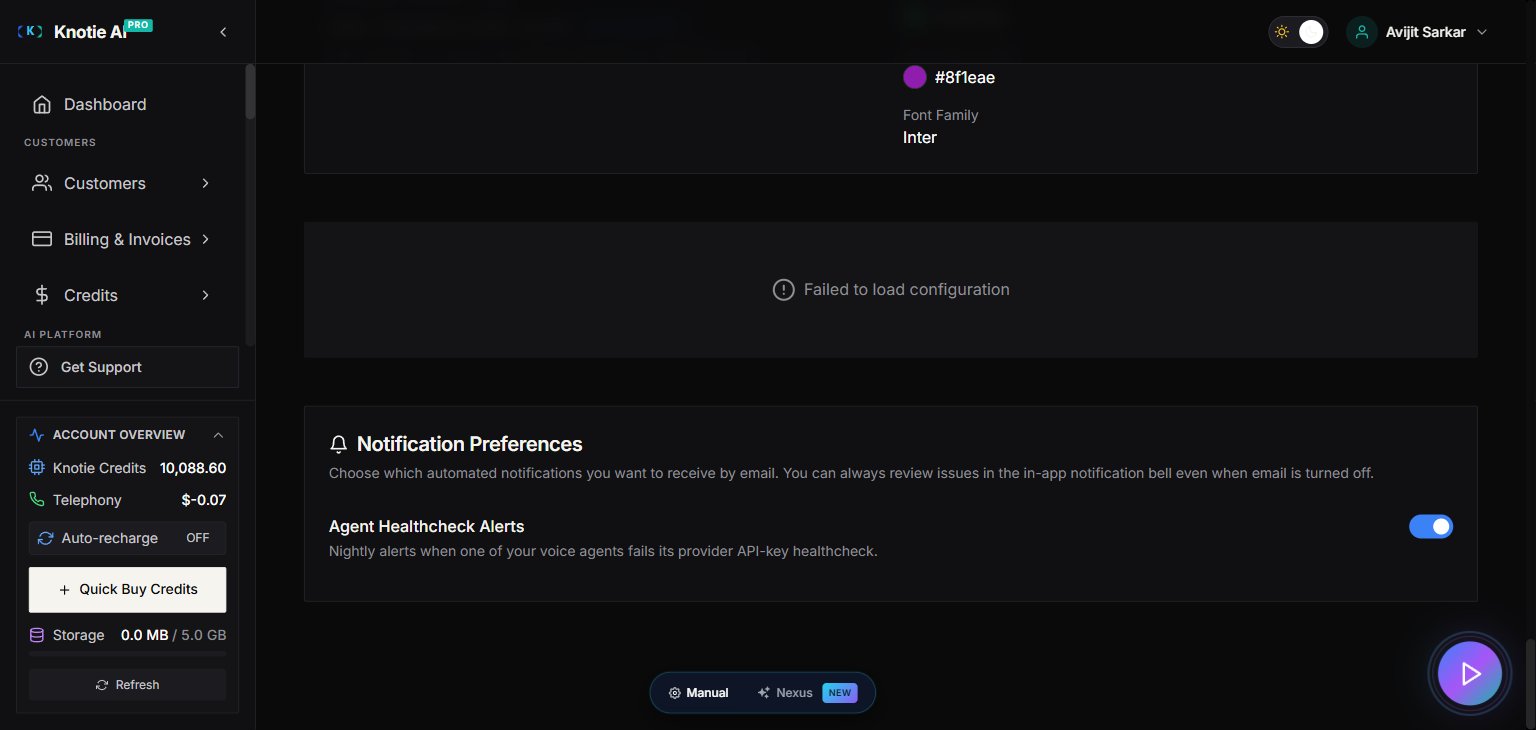
- Toggle Agent Healthcheck off.
- The change saves immediately — no Save button required.

In-portal alert bell
Each voice provider page (Retell, VAPI, Ultravox, ElevenLabs) shows a provider-scoped bell icon next to the provider name. The bell turns red when there are open healthcheck failures for that provider’s agents. Click the bell to see:- Which agents are failing
- How many times the problem has happened
- When it was last detected

Notification cleanup
Knotie automatically clears out, each day:- Dismissed alerts
- Resolved alerts
- Any alert older than 3 months
Troubleshooting
I turned off the toggle but I’m still getting emails.The throttle window means an email already in the queue for the current window will still send. After the window closes (24 hours by default), no further emails will be sent. The bell shows an alert but I already fixed the agent.
The healthcheck runs nightly. The alert will auto-resolve the next time the agent passes. You can also dismiss the alert manually to clear the bell immediately. I’m not seeing the Notification Preferences card in Settings.
Scroll down past the security settings — the Notification Preferences card appears below the security section.
Related pages
- Integration Settings — configure provider API keys that feed healthchecks
- Partner Portal Settings Overview — all settings sections at a glance
- Agent Analytics — monitor agent call performance