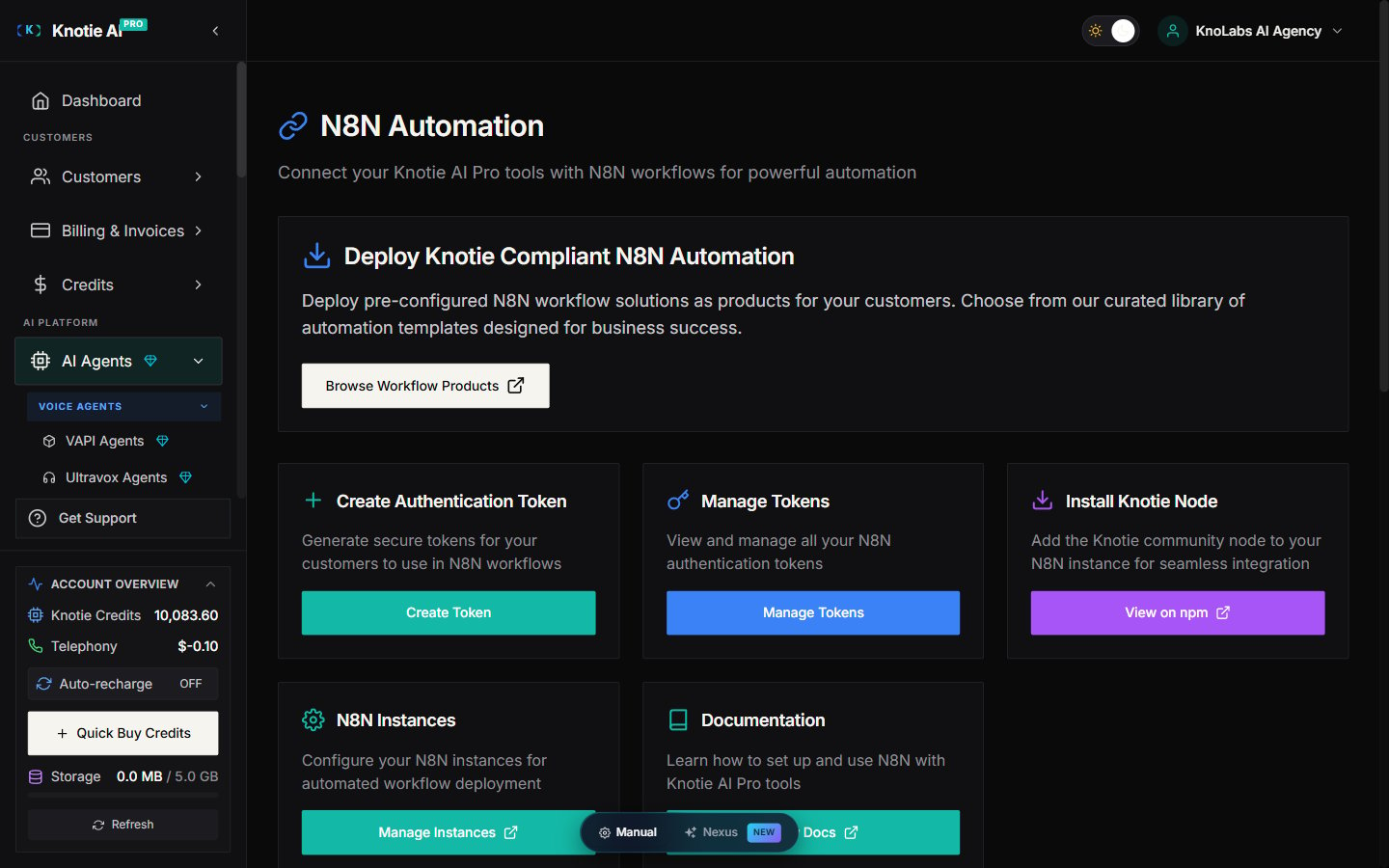
What N8N Automation is for
N8N Automation connects Knotie AI Pro with N8N so you can build workflows like:- Lead routing
- Customer follow-ups
- CRM updates
- Automated support flows
Where to find it
- Open AI Agents (in the main sidebar).
- Expand the Automation & Tokens sub-group.
- Click N8N Automation.
Create an authentication token
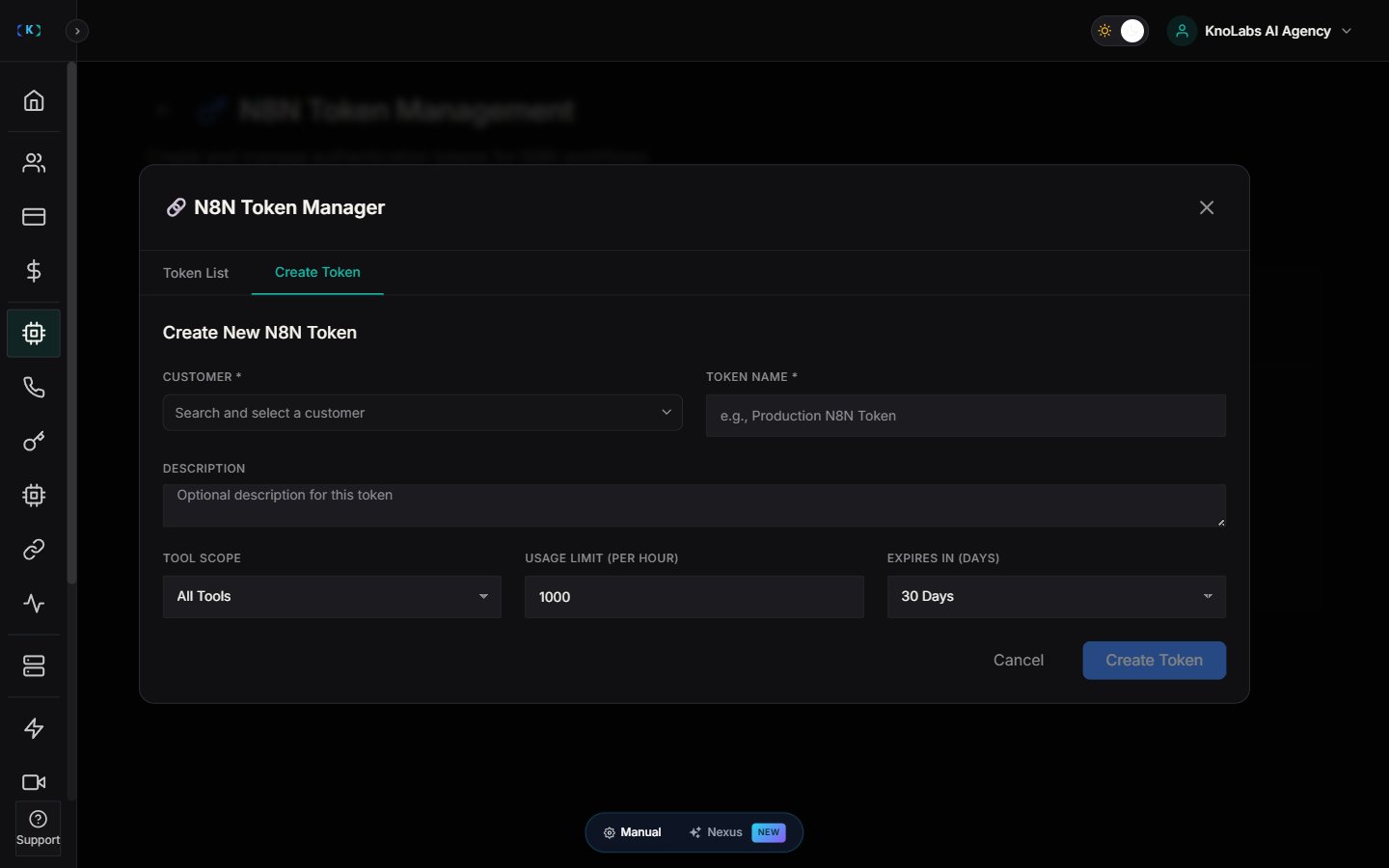
Tokens let you give a customer-scoped connection to N8N.- Open N8N Automation.
- Click Create Token.
- Choose the customer.
- Save.
Manage existing tokens
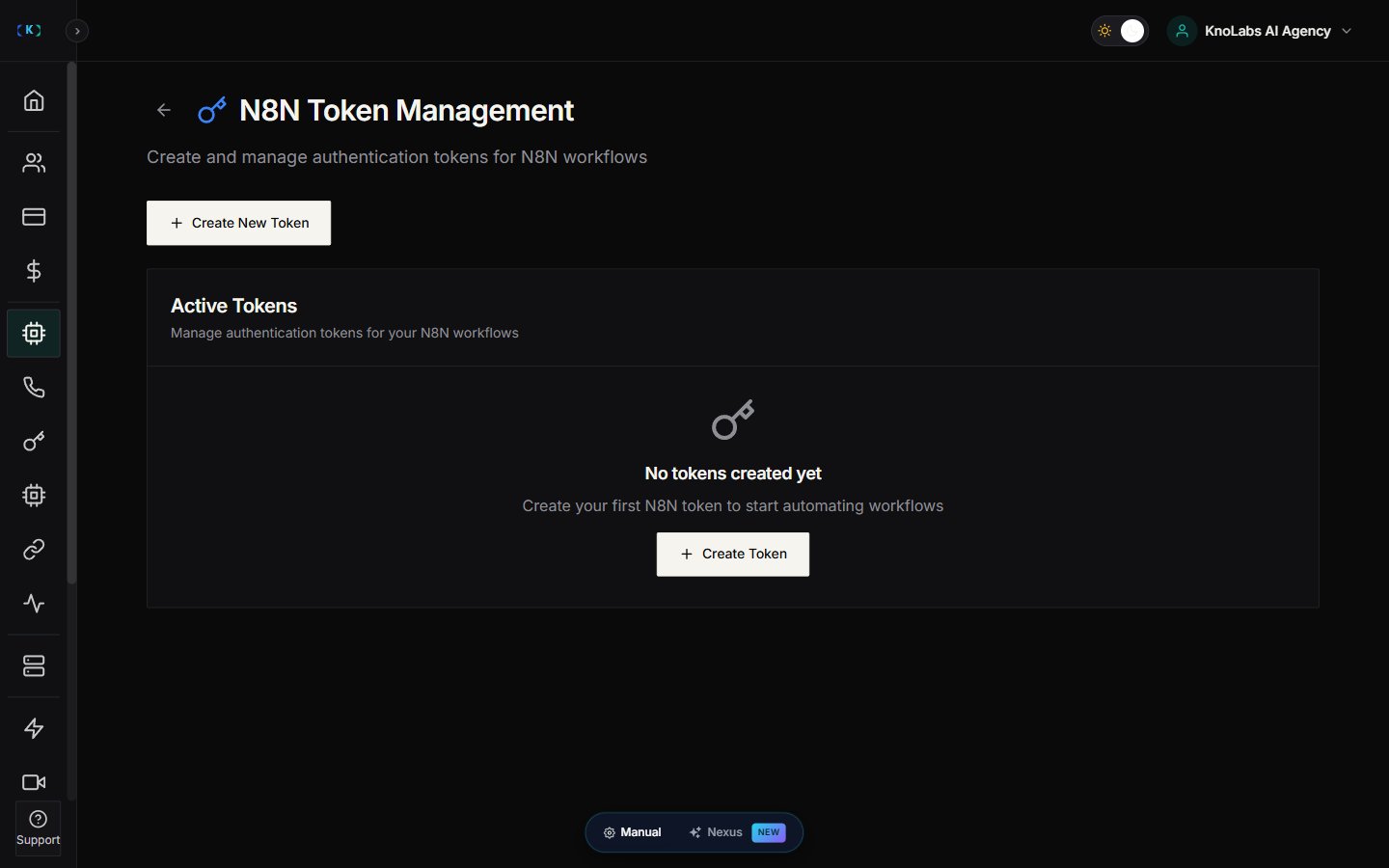
- From N8N Automation, click Manage Tokens.
- Review token scope, expiry, and usage limit.
Deploy Workflow Products
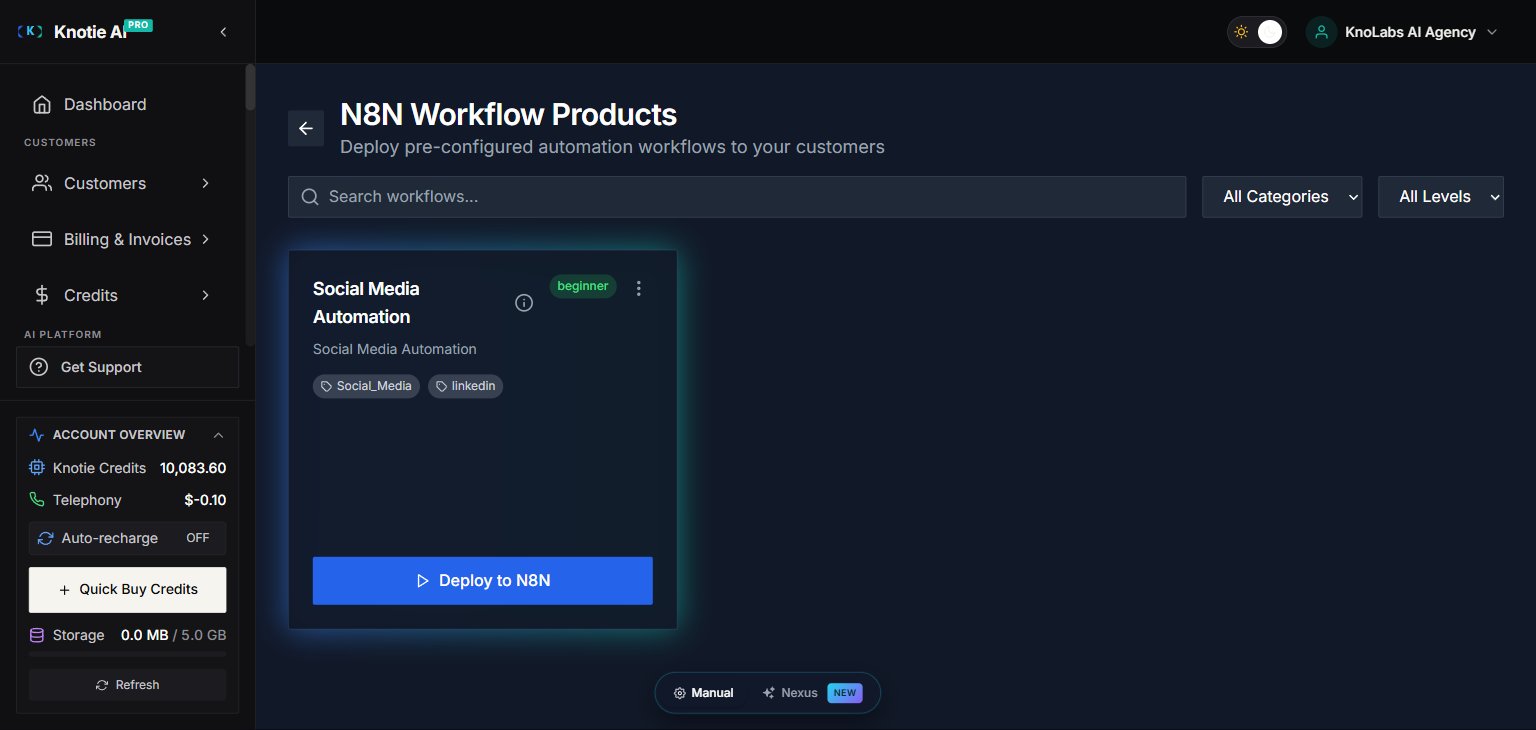
Knotie AI Pro provides pre-configured N8N workflow solutions that you can deploy as products for your customers.Browse Workflow Products
- Go to AI Agents → N8N Automation.
- Click Browse Workflow Products.
- View the curated library of automation templates.
- Select a workflow product to deploy.
Deploy a Workflow for a Customer
- Choose a workflow product from the library.
- Select the customer to deploy for.
- Configure any required settings.
- Click Deploy.
Install the Knotie node in N8N
The Knotie community node allows N8N workflows to interact with Knotie AI Pro tools.Installation
- Open your N8N instance.
- Go to Settings → Community Nodes.
- Search for
n8n-nodes-knotie. - Click Install.
Configure Credentials
After installing the node:- Create a new N8N workflow.
- Add the Knotie node.
- Click Create New Credentials.
- Enter your N8N token (from Knotie AI Pro).
- Save the credentials.
Available Operations
The Knotie node supports:- Send SMS – Send SMS notifications
- Send Email – Send email notifications
- Make Call – Trigger outbound calls
- Get Call Details – Retrieve call information
- Update Customer – Modify customer data
- Create Lead – Add new leads
N8N Instances Management
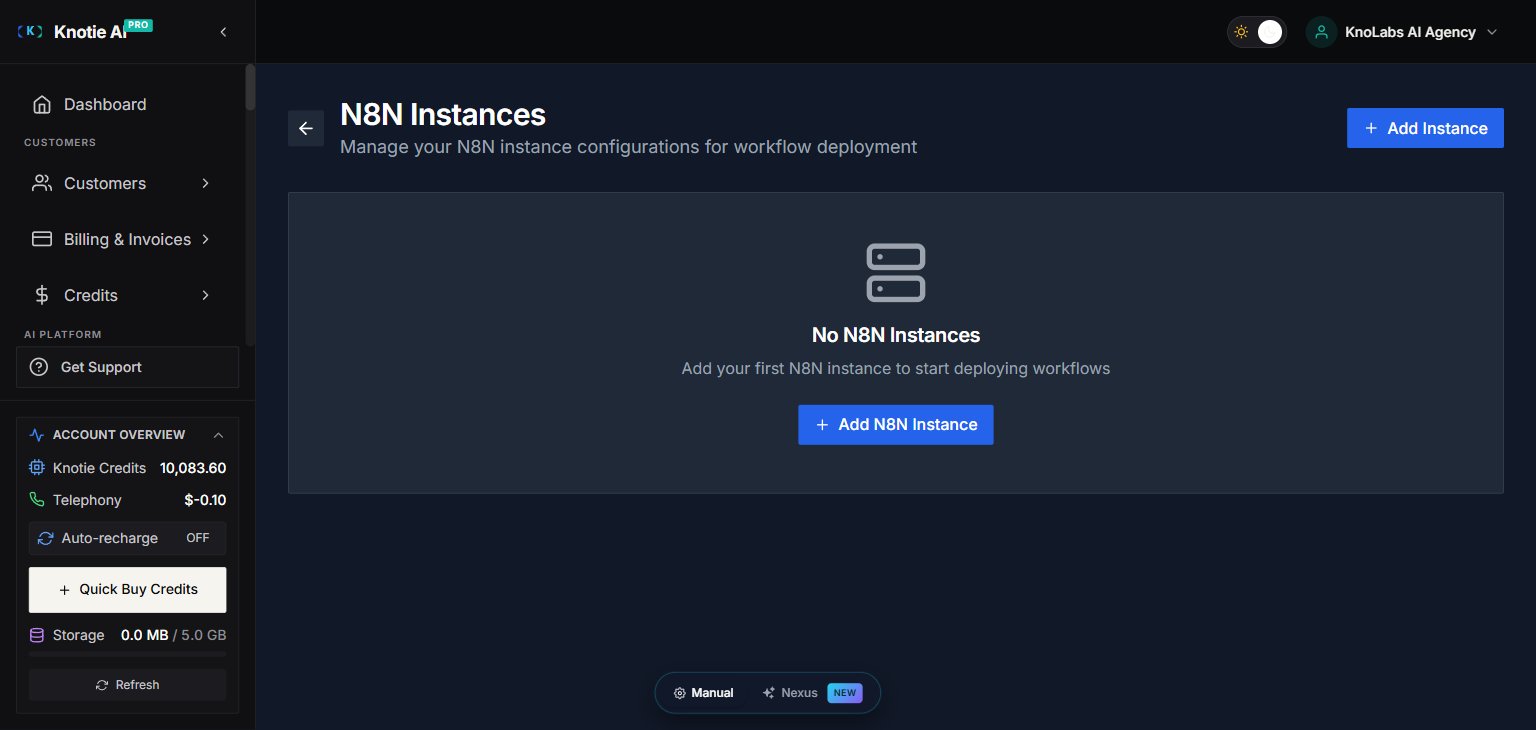
Manage N8N instances connected to your Knotie AI Pro account.Add an N8N Instance
- Go to AI Agents → N8N Automation.
- Click Manage Instances.
- Click Add Instance.
- Enter:
- Instance URL
- Instance name
- API credentials
- Save.
Monitor Instance Status
View the status of connected N8N instances:- Active – Instance is running and connected
- Inactive – Instance is not responding
- Error – Connection or authentication issues
Getting started checklist
- Install the Knotie node in your N8N instance.
- Create a token for a customer.
- Configure credentials in N8N.
- Run a test workflow.
- (Optional) Deploy pre-built workflow products.
Best practices
- Scope tokens appropriately – Only grant access to the tools needed for each workflow.
- Set expiry dates – Use short-lived tokens for testing, longer for production.
- Monitor usage – Check token usage limits to avoid hitting rate limits.
- Use workflow products – Start with pre-built templates before creating custom workflows.
Troubleshooting
- Token authentication failed – Verify the token hasn’t expired and has the correct scope.
- N8N node not found – Ensure the community node is installed in your N8N instance.
- Workflow product deployment failed – Check customer has required integrations enabled.
Screenshots