

Overview
Voice AI Platform gives customers a branded place to create and manage inbound, outbound, and website voice agents. The production catalog currently shows the experience as Active.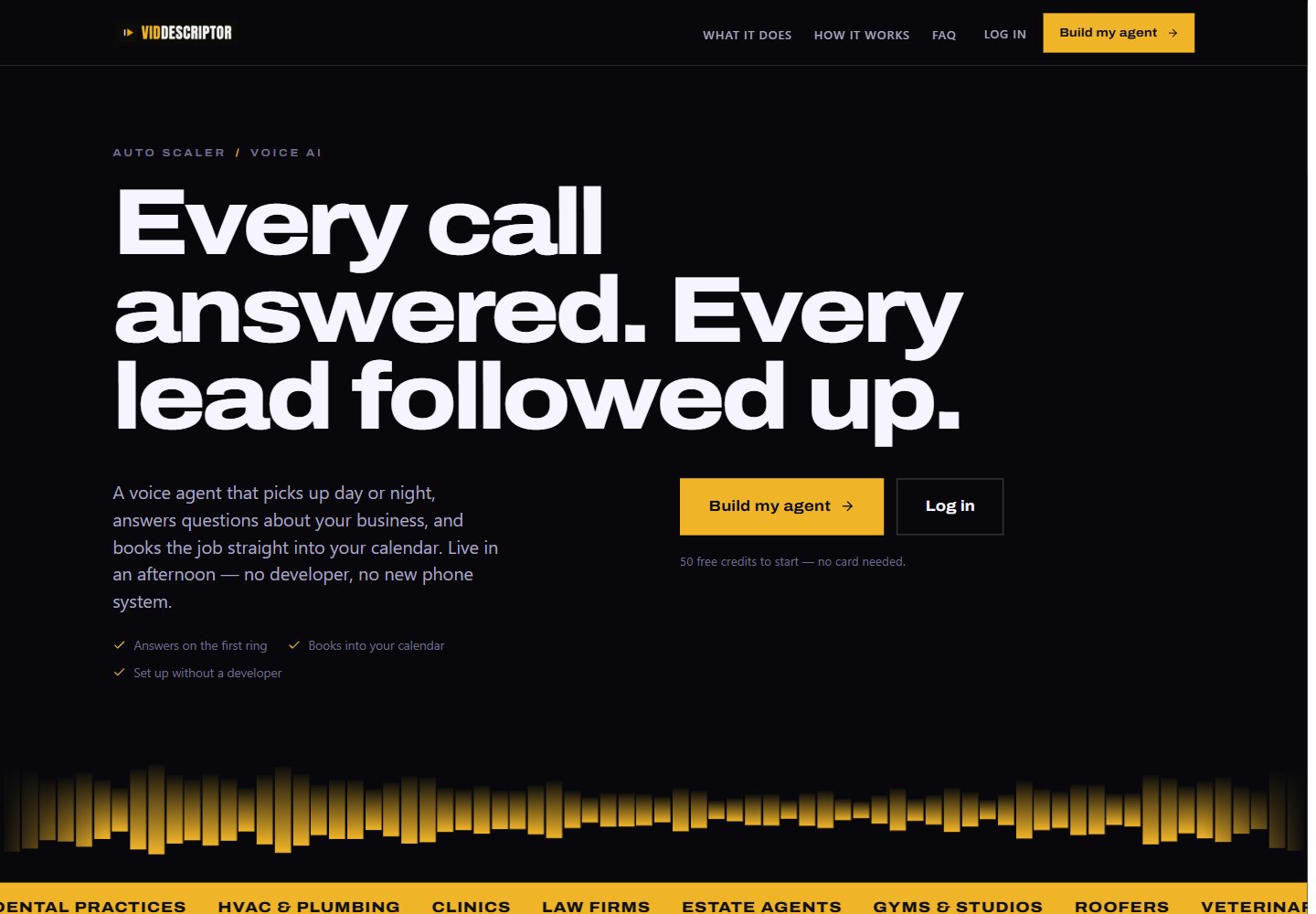
Make it available
- Open One-Click Experiences.
- Find Voice AI Platform.
- Select Enable if the experience is off.
- Use View Landing Page to review the branded page.
- Select Make default only if this should be the experience on your root domain.
Give a customer access
- Open Customers → Active Customers.
- Select Manage, then Features & Add-ons.
- Turn on AI Agents.
- Set Agent slots. A value of
0gives view-and-test access without self-service creation. - Save the customer changes.