Overview
Knotie AI Pro offers a Free Forever tier so you can explore the platform risk-free. Every new account starts on Free Forever and automatically receives a 7-day premium trial that unlocks all features — no auto-upgrade, no charge after the trial ends.Founding Partner seats
The Knotie homepage currently presents a limited Founding Partner offer with a live seat counter. Availability changes as people join, so check the homepage for the current number before signing up. The offer highlights early feature access, opportunities to share product feedback, premium support, and enhanced revenue sharing. These benefits are linked to signup while seats remain available.
Founding Partner availability and benefits can change. The live signup page is the source of truth.
7-day premium trial
When you sign up, you’re offered a 7-day trial of all premium features:
How the trial works:
- Sign up with your business name, email, and phone number — no card required upfront.
- After 7 days, your account automatically reverts to the Free Forever plan.
- There is no auto-upgrade and no charge unless you choose to upgrade.
Free Forever (after trial)
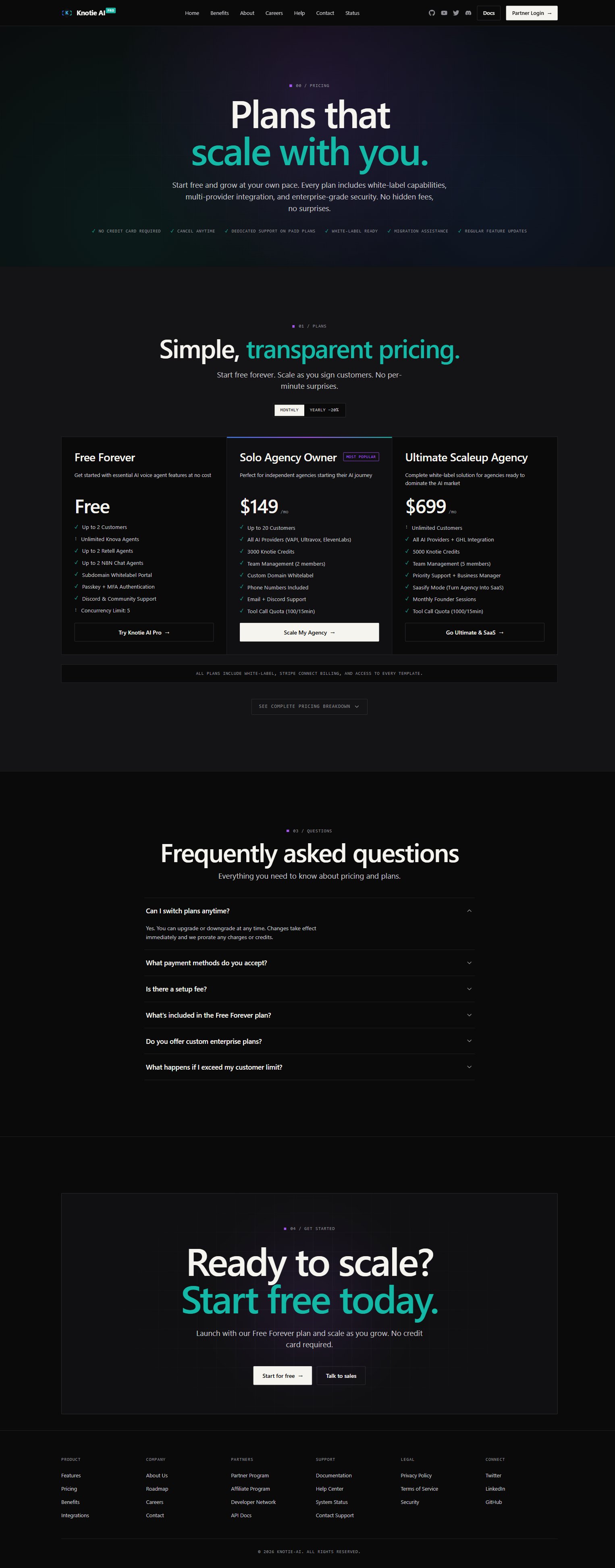
After the trial ends, you remain on the Free Forever plan with these limits: Customer & Agent Management- Up to 2 customers
- Unlimited Knova agents
- Up to 2 Retell agents (free tier)
- Up to 2 N8N chat agents
- Passkey + MFA authentication
- Subdomain whitelabel portal
- Basic or SaaS portal mode
- Concurrency limit: 5 (Knova)
Some add-ons, such as phone numbers, may incur separate charges even on the Free Forever plan.
Expanding your customer limit with Stages
If you need more than 2 customers but aren’t ready to move to a full paid plan, you can subscribe to a Stage — an optional monthly add-on that increases your customer slot count and can unlock additional agent types or One-Click Experiences. Stages are billed monthly through Stripe. You can subscribe, upgrade, or cancel at any time from Settings → Stage Subscriptions. See Stage subscriptions for full details.When to upgrade
Consider upgrading to a paid plan when you need:- More than 2 customers
- More than 2 Retell agents
- Premium provider integrations (VAPI, Ultravox, ElevenLabs, GHL)
- Custom domain whitelabel branding
- Team member access
- Higher concurrency limits and advanced scaling features
How to get started
- Visit knotie-ai.pro and click Start for free.
- Fill in your business name, email, and phone number.
- Click Create Account — no plan selection required.
- On the next screen, click Start 7-Day Free Trial and complete the Stripe card step.
- Log in to your Partner Portal and follow the onboarding checklist.