

Overview
Card verification protects Knotie AI Pro from automated bots and fraudulent signups. It happens after the initial signup modal — not as the first step. See the full How to sign up flow for the order of screens. As a bootstrapped SaaS without venture capital backing, we keep our pricing affordable by carefully managing costs. However, bot activity and fake accounts generate real expenses—from email delivery and phone number provisioning to server resources. By requiring card verification, we can prevent abuse while still maintaining our Free Forever plan for genuine users.What happens during verification
The signup flow is a two-step process:- Signup modal on the website (
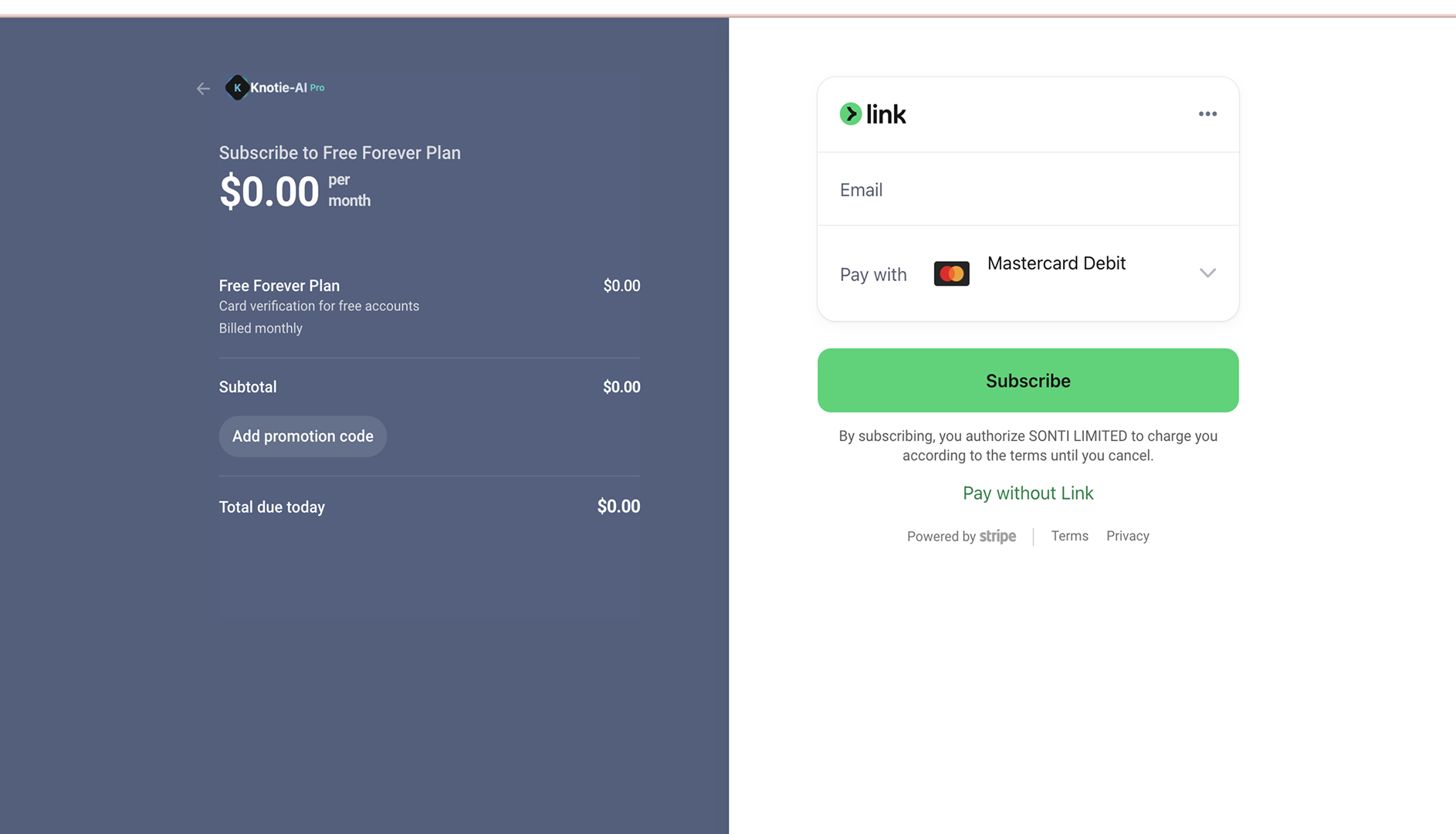
knotie-ai.pro): Business Name / Email / Phone / Coupon Code → click Create Account. - Stripe Checkout opens immediately after to collect a card for identity verification.
- You’ll add a payment method on a Stripe-hosted page.
- A small verification charge may appear temporarily.
- The charge is typically reversed automatically (timing depends on your bank).
- No charge is made today — verification is $0.
Why we do this
- Reduce automated abuse and spam accounts
- Protect platform reliability for real users
- Keep the Free Forever plan sustainable
Screenshots
Troubleshooting
- If verification fails, try a different card or contact your bank.
- Prepaid cards may be rejected by Stripe — use a debit or credit card.
- If the signup modal didn’t open first, see How to sign up for the full flow.