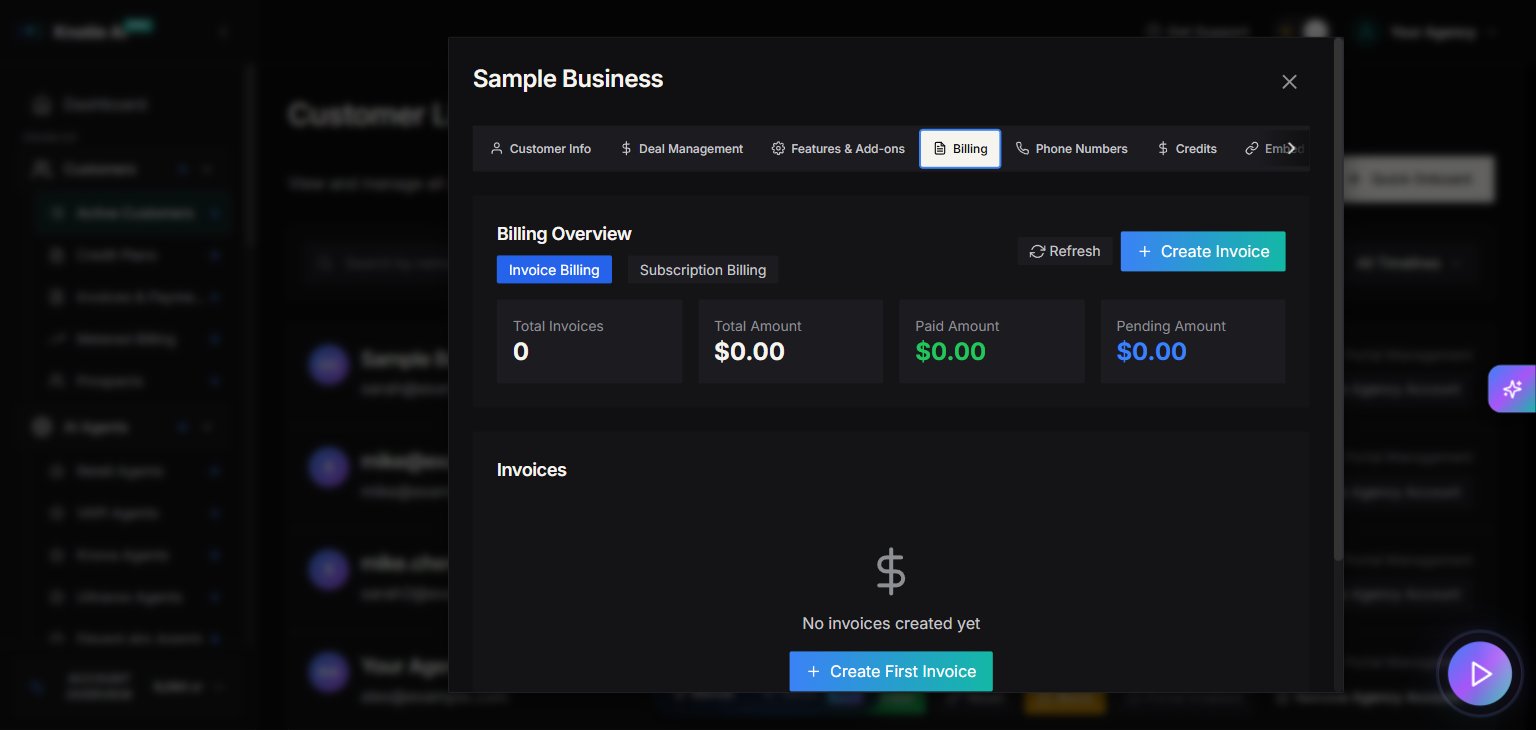
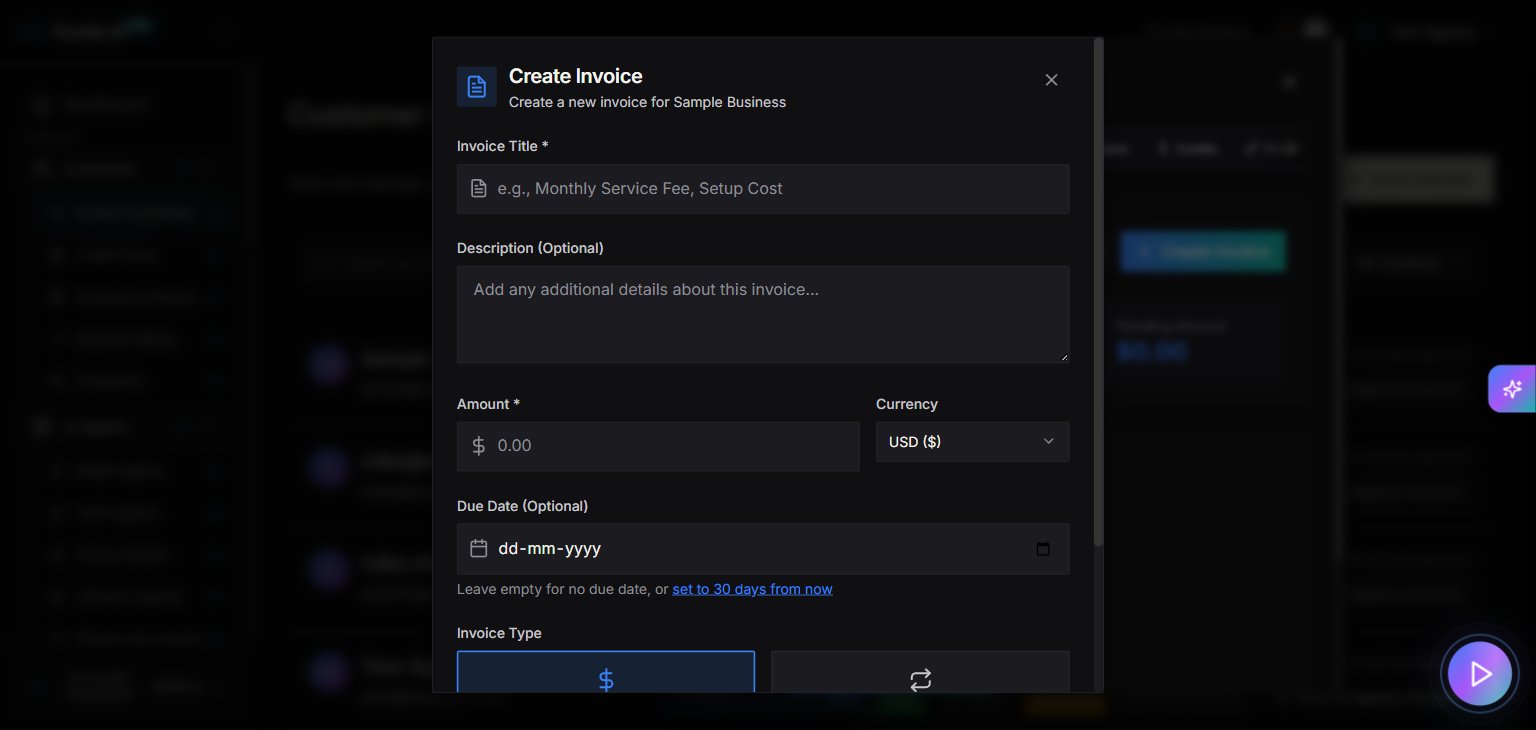
Where to find it
- Open Customers → Active Customers in the Partner Portal sidebar.
- Select a customer.
- Click Manage.
- Go to the Billing tab.
- Open Create Invoice.
Stripe Connect requirement
The customer Billing tab is only enabled if your agency has:- Stripe account connected
- Onboarding completed
- Charges enabled
- Stripe Connect Required
- A button: Setup Stripe Connect
What you can do
When billing is enabled, the customer modal loads a billing manager where you can:- Create invoices
- Track invoice status
Quick Buy credits
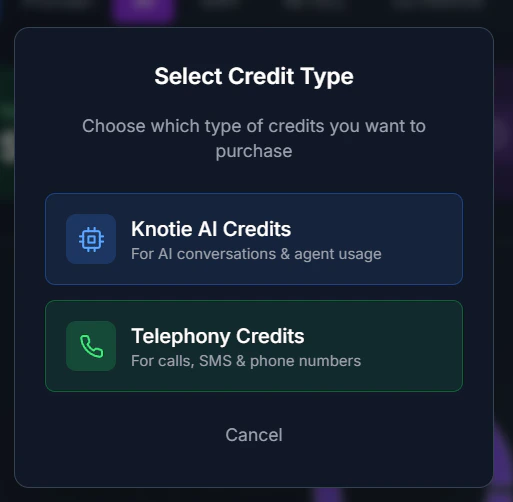
The Billing tab also includes a Quick Buy option for purchasing credits directly for the customer—without navigating to the main Credits page.How to use Quick Buy
- Open the customer’s Manage modal.
- Go to the Billing tab.
- Find the Quick Buy section.
- Select the credit type (Knotie Credits or Telephony Credits).
- Choose the amount.
- Complete the purchase.
When to use Quick Buy
- Urgent top-ups – Customer is running low on credits and needs immediate replenishment.
- One-off purchases – Adding credits for a specific campaign or project.
- Customer requests – When a customer asks you to add credits on their behalf.
Best practices
- Set up Stripe Connect first in Settings → Stripe Connect.
- Use Billing & Invoices for a full invoice list across all customers.
Screenshots