

Open the agent setup
- Open the VAPI Agents page in the Partner Portal.
- Click Create Agent.
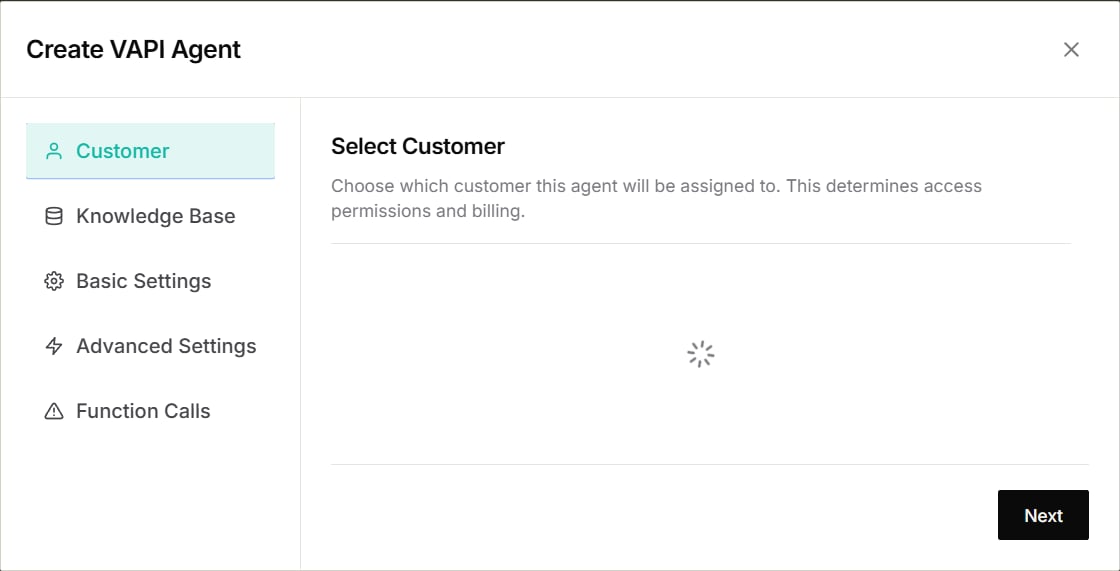
- Choose the customer who will own the agent, then click Next.
Complete the setup
The current setup includes five sections:- Customer — assign the agent to the correct customer.
- Knowledge Base — choose the information the agent can use.
- Basic Settings — add the agent’s name, voice, opening message, and instructions.
- Advanced Settings — fine-tune call behaviour only when needed.
- Function Calls — choose connected tools when available.