

What the Knova agent is
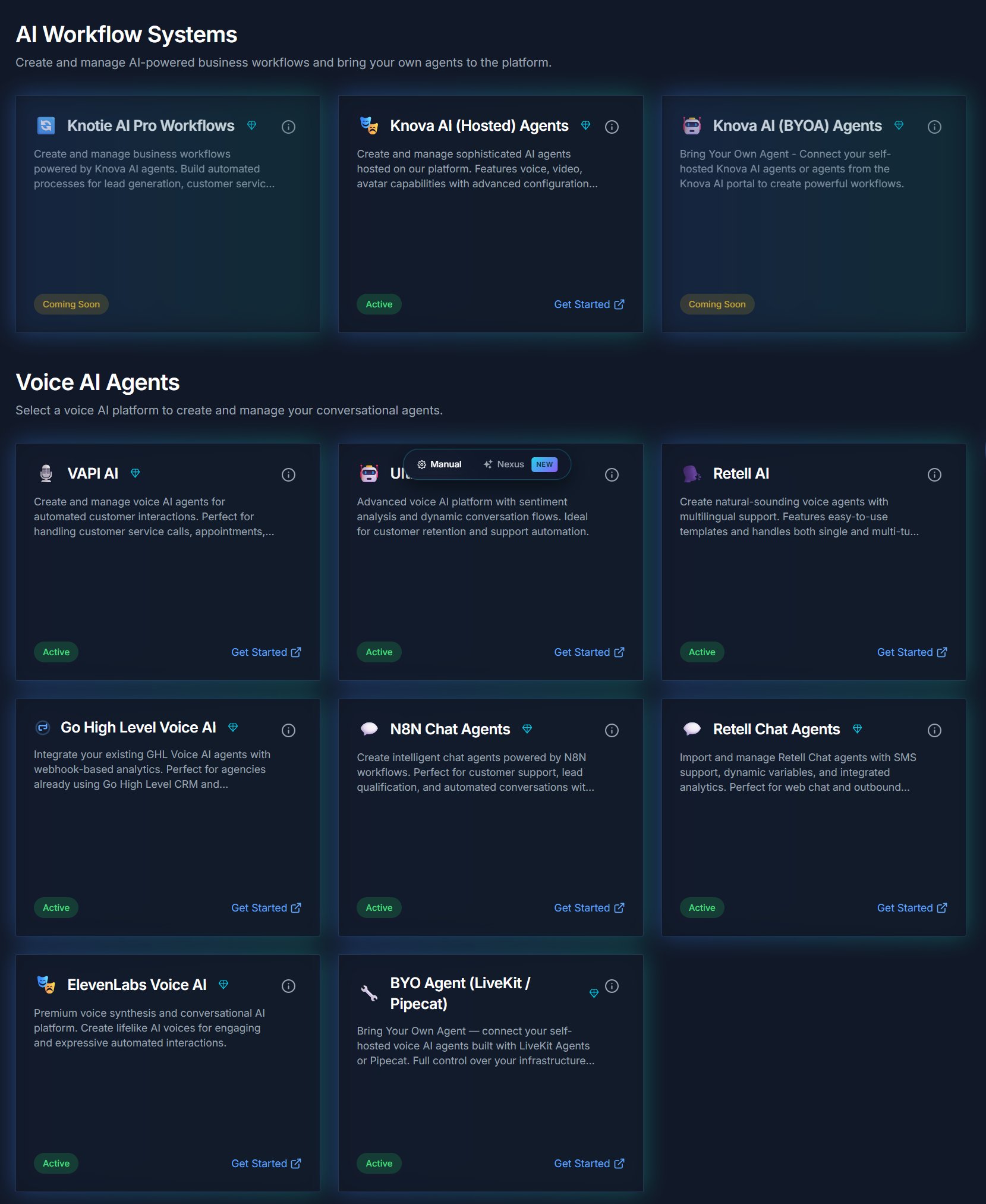
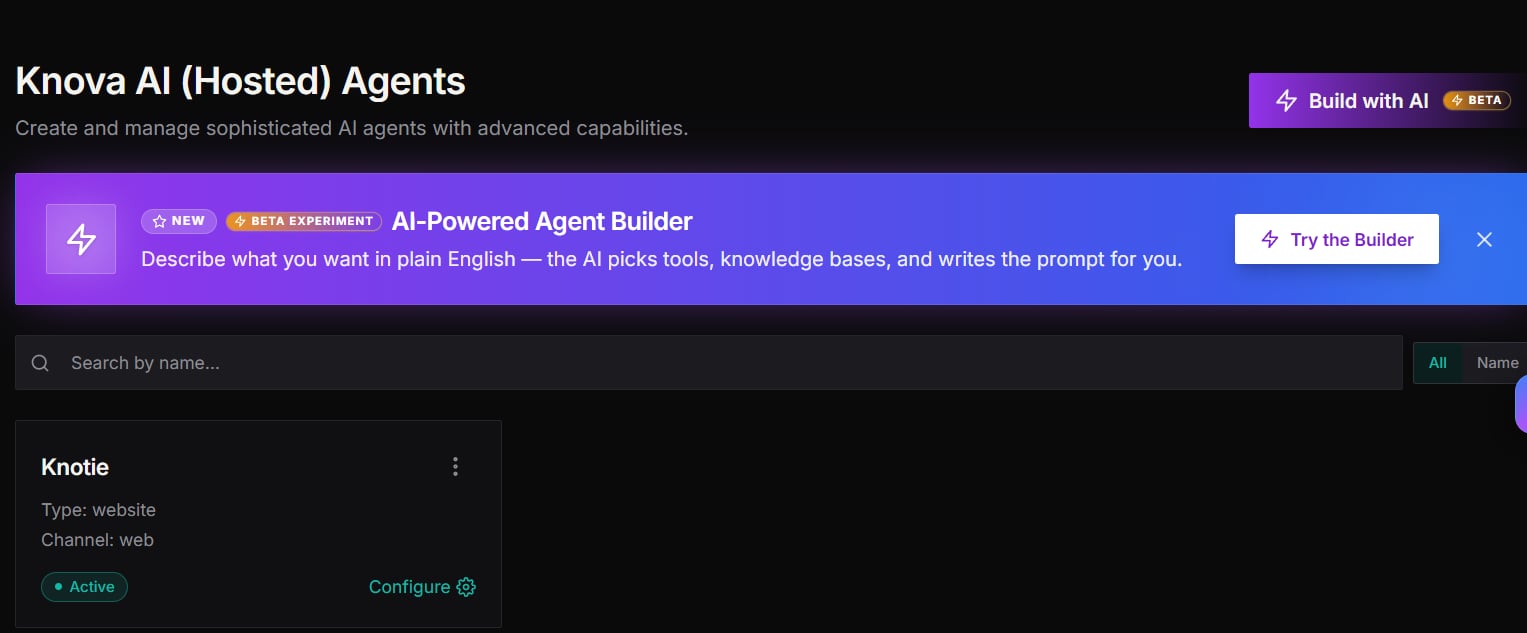
The Knova AI Receptionist is Knotie AI’s built-in voice agent. Unlike provider-imported agents (Retell, VAPI, Ultravox), Knova is deployed and managed entirely by the platform — you don’t need a third-party agent account. Knova answers inbound phone calls, fetches business context from your knowledge base, uses configurable tools (email, SMS, calendar), and routes or transfers callers as needed. Key capabilities:- Inbound voice calls handled by the platform’s built-in voice infrastructure
- Dynamic system prompt generated from your business profile
- 4 built-in tools: Email, Knowledge Base, SMS, DateTime
- Call transfer — hand a caller to a human while preserving the original caller’s number where the carrier allows
- Reliable AI backbone — the agent automatically falls back across multiple AI providers so a single provider outage doesn’t drop calls
- Automatic credit protection — if a customer’s credits reach zero, the agent stops answering so no further charges are incurred
How call routing works
Every phone number provisioned through auto-deploy or manual setup routes inbound calls to your Knova agent automatically — you don’t configure anything by hand. The platform pre-provisions the routing in the background when you assign a Knova agent to a number, so your first call connects immediately without a setup delay. If a customer’s credit balance reaches zero, the platform automatically pauses that number so no further charges are incurred, and re-enables it once credits are topped up.Call transfer
When a caller asks to speak to a human, Knova transfers the call to the number you’ve configured.The human’s phone shows your business number as the caller ID, not the customer’s number. This is a carrier requirement — carriers only allow a caller ID that your telephony account owns or has verified.
Prerequisites
Before enabling Knova for production:- A voice-capable phone number — either imported from your own Twilio or Telnyx account, or provisioned on the shared Knotie trunk by support.
- The number assigned to your Knova agent (see Manage Knova agents).
- Enough Knotie Credits on the customer’s account for calls to connect.
If you don’t have your own Twilio or Telnyx account, contact support to confirm the shared Knotie trunk is set up for you. Calls via the shared trunk deduct both AI credits and telephony credits.
Credit protection
Knova checks the customer’s credit balance at the start of every call. If the balance is zero:- The agent does not engage — no AI minutes are consumed.
- The phone number is automatically paused so future calls to that number don’t incur charges.
Auto-deploy integration
When a prospect completes the SaaS onboarding flow, the platform automatically:- Purchases a phone number
- Creates a Knova agent (building the system prompt from the business profile and configuring tools)
- Assigns the number to the agent
Troubleshooting
- Calls go to voicemail / not reaching the agent
- Confirm the number is assigned to your Knova agent in the portal.
- Check the customer’s credit balance — a number is paused automatically when credits hit zero.
- Call transfer fails
- Confirm you’ve set a valid transfer number on the agent.
- Confirm the destination number is reachable.
- Agent not answering after setup
- Assignment can take a moment to take effect — wait 30 seconds and call again.
- If it persists, contact support.
Related pages
- Manage Knova agents — Create, configure, and edit Knova agents
- Knova Outbound Calling — Place outbound calls through your Knova agent
- Try Knova agent in browser — Test your agent with your microphone