

Overview
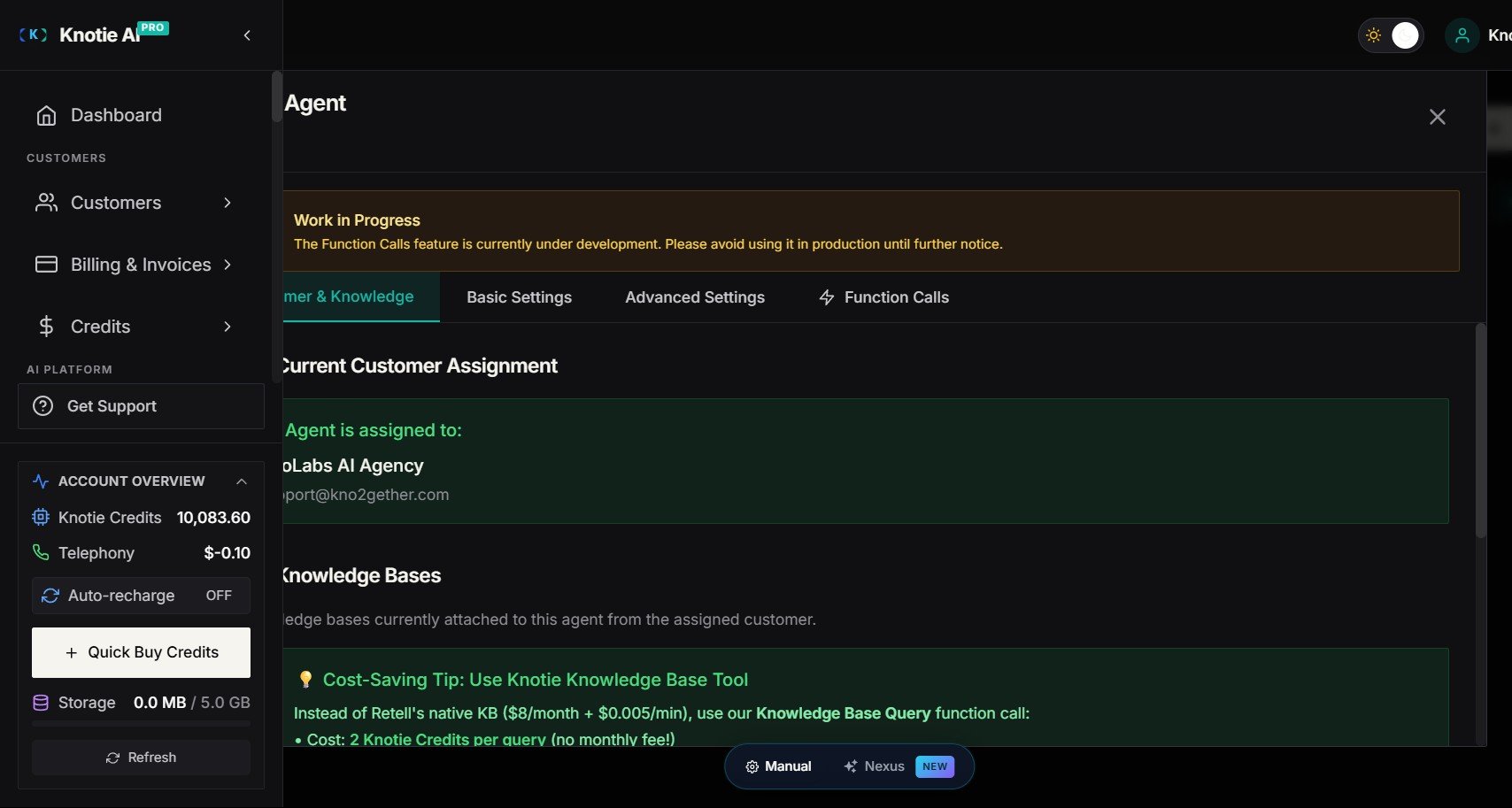
When you create or update a Retell or VAPI voice agent and assign it to a customer, Knotie AI Pro automatically wires in a live MCP (Model Context Protocol) server for that customer’s connected apps. This means:- Any app the customer connects in their portal (Gmail, Slack, HubSpot, Google Calendar, etc.) becomes available to the voice agent immediately — even apps connected after the agent was built.
- You do not need to rebuild or re-import the agent when the customer connects a new app.
- Tool availability is resolved dynamically at call time.
Prerequisites
How it works
When an agent is created or updated with a customer assigned:- Knotie AI Pro creates an MCP token for that customer and attaches it to the agent automatically — for both Retell and VAPI, with no manual wiring on your part.
- Tools for the apps the customer has connected at that moment are added to the agent by name, so the agent always knows they’re available.
- During a call, the agent can also find apps the customer connected after the agent was saved — no rebuild needed.
What tools are served via MCP vs. static webhooks
Not all tool types switch to MCP. The table below explains the routing:Supported voice providers
Token management
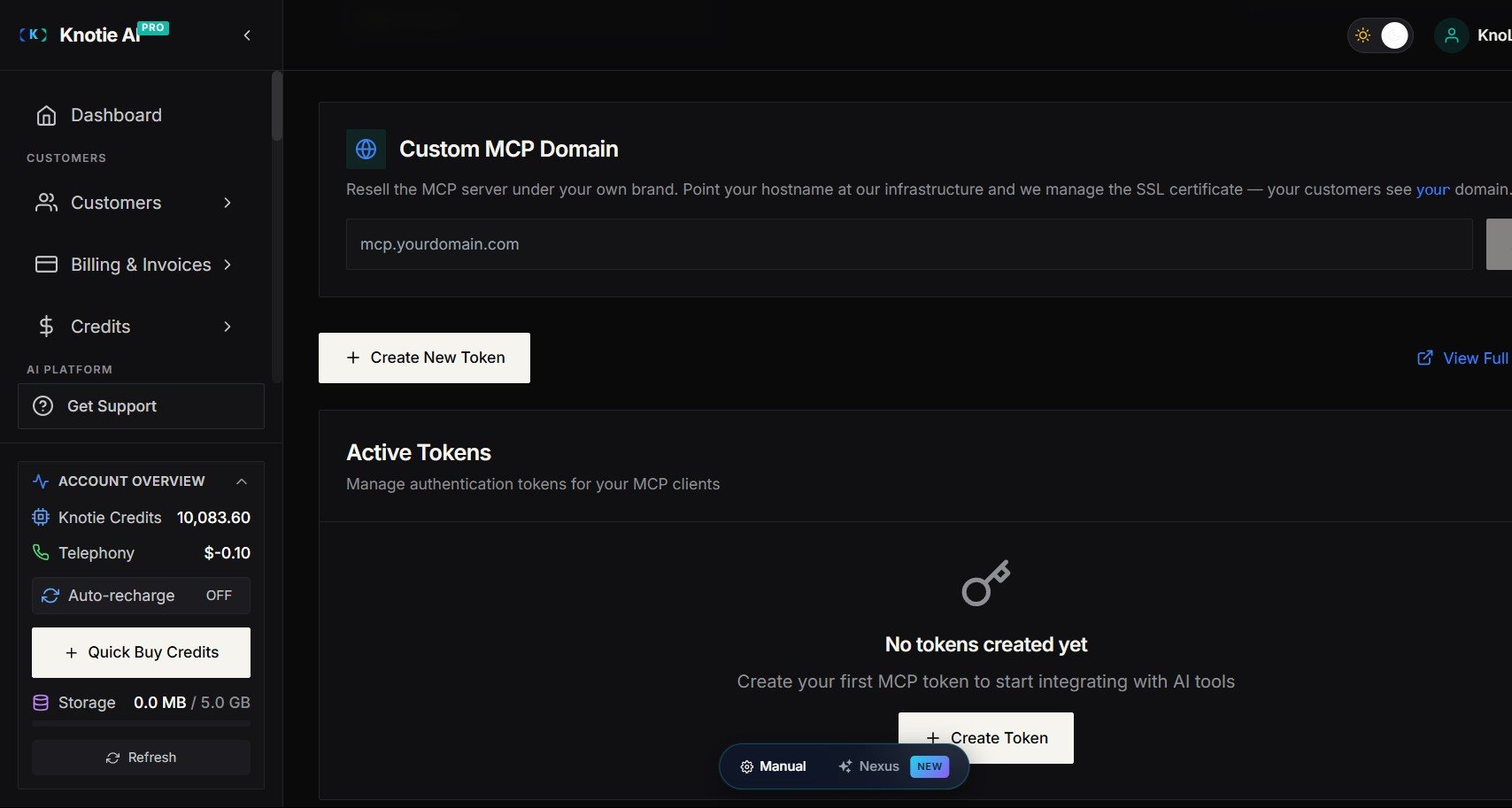
- Each agent create/update operation mints a fresh MCP token with a 1-year lifetime.
- When an agent is updated, the prior MCP token for that agent is deactivated automatically — stale tokens do not accumulate.
- Tokens are stored as a secure hash only — the plaintext token is never stored.
- You can view and revoke active MCP tokens under Settings → API Keys → MCP Tokens.
Troubleshooting
The voice agent can’t use my customer’s connected apps- Confirm the integration gateway is configured. Check with support if unsure.
- Confirm the agent is assigned to the correct customer.
- Rebuild the agent (trigger an update) — this re-mints the MCP token and re-attaches the MCP server.
- Confirm the customer has connected the relevant app in their portal under Integrations.