Overview
Knotie AI Pro includes a dedicated Tutorial Videos page inside the Partner Portal, as well as a floating help button on every page for quick, context-specific guidance.Tutorial Videos page
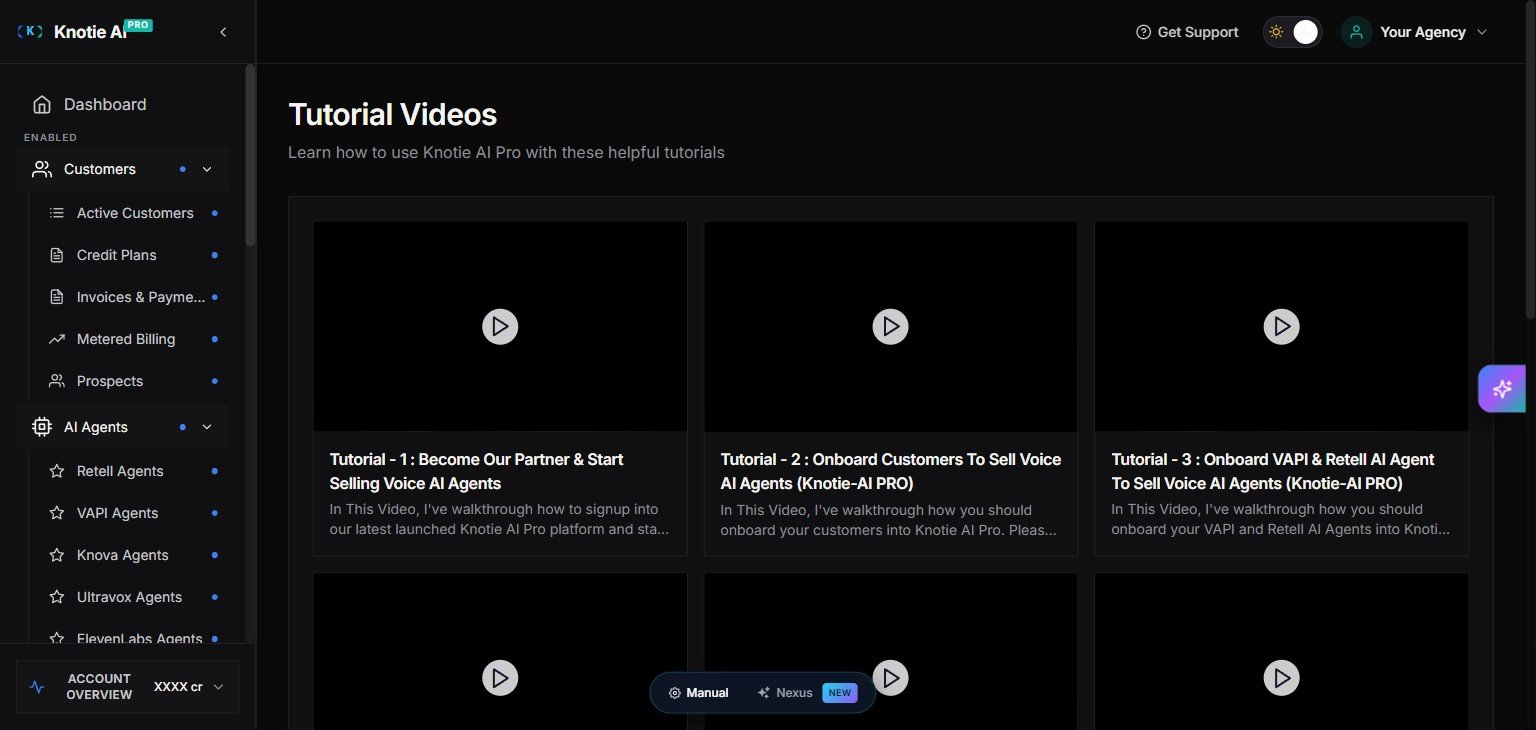
Go to Tutorials in the sidebar to open the full video library. You’ll find walkthroughs covering:- Getting started and platform overview
- Onboarding customers to sell Voice AI agents
- Importing and configuring VAPI and Retell agents
- And more — new videos are added regularly
Floating help button
On most pages, you’ll see a purple floating button in the bottom-right corner of the screen. Clicking it opens a short video guide for the page you’re currently on — useful when you’re mid-task and need a quick reference without leaving the page.Tips
- Some pages may not have a video assigned yet — the button won’t appear on those pages.
- You need to be logged in to the Partner Portal for the button to appear.
Screenshots