Many agencies and operators purchase phone numbers inside Retell.Historically, outbound setups required importing numbers directly from providers like Twilio/Telnyx, which created friction.Knotie now supports Retell phone number import, enabling:
Use of Retell-managed numbers in Knotie
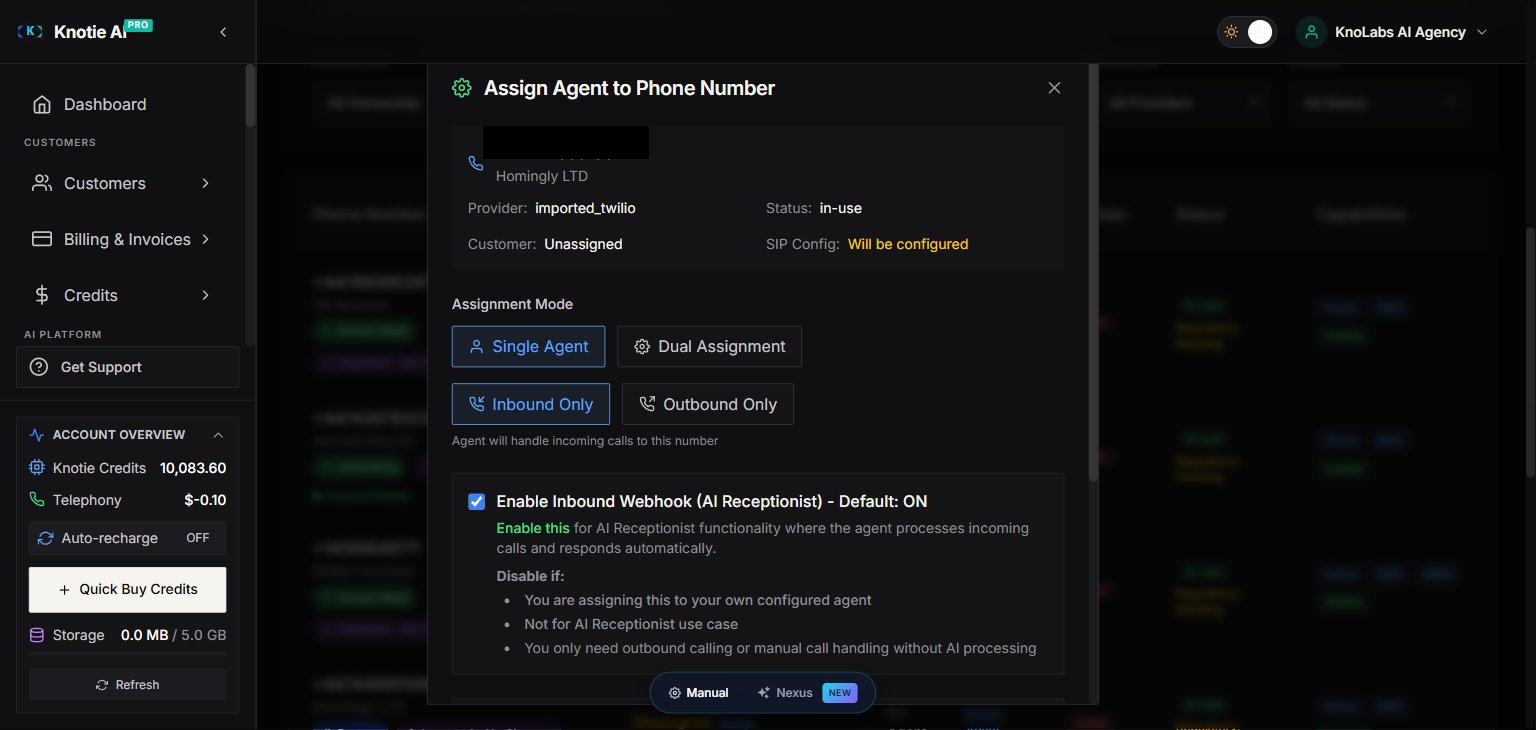
Customer assignment + credit tracking in Knotie
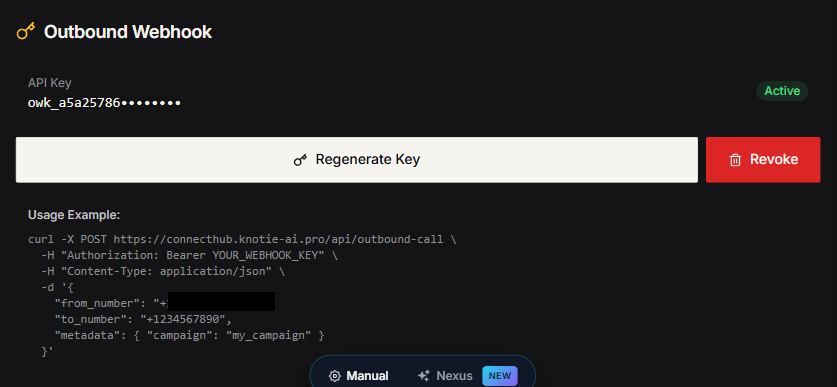
Outbound dialing from external systems (GHL, forms, custom webhooks)
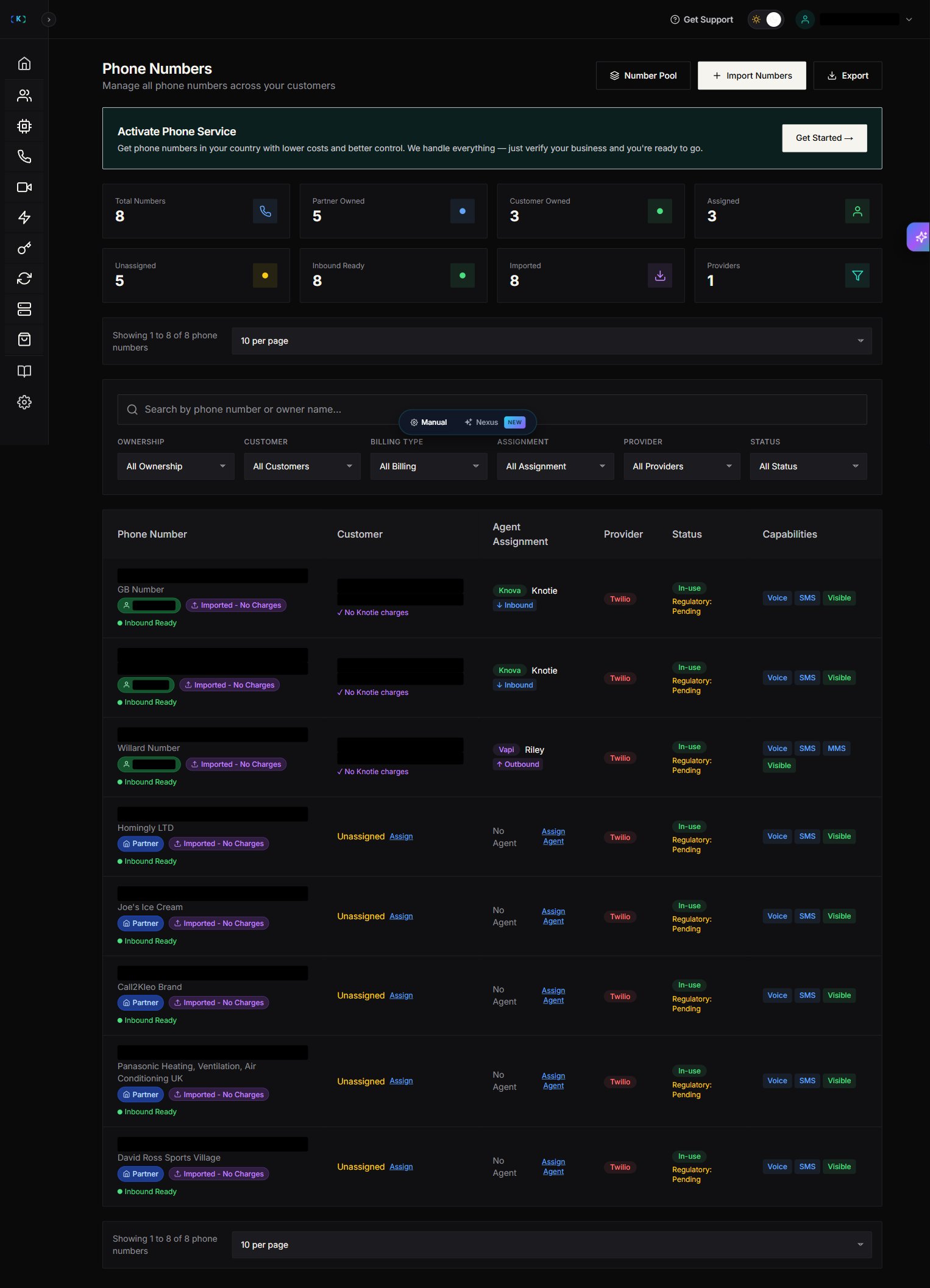
If your account has no phone numbers yet, the Phone Numbers page shows an empty state with a “Get Started →” button.
Do NOT click “Get Started →” if you want to import existing Retell numbers. That button opens the “Activate Phone Service” wizard (3-step: Business Info → Documents → Review) for purchasing new numbers directly from Knotie’s telephony partner.The actual import flow is via the Import Numbers button in the page toolbar (top-right, next to “Number Pool” and “Export”).
In the Import Phone Numbers modal, choose Retell under the Agent Provider Numbers section
The Retell card shows a “Provider Locked” badge (the exact wording may differ slightly in your portal). It means numbers imported from Retell are scoped to Retell agents in the same Retell account and cannot be re-routed to other providers.
Click Next
Enter your Retell API Key (key_...)
Helper text: “Your Retell API Key (found in Retell Dashboard → Settings → API Keys)”
A notice panel states: “Credentials Saved Automatically — Your credentials will be securely encrypted and saved for future imports and managing your voice AI agents.”
Click Validate & Load Numbers
Select one or more numbers to import
Tip: Once you enter a Retell API key, it is saved permanently for future imports and agent management.
The live UI shows Premium Feature badges on most voice-agent provider entries (VAPI / Ultravox / ElevenLabs / GHL, plus N8N Chat Agents, N8N Automation, N8N Tokens, Agent Migration). Retell and Knova badges can vary by partner tier — check the live sidebar for the current state on your account.
ℹ️ The full webhook payload structure is shown in the JSON example in Step 5 above. Use the from_number (your imported Retell number) and to_number (the lead’s number), plus an Authorization: Bearer owk_... header.