> ## Documentation Index
> Fetch the complete documentation index at: https://docs.knotie-ai.pro/llms.txt
> Use this file to discover all available pages before exploring further.
# Team management
> Invite team members, understand plan limits, and manage access in the Partner Portal.
## What Team Management is for
**Team Management** lets you add teammates so they can help you onboard customers, manage agents, and support your agency.
## Where to find it
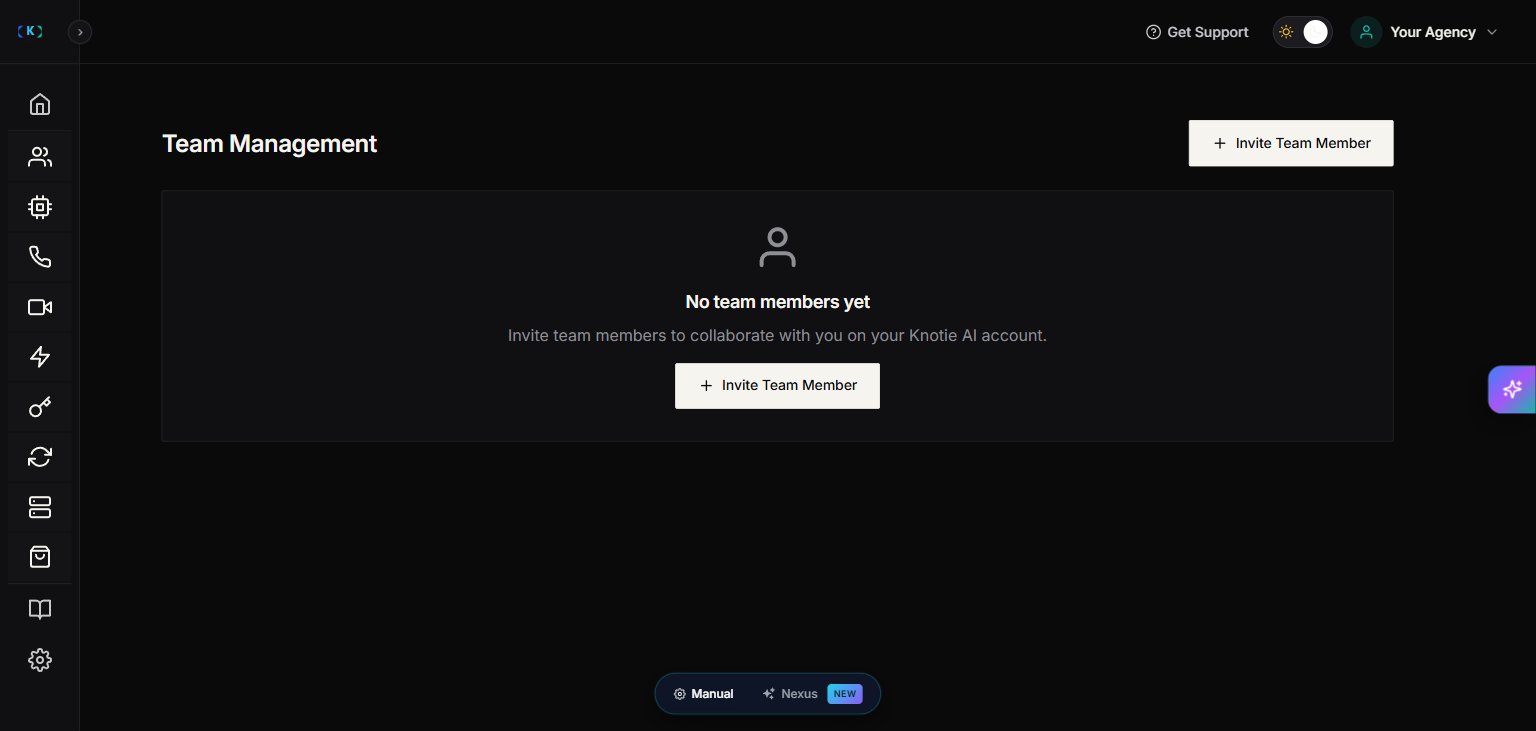
In the Partner Portal sidebar, open **Team Management** under the **ACCOUNT** section.
Team Management is a **Premium Feature**. Free Forever partners may see an upgrade prompt instead of the invite flow.
## Invite a team member
1. Go to **Team Management**.
2. Click **Invite Team Member**.
3. Enter:
* Name
* Email
* Role — choose **Member** or **Admin**
4. Click **Send Invitation**.
After inviting, the teammate should appear in the list.
> **Roles:**
>
> * **Member** — standard team access. Can perform day-to-day customer management tasks scoped by the permissions the partner owner has granted.
> * **Admin** — elevated permissions. Can manage team membership, billing, and settings in addition to Member-level actions.
Seeing the Team Management page also depends on having the **Manage Team** permission — not just being on a paid plan. If you're on a paid plan but still can't see the page, ask the account owner to grant you the Manage Team permission.
## Team member limits
Plans may limit how many team members you can add.
If you hit your limit, the portal will show a message telling you to upgrade to add more.
## Remove a team member
1. Find the teammate in the list.
2. Click **Remove**.
3. Confirm.
Tip: Remove access immediately if a contractor leaves your team.
## Troubleshooting
* **I don’t see Team Management**
* You may be logged in as a team member without the **Manage Team** permission — even on a paid plan.
* Ask the account owner to grant access or upgrade the member to Admin.
* Your plan may not include the Premium Feature.
## Screenshots