> ## Documentation Index
> Fetch the complete documentation index at: https://docs.knotie-ai.pro/llms.txt
> Use this file to discover all available pages before exploring further.
# Create with Media Studio
> Create images and short videos from your branded customer portal.
## What you can create
Media Studio offers guided recipes for business images, ads, social posts, films, avatars, and product content. Each recipe shows an estimated credit cost before you begin.
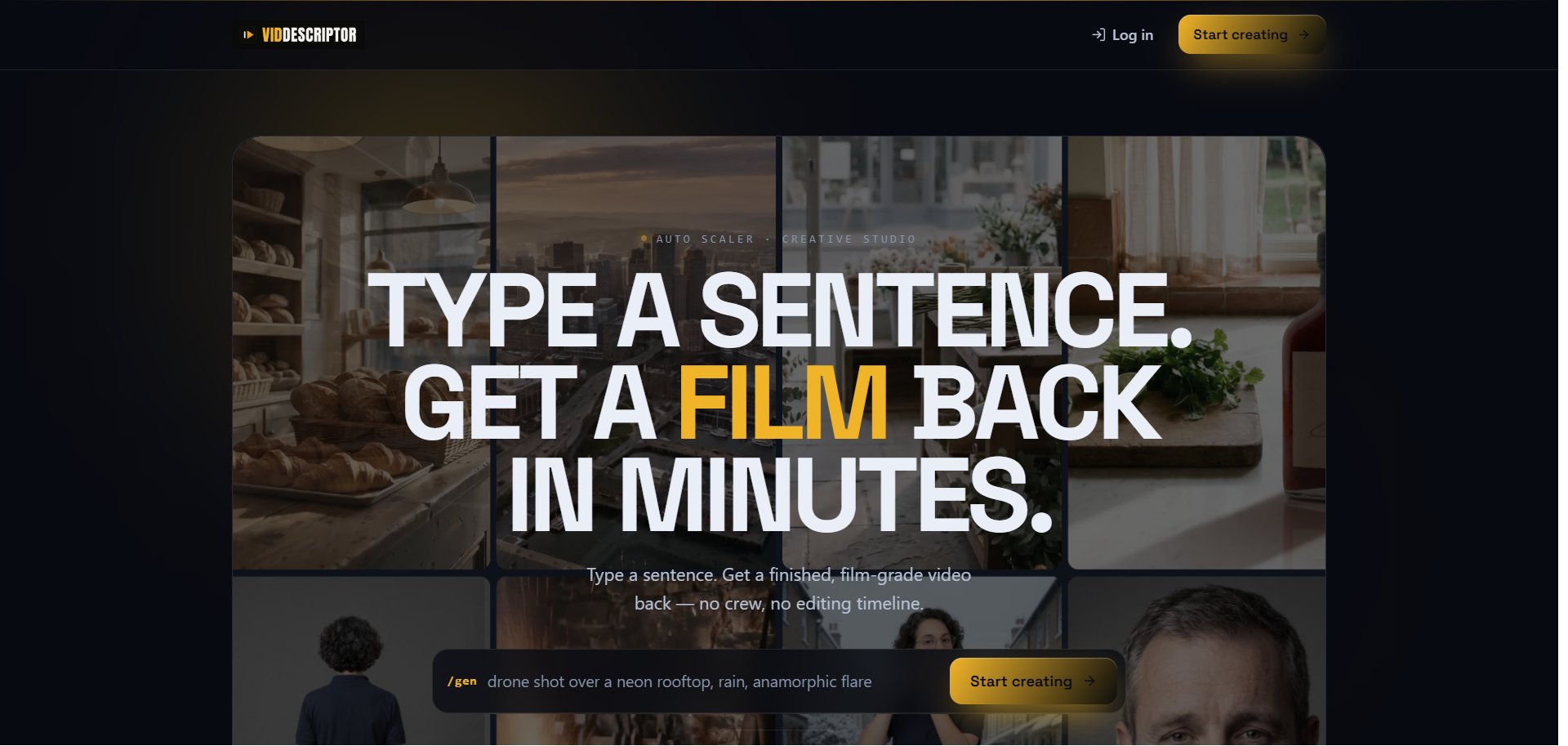 ## Start a creation
1. Open **Media Studio** from your portal, or click **Start creating** on the public studio page.
2. Log in if prompted.
3. Choose a recipe or describe what you want in plain language.
4. Choose the available style and format options.
5. Review the credit quote, then start the generation.
When the result is ready, use the available actions to download it, copy its link, or send it to a supported social channel.
Credit amounts shown on the public page are estimates. Check the quote shown immediately before you create.
## If you cannot open Media Studio
Ask your provider to confirm that Media Studio is enabled for both the portal and your account. The feature is Experimental and may change while it is being improved.
## Start a creation
1. Open **Media Studio** from your portal, or click **Start creating** on the public studio page.
2. Log in if prompted.
3. Choose a recipe or describe what you want in plain language.
4. Choose the available style and format options.
5. Review the credit quote, then start the generation.
When the result is ready, use the available actions to download it, copy its link, or send it to a supported social channel.
Credit amounts shown on the public page are estimates. Check the quote shown immediately before you create.
## If you cannot open Media Studio
Ask your provider to confirm that Media Studio is enabled for both the portal and your account. The feature is Experimental and may change while it is being improved.