> ## Documentation Index
> Fetch the complete documentation index at: https://docs.knotie-ai.pro/llms.txt
> Use this file to discover all available pages before exploring further.
# Media Studio Storyboard
> Plan a multi-scene film inside a Media Studio project.
## Overview
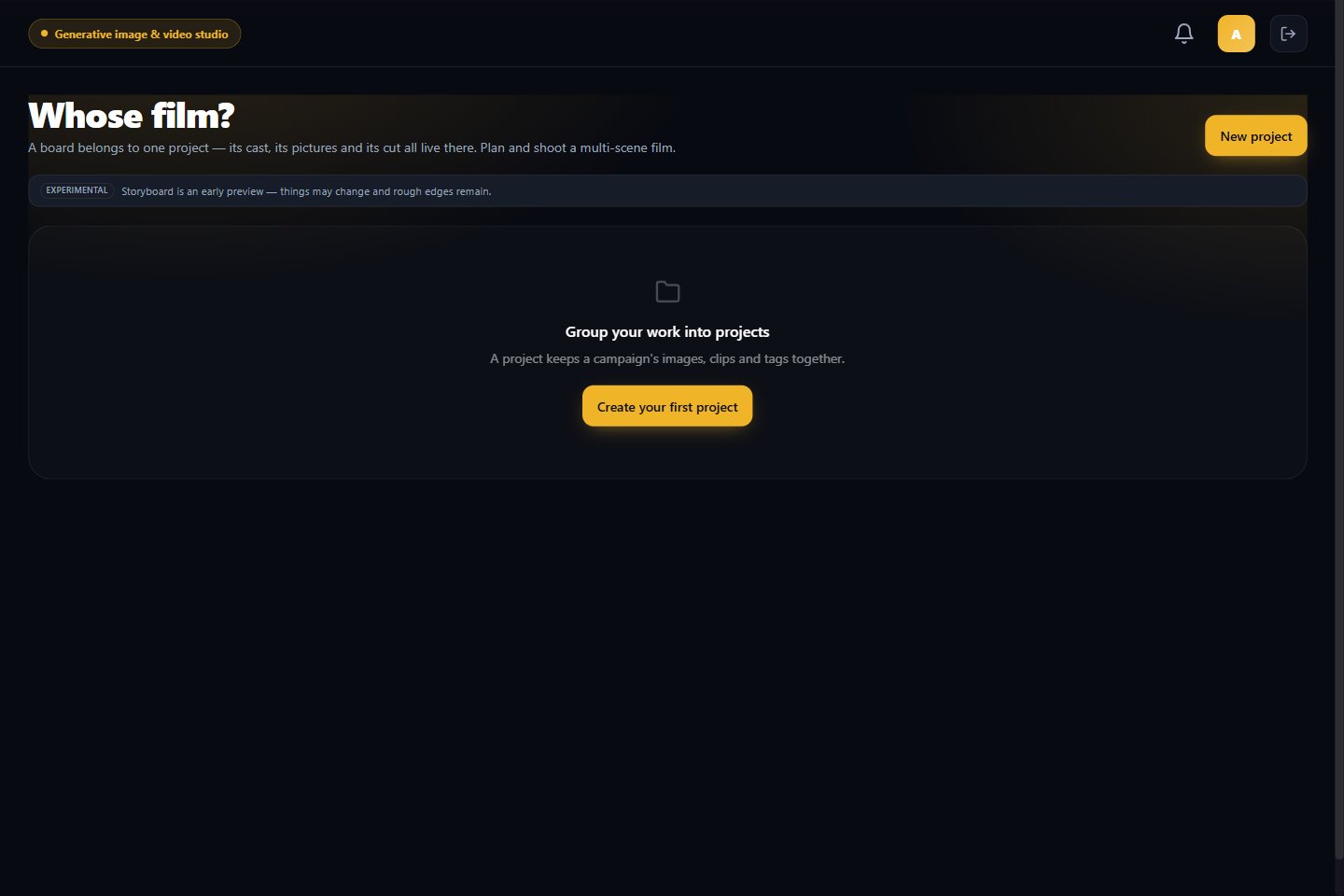
Storyboard is an **Experimental** Media Studio workspace for planning and producing a multi-scene film. A board belongs to one project so its cast, images, and final cut stay together.
 ## Start a board
1. Open **Media Studio → Storyboard**.
2. Choose the project for the film, or select **New project**.
3. Continue with the planning options shown for that project.
4. Review any credit quote before starting a generation.
Storyboard is an early preview. Its layout and available actions may change.
## Related pages
* [Create with Media Studio](/customer-management/media-studio)
* [Media Studio projects](/customer-management/media-studio-projects)
## Start a board
1. Open **Media Studio → Storyboard**.
2. Choose the project for the film, or select **New project**.
3. Continue with the planning options shown for that project.
4. Review any credit quote before starting a generation.
Storyboard is an early preview. Its layout and available actions may change.
## Related pages
* [Create with Media Studio](/customer-management/media-studio)
* [Media Studio projects](/customer-management/media-studio-projects)