> ## Documentation Index
> Fetch the complete documentation index at: https://docs.knotie-ai.pro/llms.txt
> Use this file to discover all available pages before exploring further.
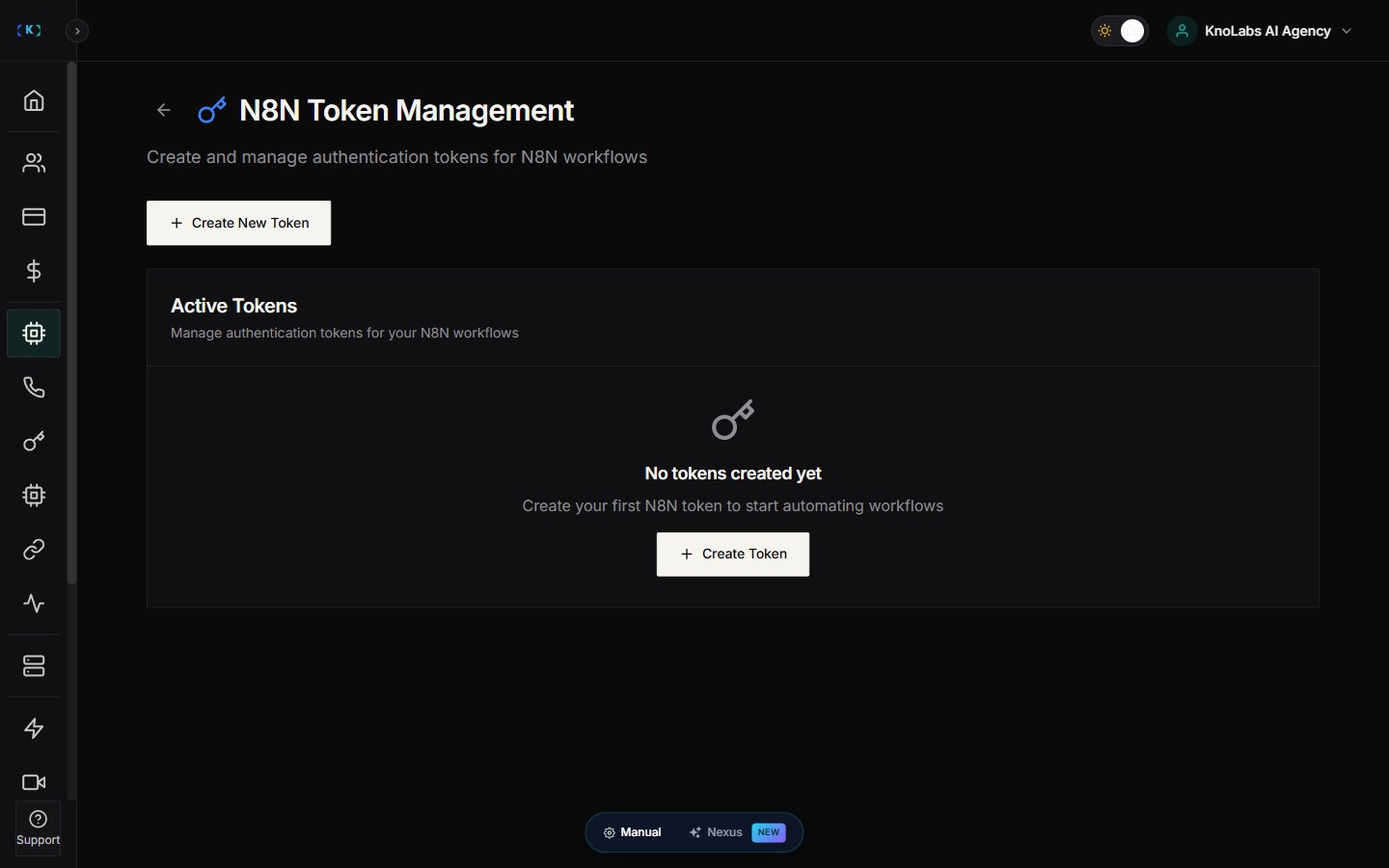
# N8N token management
> Create and manage authentication tokens for customer-scoped N8N workflows.
## What N8N tokens are
N8N tokens are secure credentials that let an N8N workflow access a customer’s tools through Knotie AI.
They help you:
* Keep access scoped to the right customer
* Control what tools a workflow can call
* Set expiry and usage limits
## Where to find it
1. Open **AI Agents** (in the main sidebar).
2. Expand the **Automation & Tokens** sub-group.
3. Click **N8N Tokens**.
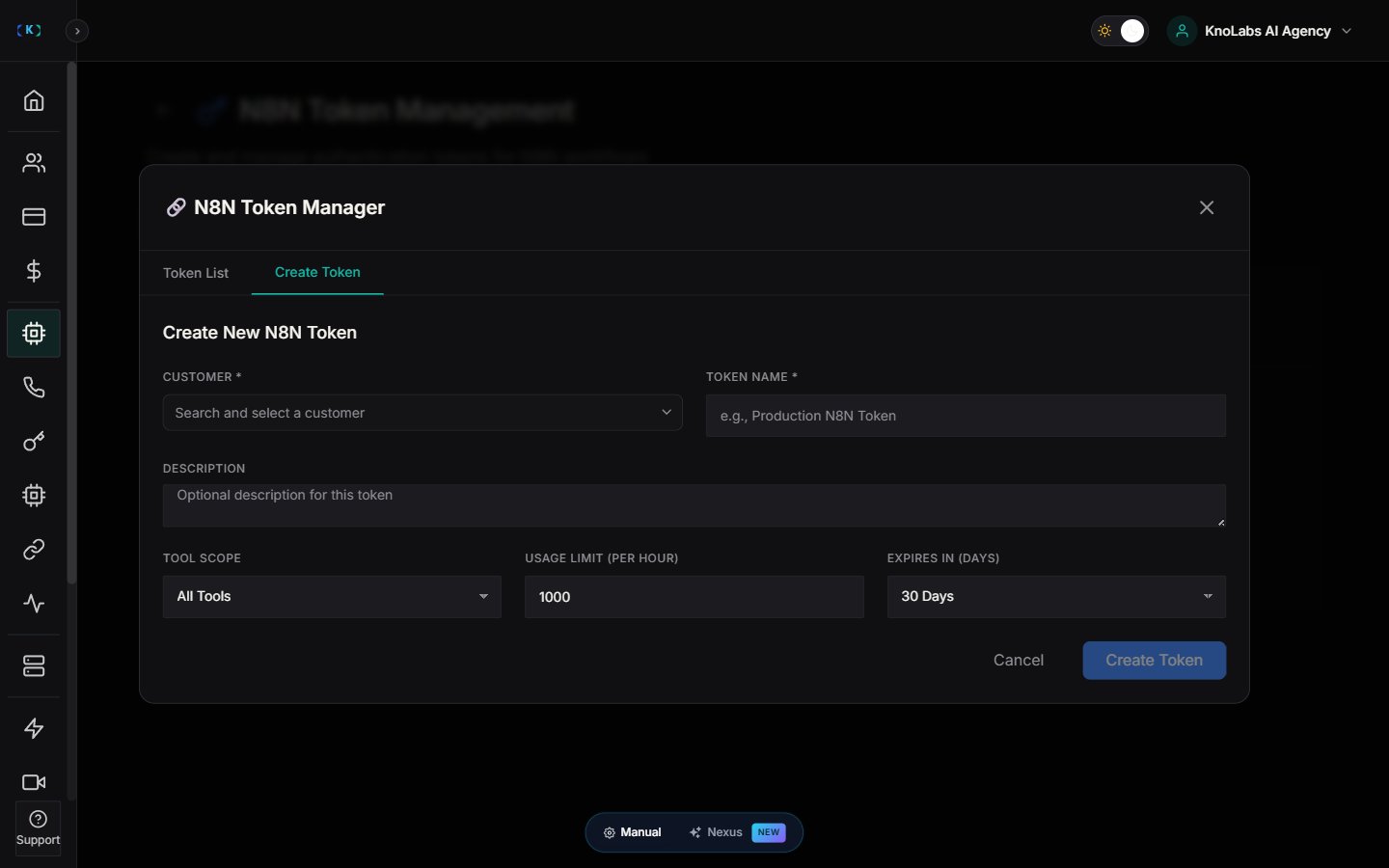
## Create a new token
1. Click **Create New Token**.
2. Choose the customer.
3. Choose scope:
* **All Tools**, or
* A set of specific tools
4. Set:
* Expiry date
* Usage limit
5. Save.
## Understand token fields
You’ll see fields like:
* **Customer**
* **Scope**
* **Expires**
* **Active/Inactive**
## Best practices
* Use short expiries for contractors.
* Use limited scope for production workflows.
## Screenshots