> ## Documentation Index
> Fetch the complete documentation index at: https://docs.knotie-ai.pro/llms.txt
> Use this file to discover all available pages before exploring further.
# N8N chat agents
> Create chat agents powered by N8N workflows and embed them as widgets for customers.
## What N8N Chat Agents are
N8N Chat Agents let you create a chat assistant that runs on an N8N workflow.
Use cases:
* Website chat support
* Lead qualification
* FAQ + routing
## Where to find it
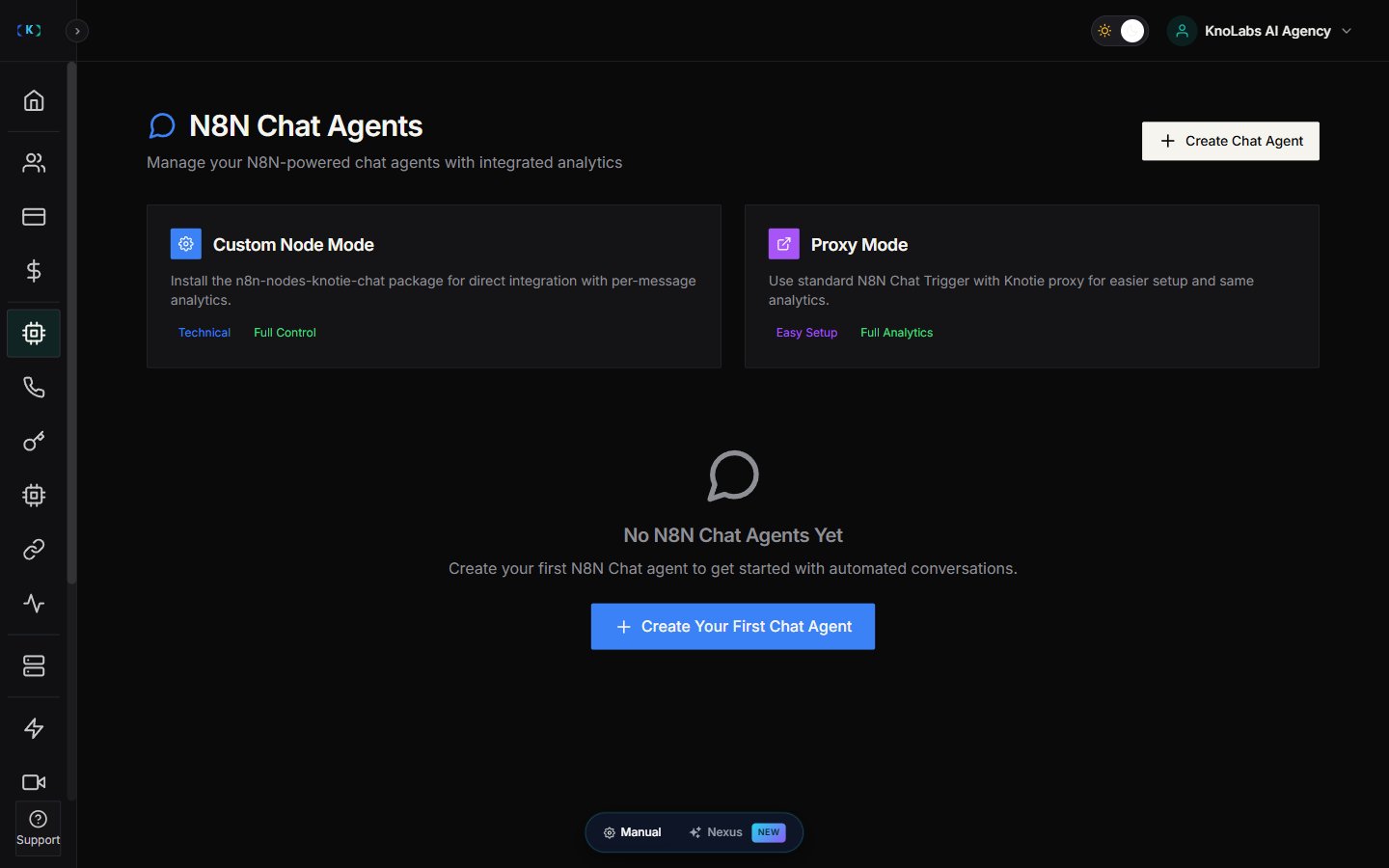
1. Open **AI Agents** (in the main sidebar).
2. Expand the **Chat Agents** sub-group.
3. Click the **N8N Chat Agents** card.
## Create a chat agent
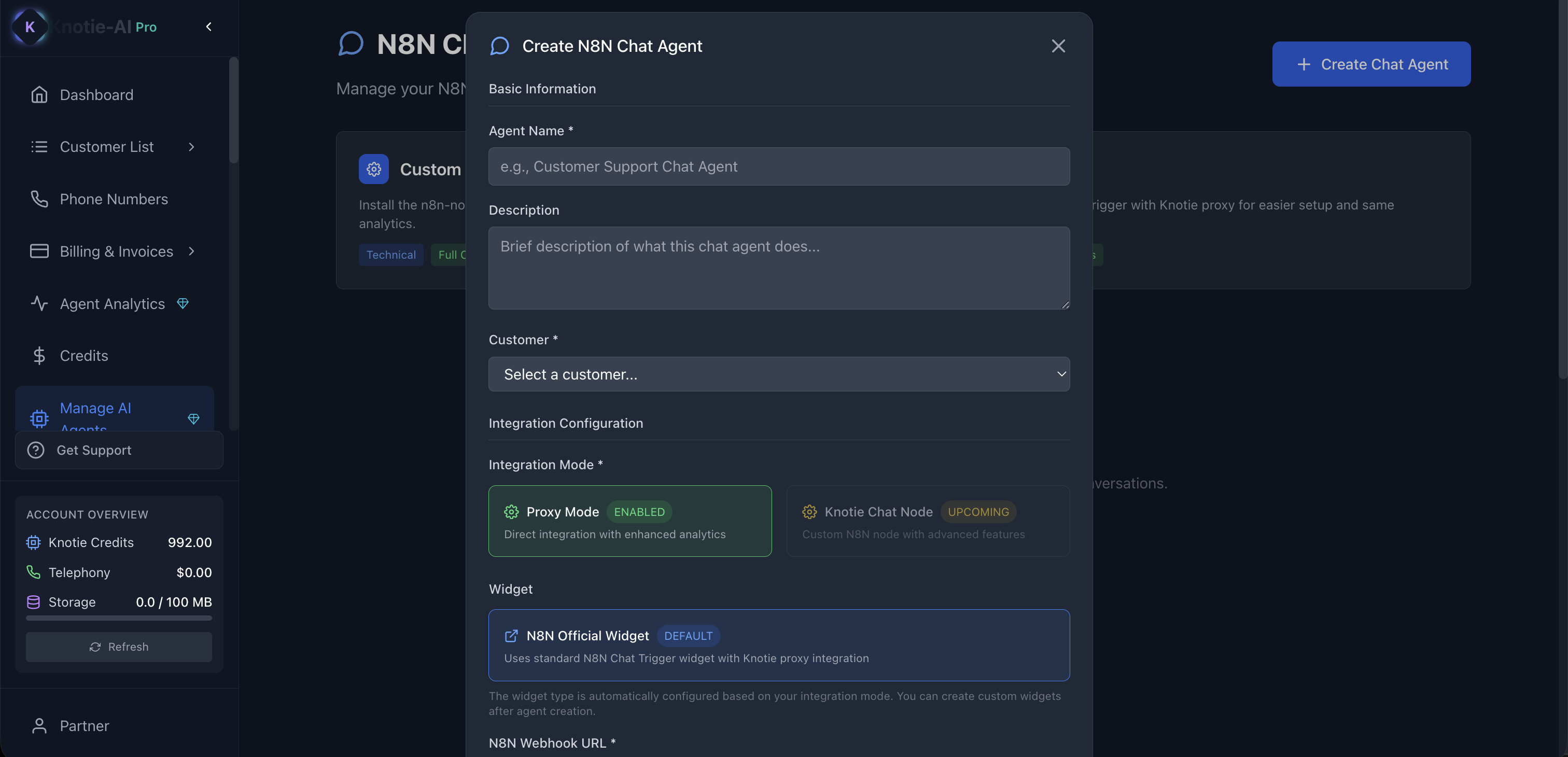
1. Click **Create Chat Agent** (the create button on the page).
2. Fill in **Agent Name** and (optionally) a **Description**.
3. Choose the **Customer** (required).
4. Pick an **Integration Mode**. The modal currently offers two:
* **Proxy Mode** — labelled **ENABLED**; "Direct integration with enhanced analytics". This is the only mode you can select today, and it uses the N8N Official Widget by default.
* **Knotie Chat Node** — labelled **UPCOMING**; "Custom N8N node with advanced features". Not yet selectable.
5. Paste your **N8N Webhook URL** (your N8N Chat Trigger webhook) and note the **Webhook Secret** / Basic Auth credentials shown in the modal.
6. Optionally set a **Billing Mode** (Per Conversation, Per Message Exchange, Per 10 Messages, or Per Minute) and **Status**, then save.
**Proxy Mode is currently the only enabled integration mode** — Knotie Chat Node shows an **UPCOMING** badge and can't be picked yet. If you need the custom-node integration, check back later or contact Knotie support for availability.
## Connect your webhook
If your agent uses a webhook URL:
* Copy the webhook URL from the agent settings.
* Paste it into your N8N workflow trigger.
## Generate a widget
Many teams embed chat agents as widgets.
1. Open the agent actions.
2. Choose the widget option.
3. Copy the embed snippet.
## Edit or delete
Use the actions menu to:
* Edit agent settings
* Delete an agent
## Troubleshooting
* **Create is blocked by plan limits**
* Upgrade prompts can appear if you hit plan limits.
## Screenshots