> ## Documentation Index
> Fetch the complete documentation index at: https://docs.knotie-ai.pro/llms.txt
> Use this file to discover all available pages before exploring further.
# Agent migration (Coming Soon)
> Migrate agents from partner-level keys to agent-level keys and import agents across providers.
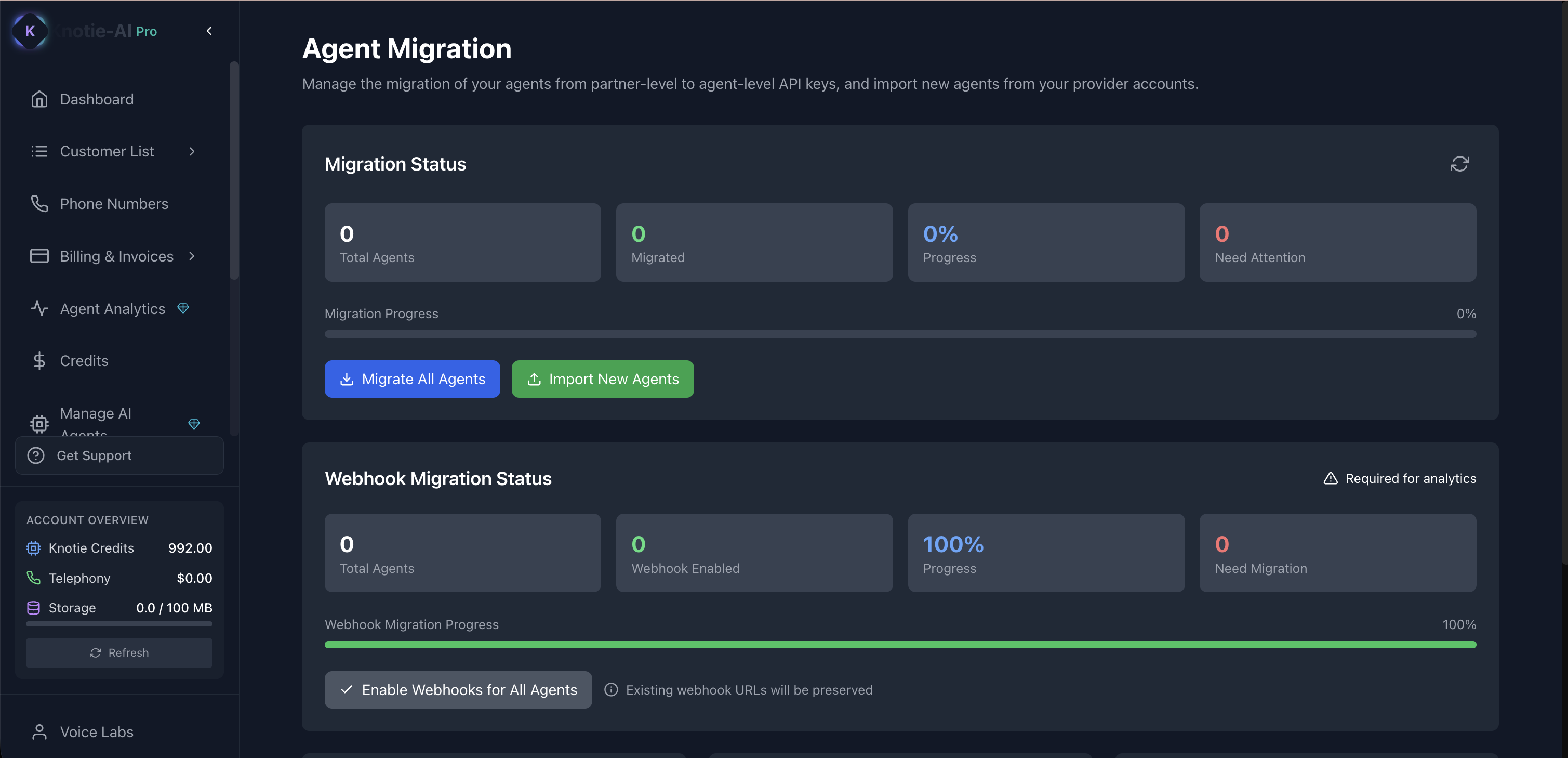
## What Agent Migration is for
**Agent Migration** helps you:
* Move from partner-level API keys to agent-level API keys (for better security)
* Import agents from your provider accounts
* Track migration progress
## Where to find it
1. Open **AI Agents** (in the main sidebar).
2. Click **Agent Migration** from the page-level action menu.
Agent Migration is currently marked **Coming Soon** in the partner portal. The card is present on the AI Agents page but the action is gated until the feature ships.
## Import agents from providers
On the Agent Migration page:
1. Click the import action (it opens an import modal).
2. Choose the provider.
3. Follow the steps to import agents.
After import completes, the page may refresh to show updated status.
## Why this matters
Agent-level keys help agencies:
* Reduce risk if a key is leaked
* Rotate keys per agent/customer
* Keep access more controlled
## Troubleshooting
* **I don’t see changes after importing**
* Refresh the page.
* Some imports trigger a full reload after completion.
## Screenshots