> ## Documentation Index
> Fetch the complete documentation index at: https://docs.knotie-ai.pro/llms.txt
> Use this file to discover all available pages before exploring further.
# Connected App Tools for Voice Agents
> How Retell and VAPI agents automatically pick up tools from apps your customer connects — no agent rebuild needed.
## Overview
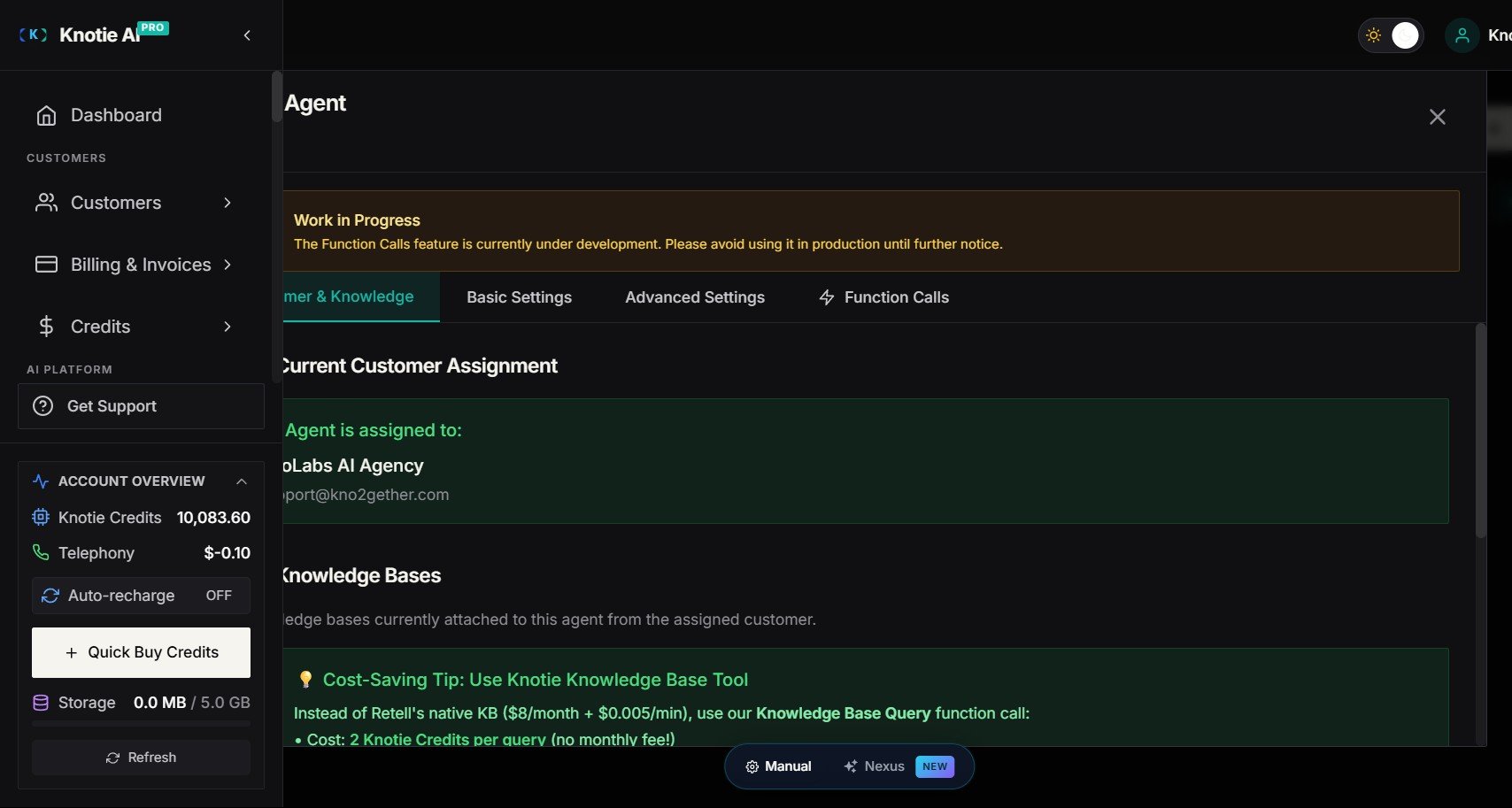
When you create or update a **Retell** or **VAPI** voice agent and assign it to a customer, Knotie AI Pro automatically wires in a **live MCP (Model Context Protocol) server** for that customer's connected apps.
This means:
* Any app the customer connects in their portal (Gmail, Slack, HubSpot, Google Calendar, etc.) becomes available to the voice agent **immediately** — even apps connected *after* the agent was built.
* You do **not** need to rebuild or re-import the agent when the customer connects a new app.
* Tool availability is resolved dynamically at call time.
 ## Prerequisites
| Requirement | Details |
| ----------------------- | ------------------------------------------------------------------------------------------------------------------- |
| **Integration gateway** | Your platform must have the integration gateway configured. Contact support if unsure. |
| **Customer assigned** | The agent must be assigned to a specific customer. Agents without a customer assignment do not get live MCP wiring. |
| **Customer apps** | The customer must have connected at least one integration app via their portal. |
## How it works
When an agent is **created** or **updated** with a customer assigned:
1. Knotie AI Pro mints an MCP token for that customer and attaches it to the agent automatically — for both Retell and VAPI, with no manual wiring on your part.
2. At call time, the agent looks up whichever apps the customer has **currently** connected. New apps appear automatically — no token regeneration needed when the customer's apps change.
## What tools are served via MCP vs. static webhooks
Not all tool types switch to MCP. The table below explains the routing:
| Tool type | Delivery | Why |
| ------------------------------------------------- | ------------------- | ----------------------------------------------------------- |
| Connected-app tools (Gmail, Slack, HubSpot, etc.) | **Live MCP server** | Dynamic; new apps appear automatically |
| Custom API integrations | **Static webhook** | Custom wiring that MCP doesn't cover |
| Tools with pre-filled parameter values | **Static webhook** | Pre-fills are baked into the webhook; would be lost via MCP |
| Built-in tools (`end_call`, etc.) | **Static webhook** | Provider built-ins, not app-specific |
## Supported voice providers
| Provider | Status |
| ---------- | -------------------------------------------------------- |
| Retell | ✅ Supported (create + update) |
| VAPI | ✅ Supported (create + update) |
| Knova | ✅ Supported — see [Knova Agents](/agents/knova/overview) |
| Ultravox | ⏳ Not yet — no MCP tool type in the hosted Ultravox API |
| ElevenLabs | ⏳ Not yet |
## Token management
* Each agent create/update operation mints a fresh MCP token with a **1-year lifetime**.
* When an agent is updated, the prior MCP token for that agent is deactivated automatically — stale tokens do not accumulate.
* Tokens are stored as a secure hash only — the plaintext token is never stored.
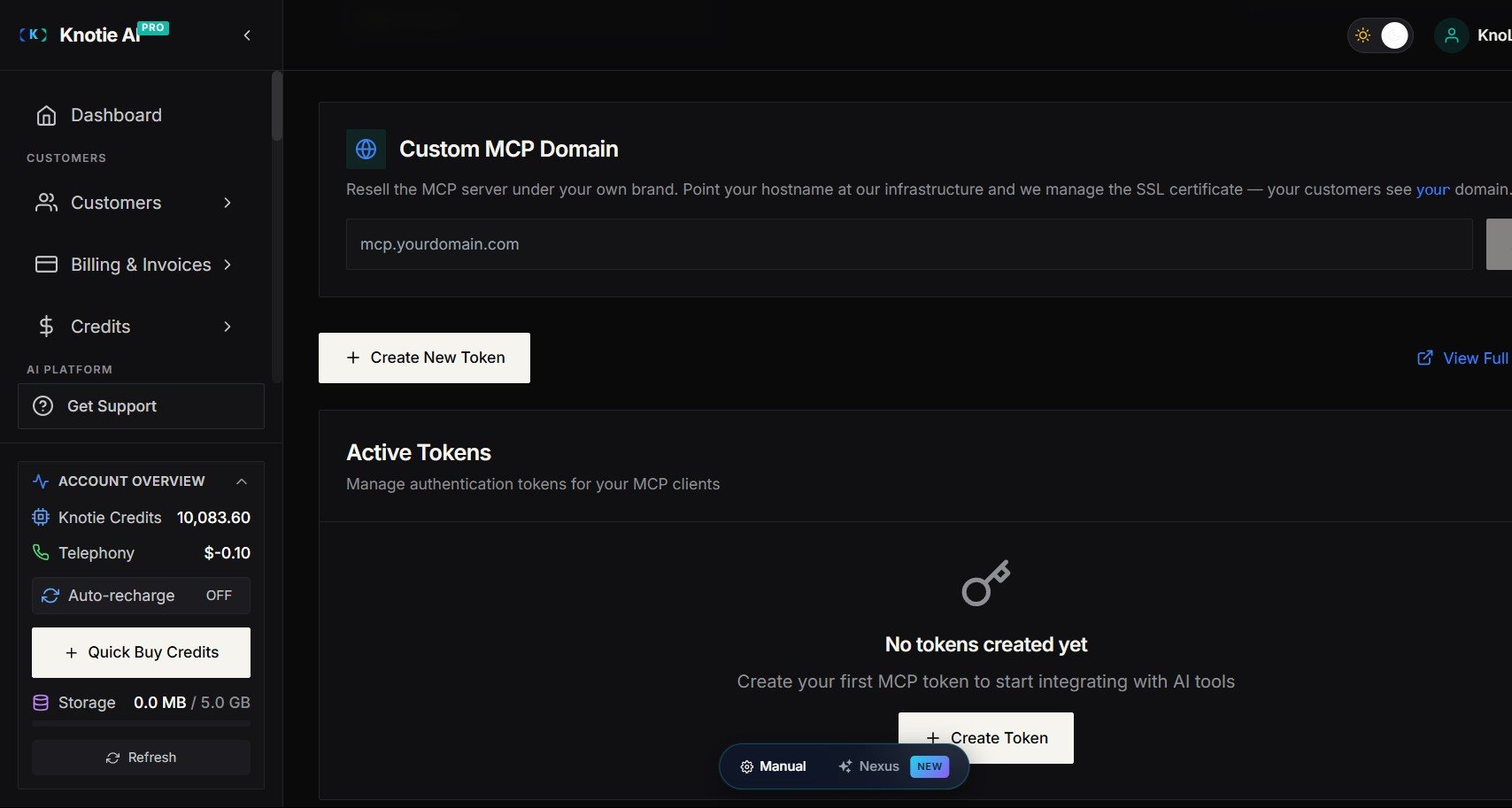
* You can view and revoke active MCP tokens under **Settings → API Keys → MCP Tokens**.
## Prerequisites
| Requirement | Details |
| ----------------------- | ------------------------------------------------------------------------------------------------------------------- |
| **Integration gateway** | Your platform must have the integration gateway configured. Contact support if unsure. |
| **Customer assigned** | The agent must be assigned to a specific customer. Agents without a customer assignment do not get live MCP wiring. |
| **Customer apps** | The customer must have connected at least one integration app via their portal. |
## How it works
When an agent is **created** or **updated** with a customer assigned:
1. Knotie AI Pro mints an MCP token for that customer and attaches it to the agent automatically — for both Retell and VAPI, with no manual wiring on your part.
2. At call time, the agent looks up whichever apps the customer has **currently** connected. New apps appear automatically — no token regeneration needed when the customer's apps change.
## What tools are served via MCP vs. static webhooks
Not all tool types switch to MCP. The table below explains the routing:
| Tool type | Delivery | Why |
| ------------------------------------------------- | ------------------- | ----------------------------------------------------------- |
| Connected-app tools (Gmail, Slack, HubSpot, etc.) | **Live MCP server** | Dynamic; new apps appear automatically |
| Custom API integrations | **Static webhook** | Custom wiring that MCP doesn't cover |
| Tools with pre-filled parameter values | **Static webhook** | Pre-fills are baked into the webhook; would be lost via MCP |
| Built-in tools (`end_call`, etc.) | **Static webhook** | Provider built-ins, not app-specific |
## Supported voice providers
| Provider | Status |
| ---------- | -------------------------------------------------------- |
| Retell | ✅ Supported (create + update) |
| VAPI | ✅ Supported (create + update) |
| Knova | ✅ Supported — see [Knova Agents](/agents/knova/overview) |
| Ultravox | ⏳ Not yet — no MCP tool type in the hosted Ultravox API |
| ElevenLabs | ⏳ Not yet |
## Token management
* Each agent create/update operation mints a fresh MCP token with a **1-year lifetime**.
* When an agent is updated, the prior MCP token for that agent is deactivated automatically — stale tokens do not accumulate.
* Tokens are stored as a secure hash only — the plaintext token is never stored.
* You can view and revoke active MCP tokens under **Settings → API Keys → MCP Tokens**.
 ## Troubleshooting
**The voice agent can't use my customer's connected apps**
1. Confirm the integration gateway is configured. Check with support if unsure.
2. Confirm the agent is assigned to the correct customer.
3. Rebuild the agent (trigger an update) — this re-mints the MCP token and re-attaches the MCP server.
4. Confirm the customer has connected the relevant app in their portal under **Integrations**.
**I see old per-tool webhooks alongside MCP**
Custom API integrations and tools with pre-filled parameters intentionally keep static webhooks. MCP and static webhooks coexist — there is no conflict.
**VAPI agent update shows a warning about stale MCP tools**
On agent update, Knotie AI Pro removes prior MCP tools before attaching the new one. If a prior tool couldn't be classified (e.g., the VAPI API was temporarily unreachable), the system logs a warning but continues — the new MCP tool is still attached. A subsequent update will clean up any lingering stale tools.
## Related pages
* [Import a Retell agent](/agents/retell/import-retell-agent)
* [Import a VAPI agent](/agents/vapi/import-vapi-agent)
* [Knova Agents — Connected App Tools](/agents/knova/overview)
* [Integration Apps Selection](/partner-portal/customers/integration-apps-selection)
* [MCP Tokens](/partner-portal/ai-agents/mcp/tokens)
## Troubleshooting
**The voice agent can't use my customer's connected apps**
1. Confirm the integration gateway is configured. Check with support if unsure.
2. Confirm the agent is assigned to the correct customer.
3. Rebuild the agent (trigger an update) — this re-mints the MCP token and re-attaches the MCP server.
4. Confirm the customer has connected the relevant app in their portal under **Integrations**.
**I see old per-tool webhooks alongside MCP**
Custom API integrations and tools with pre-filled parameters intentionally keep static webhooks. MCP and static webhooks coexist — there is no conflict.
**VAPI agent update shows a warning about stale MCP tools**
On agent update, Knotie AI Pro removes prior MCP tools before attaching the new one. If a prior tool couldn't be classified (e.g., the VAPI API was temporarily unreachable), the system logs a warning but continues — the new MCP tool is still attached. A subsequent update will clean up any lingering stale tools.
## Related pages
* [Import a Retell agent](/agents/retell/import-retell-agent)
* [Import a VAPI agent](/agents/vapi/import-vapi-agent)
* [Knova Agents — Connected App Tools](/agents/knova/overview)
* [Integration Apps Selection](/partner-portal/customers/integration-apps-selection)
* [MCP Tokens](/partner-portal/ai-agents/mcp/tokens)