> ## Documentation Index
> Fetch the complete documentation index at: https://docs.knotie-ai.pro/llms.txt
> Use this file to discover all available pages before exploring further.
# Login with Google
> Sign in with your Google account and understand the Google signup and login flows.
## Overview
Google login lets you access the Partner Portal without a separate password. The same button handles both **first-time signup** and **returning logins**.
Google login may be enabled or disabled depending on your platform configuration. If you don't see the button, use email and password instead.
## Returning login (existing account)
1. Go to **Partner Login** (knotie-ai.pro/partner/login).
2. Click **Continue with Google**.
3. Choose your Google account.
4. You're redirected back to the Partner Portal automatically.
Use the same Google account email you signed up with to avoid creating a duplicate account.
## First-time signup with Google
1. Open **knotie-ai.pro** and click **Start for free**.
2. Inside the signup modal, click **Continue with Google**.
3. Choose your Google account. The form updates to show a **"Continuing with Google"** panel with your Google profile photo and email at the top.
4. Fill in:
* **Business name** (required)
* **Phone number** (required)
5. (Optional) Enter a **coupon code**.
6. Click **Complete Google Signup**.
7. The modal transitions to the **7-Day Free Trial** confirmation view — click **Start 7-Day Free Trial** to add your card in Stripe and activate the trial.
## Screenshots
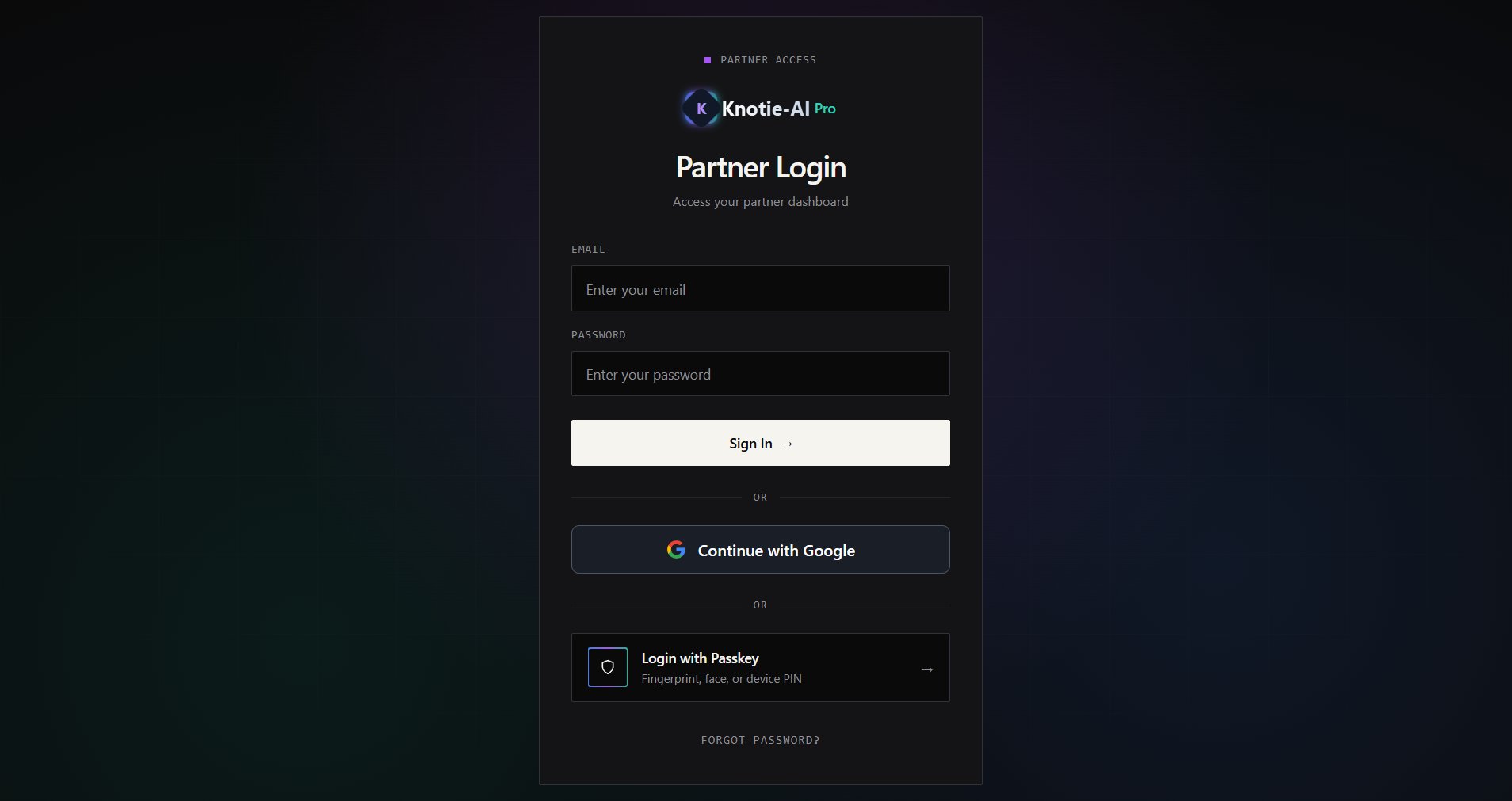 ## Troubleshooting
* **"Continue with Google" button not visible** — Google login may not be enabled on your platform. Use email and password instead, or contact support.
* **Wrong account selected** — click "Switch account" on the Google account picker. Make sure you use the same email for every login.
* **Redirect loops after Google login** — clear cookies for knotie-ai.pro and try again.
* **Missing profile photo** — if your Google photo doesn't load, a placeholder icon is shown instead. This doesn't affect your signup.
## Troubleshooting
* **"Continue with Google" button not visible** — Google login may not be enabled on your platform. Use email and password instead, or contact support.
* **Wrong account selected** — click "Switch account" on the Google account picker. Make sure you use the same email for every login.
* **Redirect loops after Google login** — clear cookies for knotie-ai.pro and try again.
* **Missing profile photo** — if your Google photo doesn't load, a placeholder icon is shown instead. This doesn't affect your signup.